Side by Side Collage Maker
This side by side collage maker joins two photos into one image, either next to each other or one above the other. Choose a layout, add a border if you want one, and save the result as a single JPEG. Both photos stay in your browser and are never uploaded. No account and no watermark.
How to combine two photos side by side
Choose a photo for Photo 1 and another for Photo 2. You can also select two photos at once in a single file dialog, or drop them onto a slot. It takes JPG, PNG, WebP, GIF, BMP and SVG, plus iPhone HEIC photos and camera RAW files. Each photo can be up to 20 MB, and RAW and HEIC files are exempt from that limit.
As soon as both are in, a live preview of the collage appears. Press Download Collage to save it. The back arrow in the top bar starts over with two empty slots.
Horizontal or vertical: choose the layout
Under the preview, the Layout toggle has two choices. Horizontal puts Photo 1 on the left and Photo 2 on the right. Vertical puts Photo 1 on top and Photo 2 below it. The preview updates straight away, so you can switch back and forth before you download.
There is no swap button. To change which photo comes first, press the back arrow and choose them again in the other order.
Add a border between the photos
Press Options to open the collage settings. Set Border width from 0 to 100 px; it starts at 0, so the photos touch. The border is the gap between the two photos and also a frame around the outer edge. Pick its color with Border color, which starts as white. A thin white border gives a clean gallery look; a thick black one makes a bold framed pair.
Match edge: line up photos of different sizes
Match edge is on by default. It scales both photos to the same height for Horizontal, or the same width for Vertical, using the smaller of the two. Nothing is enlarged, stretched or cropped, so the photos line up along the shared edge without blur or distortion.
Turn Match edge off if you want each photo to keep its own size. They are then centered against each other, and the border color fills the empty space around the smaller one.
Save the collage as one JPEG
Download Collage saves one file, side-by-side-collage.jpg, at
full resolution. Very large results are capped at 16 million pixels. Change a layout or option
afterwards and the button reads Download again, so you can save a second
version without starting over.
Other tools for photos
- Want a slider that reveals one photo over another? Use Image Compare.
- Need more than two photos on a sheet? Photo Grid Printer places 2 to 16 on a page.
- Trim a photo before you combine it with Image Cropper.
- Make the finished file smaller with Image Compressor.
- Need PNG, WebP or PDF instead of JPG? Try Image Converter.
Frequently asked questions
How do I combine two photos side by side?
Choose a photo for Photo 1 and another for Photo 2, or select both in one file dialog. The collage appears as soon as both are in, with Photo 1 on the left and Photo 2 on the right. Press Download Collage to save it as one JPEG. Everything runs in your browser, so nothing is uploaded.
How do I put two pictures side by side on iPhone?
Open this page in your iPhone browser, choose a photo for Photo 1 and one for Photo 2 from your library, then press Download Collage. iPhone HEIC photos are accepted as they are, so you do not need to convert them first. The collage is made on the phone itself, with no app to install.
Can I combine two photos side by side online for free?
Yes. It is free, adds no watermark and needs no account. Both photos are combined inside your browser and never sent to a server.
How do I combine two photos vertically?
Add both photos, then press Vertical under the preview. Photo 1 goes on top and Photo 2 below it, scaled to the same width. Press Horizontal to switch back.
Can I combine two photos into one JPG?
Yes. Download Collage always saves a single JPEG named side-by-side-collage.jpg, at full resolution, capped at 16 million pixels. If you need another format, run the file through the Image Converter afterwards.
What happens if my two photos are different sizes?
With Match edge on, both photos are scaled to the same height (Horizontal) or the same width (Vertical), using the smaller of the two, so nothing is enlarged, stretched or cropped. With Match edge off, each photo keeps its own size and the two are centered against each other, with the Border color filling the gaps.
Can I make a collage of more than two photos?
Not here: this tool joins exactly two photos into one image. To fit more photos on one sheet, use the Photo Grid Printer, which places 2 to 16 photos on a page.
Recommended
-
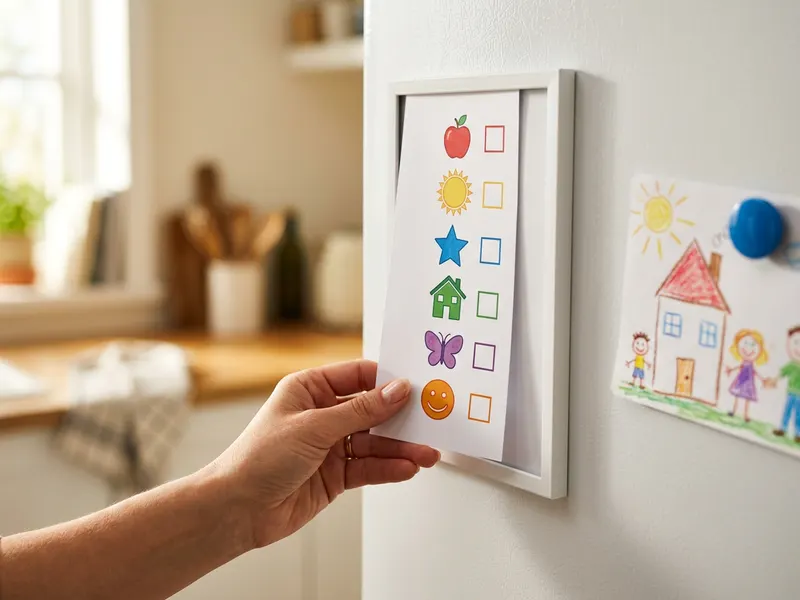 Sooyee Magnetic Fridge Frames (8-pack)
Put a finished pair on the fridge where everyone sees it.
-
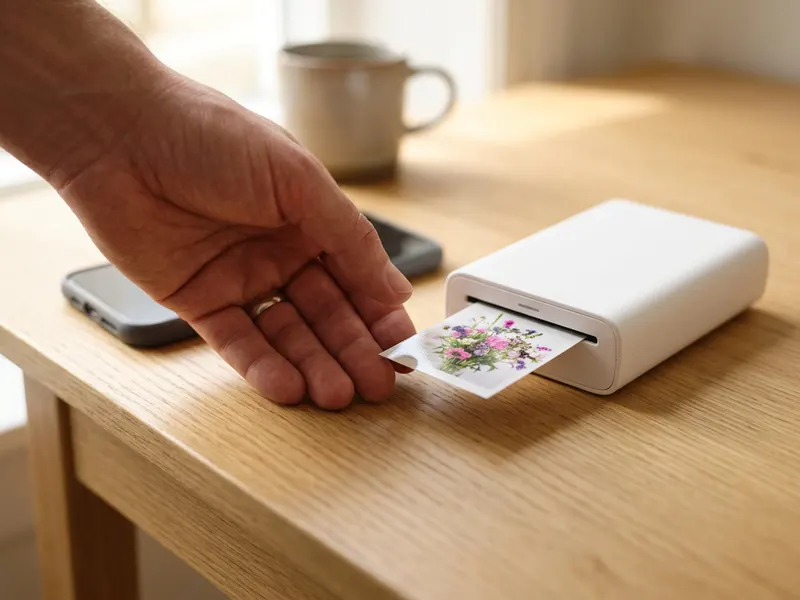 Canon Ivy 2 Mini Photo Printer
Print your joined photos as one small keepsake, straight from your phone.
-
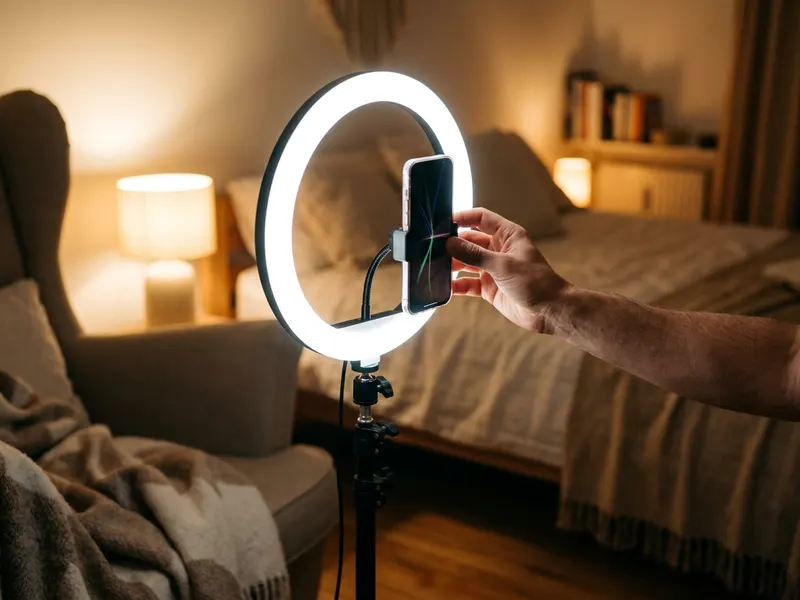 UBeesize Desk Ring Light with Phone Stand
Shoot your next two photos in the same soft light so they match.
Helps keep the tools free. ✨
Images are for illustration only. As an Amazon Associate I earn from qualifying purchases.


