Image Macro Generator: Add Text to an Image Online
Add text to an image online in the classic image macro style: bold white capitals with a black outline across the top and bottom of your own picture. The preview updates as you type, the download is a full-resolution PNG with no watermark, and nothing is uploaded because everything happens in your browser.
How to Add Text to a Picture
- Add an image: tap the upload area, drag a file onto it, or paste one from your clipboard. JPG, PNG and WebP work, as do RAW and HEIC photos, up to 10 MB.
- Type your caption into Top text and Bottom text. Each field takes up to 100 characters, and either one can be left empty.
- Check the preview, which stays pinned at the top of the screen while you type.
- Press Download image to save the PNG.
What Is an Image Macro?
An image macro is a picture with a short caption set in large, heavy type, one line at the top and one at the bottom. It is the format behind most classic memes. Captions here are converted to capitals automatically, drawn in Impact (or a bold condensed fallback such as Arial Narrow) and wrapped onto extra lines when they are too long for the image width.
Change Font Size, Text Color and Outline
Open Text style to adjust the look. Font size sets how big the letters are, and Outline thickness sets how heavy the border around them is, which helps when a photo is busy or light. Text color starts as white and Outline color starts as black; both accept any color. Press Reset style to go back to those defaults.
Add Text to an Image With No Watermark and No Upload
The picture is drawn and exported on your own device, so it is never sent to a server and
nothing is stamped on the result. The download is named after your file with
-macro added, such as photo-macro.png, and keeps the original
resolution. Only very large images are reduced, to 2400 px on the long edge, to keep the
browser responsive.
Add Text to Image FAQ
How do I add text to an image online?
Upload a JPG, PNG or WebP by tapping the upload area, dragging a file in, or pasting from your clipboard. Type into Top text and Bottom text, and the preview updates as you type. When it looks right, press Download image to save a PNG.
Can I add text to a picture online with no watermark?
Yes. The PNG you download contains only your image and your text. There is no logo, no branding and no sign-up, and your picture is processed in your browser, not uploaded.
What is an image macro?
An image macro is a picture with a short caption in large, bold type, usually one line across the top and one across the bottom. It is the classic format behind most memes. This tool builds exactly that from your own image.
What font is used for meme text on an image?
Impact, the bold condensed typeface most memes use, set in capitals with a dark outline around white letters. If your device has no Impact, the tool falls back to Arial Narrow or another bold sans-serif.
How do I make the text easier to read on a busy photo?
Open Text style and raise Outline thickness so the letters stand out from the background. You can also change Text color and Outline color, or lower Font size so a long caption fits on fewer lines. Reset style returns to white text with a black outline.
What size and format is the image I download?
A full-resolution PNG named after your original file with -macro added, for example photo-macro.png. Images with a very long edge are scaled down to 2400 px so the browser can handle them. Uploads can be up to 10 MB.
Recommended
-
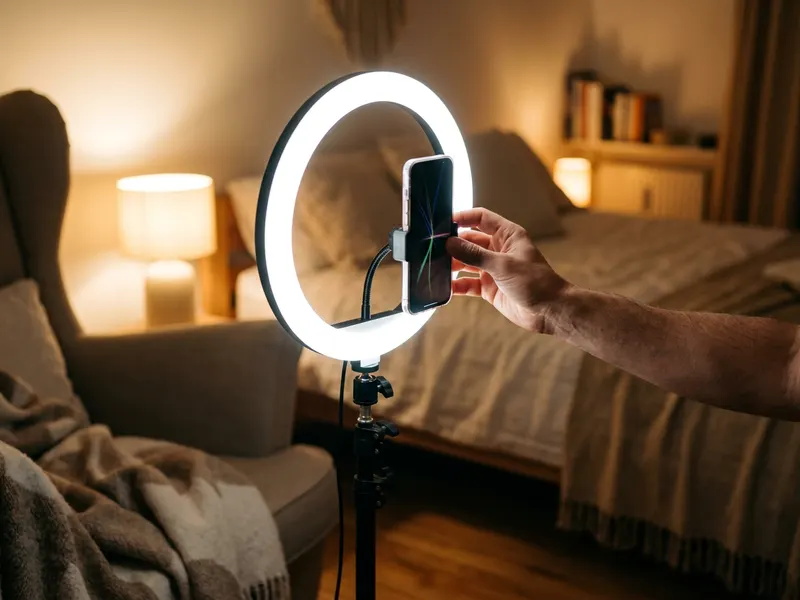 UBeesize Desk Ring Light with Phone Stand
Shoot the photo you'll caption in flattering, even light.
-
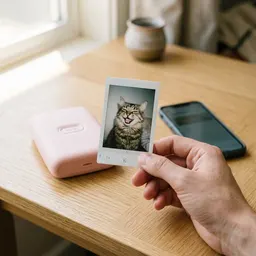 Fujifilm Instax Mini Link 3 Phone Printer
Print your captioned image as a pocket-size photo.
-
 DJI Osmo Mobile 8 Phone Gimbal
Film steady clips and photos to caption next.
Helps keep the tools free. ✨
Images are for illustration only. As an Amazon Associate I earn from qualifying purchases.