Seamless Texture Maker: Make Any Image Tileable
This seamless texture maker turns a photo or picture into a texture that repeats with no visible seam. Add an image and the next screen already shows it tiled across a grid, with a Download texture button right under the preview. Use it for 3D models, game textures, website backgrounds, wallpaper and fabric or pattern design. Your image is processed on your device and never uploaded.
How to Make an Image Seamless
- Add your image: drop it on Choose an image or drop it here, select it from your files, or paste one from your clipboard. PNG, JPG, WebP and HEIC work, and so do camera RAW files.
- Look at the preview. The texture is shown repeated 3 × 3 by default, so you can check whether any join still shows.
- Move Blend edge if you want a softer or harder join. It runs from 0% to 50% and starts at 15%.
- Use the Scale buttons, 2 × 2, 3 × 3 or 5 × 5, to see more or fewer repeats per side. This only changes the preview, not the file you download.
- Press Download texture. The button then reads Download again, and the file is saved as
<name>-seamless.png. - Press the back arrow at the top left to start again with another picture.
There is no separate Make button. The seamless version appears as soon as the image is read, and the preview redraws every time you change a control.
Preview: the lawn repeated 3 × 3 with no visible line between the copies
Download: lawn-seamless.png, saved as a 1024 × 1024 PNG
How the Tool Makes a Texture Tileable
The method is the classic offset technique, done automatically. The image is cut half-way across and half-way down, and the four pieces are swapped diagonally. That moves the original outer edges to the middle, where they meet, and puts the picture's centre on the edges. The centre of a photo has no cut through it, so the new left and right edges, and the new top and bottom edges, match exactly and the tile wraps with no seam at the border.
The seams are now in the middle, so the tool fades the original picture back over them with a feathered blend. Blend edge sets how wide that fade is. The fade is zero at the tile's own edges, which is why raising it never breaks the wrap.
Choosing the Blend Edge Setting
| Blend edge | What you see | Good for |
|---|---|---|
| 0% | A hard cut along the middle seams; the edges still wrap | Seeing exactly where the seams fall |
| 5% to 15% | A narrow soft join, most detail untouched | Sharp, detailed surfaces such as stone or gravel |
| 20% to 35% | A wider join that hides stronger changes in colour or brightness | Grass, fabric, sand and wood with uneven light |
| 40% to 50% | Heavy blending across most of the image | Soft, noise-like surfaces only; fine detail can ghost |
Watch the preview while you move the slider and stop at the lowest value that hides the join.
Limits: What a Seamless Texture Maker Cannot Do
The tool hides seams. It does not invent new detail. A photo with a strong lighting gradient, or with one large object in it, can show repeating or ghosted features once it is tiled, and a higher Blend edge softens the joins but blends more of the picture. Crop to an even patch of the surface first.
The PNG has the same pixel size as your image. If the image is larger than 4096 pixels on its longest side, or about 16 megapixels, it is scaled down first and the tool says so. Transparent PNGs keep their transparency. Some engines and older graphics hardware prefer sizes such as 1024 or 2048, so crop or resize before you start with the Image Cropper or the Batch Image Resizer. If the PNG is larger than you need, the PNG Compressor can shrink it.
Frequently asked questions
What is a seamless texture?
A seamless texture, also called a tileable texture, is an image whose left edge matches its right edge and whose top edge matches its bottom edge. Place copies side by side and the joins disappear, so a small image can cover a surface of any size. That is why 3D models, game engines and website backgrounds use them.
How do I make a texture tileable?
Add the image, then press Download texture. The tool cuts the picture half-way across and half-way down and swaps the pieces, so the old outer edges meet in the middle and the new edges wrap exactly. It then fades the original back over the middle seams so the join is soft. The preview shows the result repeated before you save it.
How do I make a seamless texture from a photo?
Choose a photo of a surface, such as grass, stone, fabric, wood or sand, and shoot it flat and evenly lit. Add it with Choose an image or drop it here, check the repeat in the preview, adjust Blend edge if a join shows, and press Download texture. You get a PNG named after your file with -seamless added.
Can I make an image seamless online for free?
Yes. The page makes the texture itself, with no account and no sign-up. Your image is processed on your device and never uploaded.
What does Blend edge do?
Blend edge sets how wide the soft join is around the middle seams, from 0% to 50% of the image. At 0% the seams are a hard cut. Higher values hide the cut better but blend more of the picture together, which can ghost details. The default is 15%. It does not affect the outer edges, which always wrap exactly.
Which images make the best seamless textures?
Surfaces that look much the same everywhere: grass, gravel, stone, concrete, fabric, wood, sand and noise-like patterns. The tool hides seams but does not invent new detail, so a photo with a strong lighting gradient or one large object, such as a single flower or a window, can show ghosted or repeating features. Crop to an even patch first.
Can I use the texture in Blender, Unity or Roblox?
Yes. The download is an ordinary PNG, so you can import it as an image texture in Blender, Unity, Roblox or any other tool that tiles images. Set the texture to repeat or wrap in that program. If your engine prefers a power-of-two size such as 1024 or 2048, crop or resize the image before you drop it in, because this tool keeps its size.
Does the texture keep the same size and transparency?
Yes, with one limit. The PNG has the same pixel size as your image, and transparent PNGs keep their transparency. If the image is larger than 4096 pixels on its longest side, or about 16 megapixels, it is scaled down first and the tool tells you the new size.
Does the tool upload my image?
No. The image is read, blended and saved in your browser. Nothing is sent to a server.
Recommended
-
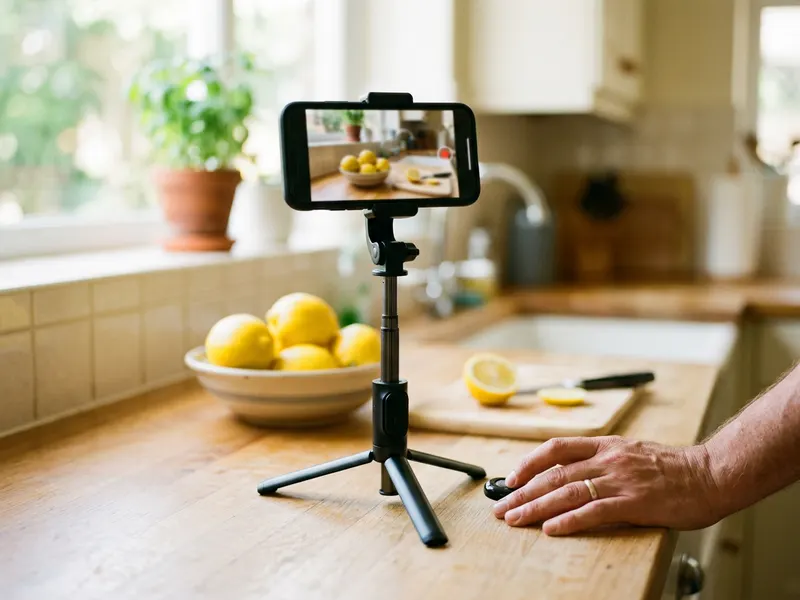 Phone Tripod with Bluetooth Remote
Hold your phone straight over the grass, stone or fabric for a sharp, level source photo.
-
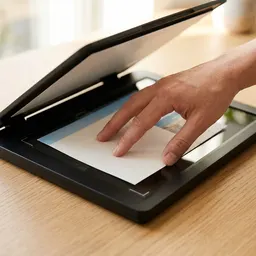 Canon CanoScan LiDE 300 Flatbed Scanner
Lay fabric, leather or paper flat on the glass for an evenly lit, perspective-free source to tile.
-
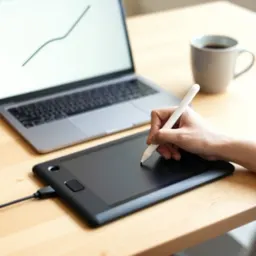 XPPen Deco 01 V3 Pen Tablet
Paint out leftover marks and tweak the tiled texture by hand before it goes into your model or level.
Helps keep the tools free. ✨
Images are for illustration only. As an Amazon Associate I earn from qualifying purchases.


