JPEG Artifact Generator
Add heavy JPEG artifacts to any image for the classic “needs more JPEG” look. Choose a picture, drag the Crustiness slider and watch the blocks, color bleed and edge ringing build up, then download the result as a .jpg. Everything happens in your browser.
How to add JPEG artifacts to an image
- Press Choose an image or drop it here and pick a JPG, PNG, WebP or HEIC image, up to 25 MB. You can also paste an image with Ctrl+V (Cmd+V on a Mac) on either screen.
- A live preview of the degraded JPEG appears straight away.
- Drag Crustiness from 1 to 10. It starts at 6 / 10. Higher means harsher compression, more blocks and more color bleed.
- For more control, press Advanced and adjust Shrink and stretch and Saturation (see below).
- Press Download JPEG. Change a setting and press the button again to save another version.
- To use a different picture, press the back arrow in the top bar (Start over).
The line under the button shows the output size in pixels and the file size, for example 1200 × 800 px followed by the size on disk. The file is named your-image-jpeg-artifacts.jpg: the original name, then -jpeg-artifacts, then .jpg.
What Crustiness does to your image
Crustiness sets two things at once: how low the JPEG quality is, and how many times the picture is compressed. Each pass saves the image as a JPEG, decodes it and draws it back, so the damage from one pass is compressed again by the next, the same generation loss you get from re-saving a file many times.
| Crustiness | JPEG quality | Passes | Look |
|---|---|---|---|
| 1 | 0.2 | 1 | Visible blocks and mosquito noise, still easy to read |
| 6 (default) | about 0.04 | 3 | Crunchy: heavy blocking, smeared colors, ringing around edges |
| 10 | 0.01 | 5 | Maximum: heavily crushed and hard to make out |
Quality falls in steps from 0.2 down to 0.01 and the passes rise from 1 to 5 as you move the slider up, so the levels in between sit on that curve.
Advanced: Shrink and stretch and Saturation for a deep-fried look
- Shrink and stretch (10% to 100%, starts at 100% which is off): shrinks the image to that size, then stretches it back up with no smoothing. The lower you go, the blockier the pixels.
- Saturation (0% to 300%, starts at 100%): above 100% pushes the colors toward the deep-fried look. At 0% the picture is black and white.
For a deep-fried meme, try Crustiness 8 or higher, Saturation around 200% and Shrink and stretch at 50%.
What you get: a crunchy JPEG at up to 1600 px
- Always a JPEG: the download is a .jpg whatever you load. Transparent PNGs are placed on a white background, because JPEG has no transparency.
- Large images are scaled down: anything over 1600 px on the long side is reduced to 1600 px first, which keeps the blocks visible and the preview fast. Smaller images keep their size.
- No exact quality, no batches: you set Crustiness, not a quality number, and there is no PNG or WebP export. Images are processed one at a time.
- Private: the image is processed in your browser and is never uploaded.
Related image tools
Want the opposite, a smaller file that still looks clean? Use the image compressor. For another stylized, low-fi look try image to pixel art, and to switch formats use the image converter.
Frequently Asked Questions
How do I add JPEG artifacts to an image?
Choose the image, then raise Crustiness. The tool saves the picture as a very low-quality JPEG, decodes it and draws it back, then repeats that up to 5 times. Blocks, color bleed and ringing around edges build up with every pass. Press Download JPEG when the preview looks right.
What does "needs more JPEG" mean?
It is a meme joke about images that have been saved as a JPEG so many times that they look crushed and blocky. "Needs more JPEG" is what you say about a picture that is not crunchy enough yet. Crustiness 10 on this page is the maximum: quality 0.01 and 5 compression passes.
What causes JPEG artifacts?
JPEG splits a picture into 8 x 8 pixel blocks and throws away fine detail and color information to save space. At low quality that shows up as visible blocks, smeared colors and fuzzy halos around sharp edges. Re-saving the result again and again, called generation loss, makes it worse each time.
How do I make an image look low quality?
Pick the image and set Crustiness to 6 or higher. For an even rougher, pixelated look, press Advanced and lower Shrink and stretch, which shrinks the picture and stretches it back with no smoothing. The result is always a JPEG, so it carries real compression damage rather than a blur filter.
How do I deep fry an image?
Raise Crustiness to 8 to 10, then press Advanced and push Saturation above 100%, up to 300%. Add Shrink and stretch at 50% or less for chunky blocks. Together the heavy compression and the oversaturated colors give the classic deep-fried meme look.
What is loss.jpg?
It is a famous meme about generation loss: the same image saved as a JPEG over and over until little of it is left. The Crustiness setting does a quick version of that. At level 10 the image goes through 5 passes at quality 0.01, with no need to re-save it by hand.
Can I set an exact JPEG quality number?
No. Crustiness from 1 to 10 sets the quality and the number of passes together. Level 1 is quality 0.2 with 1 pass, level 6 is about quality 0.04 with 3 passes, and level 10 is quality 0.01 with 5 passes. Use the image compressor if you want to pick a quality that keeps the picture looking clean.
Does this tool remove JPEG artifacts?
No, it only adds them. Compression damage cannot be undone once the detail is gone. This tool is for making an image look worse on purpose, for memes, lo-fi art or a test of how compression looks.
Is my image uploaded?
No. The image is compressed with the canvas in your browser, so it never leaves your device. HEIC photos and camera RAW files are converted on the device first. Images over 25 MB are not accepted.
Recommended
-
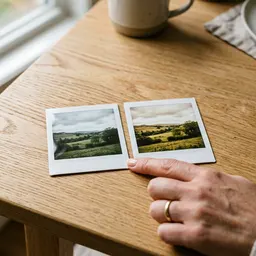 Fujifilm Instax Mini Film (20 shots)
Print your crunchiest, most deep-fried creation as a real instant photo.
-
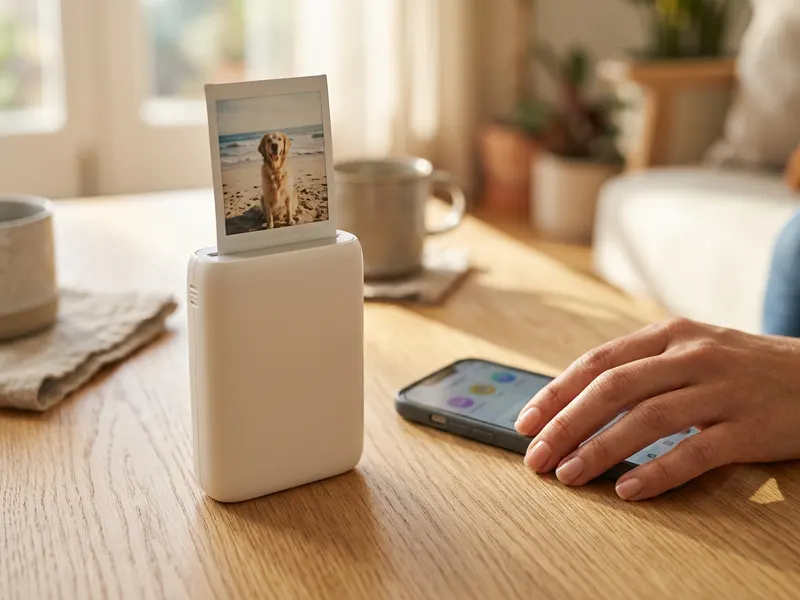 Fujifilm Instax Mini Link 3 Phone Printer
Send the finished .jpg from your phone and get a pocket-size print of the blocky meme.
-
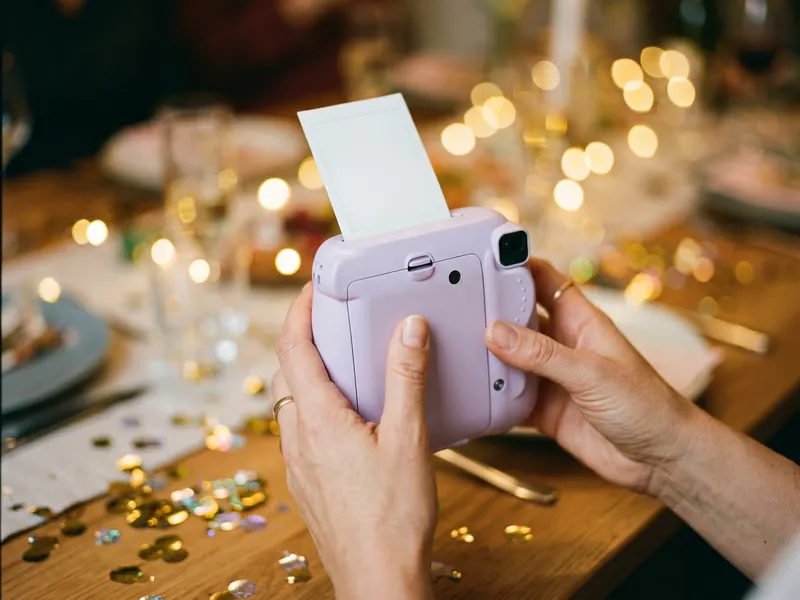 Fujifilm Instax Mini 12
Shoot your own grainy, lo-fi photos in real life, then crush them with Crustiness.
Helps keep the tools free. ✨
Images are for illustration only. As an Amazon Associate I earn from qualifying purchases.


