Markdown Editor Online with Live Preview
This online Markdown editor shows the formatted result next to your text and refreshes it about 50 ms after you stop typing. It reads GitHub-flavoured Markdown: headings, bold, italic, strikethrough, lists, task lists, tables, quotes, links, images and fenced code blocks with colour. When you are done, Copy Markdown, Copy HTML or Download .md. Your text stays in this browser and is saved on this device as you type.
How to use the Markdown editor with live preview
- Type or paste Markdown into the Markdown input box. On first visit it holds a short sample, which you can select and delete.
- On a wide window the preview sits beside the editor. On a phone or narrow window, switch between the Edit and Preview tabs.
- Check the preview as you write. With nothing typed it says “Nothing to preview yet. Type some Markdown.”
- Press Copy Markdown for the raw text, Copy HTML for the rendered markup, or Download .md to save
document.md. A small pill above the buttons confirms with “Markdown copied”, “HTML copied” or “Downloaded”. - Come back later and your text is still there: it is kept in this browser, not on a server.
All three buttons stay disabled while the box is empty.
Markdown syntax the preview renders
The preview follows GitHub-flavoured Markdown. This is what to type for the common cases:
| You type | The preview shows |
|---|---|
# Title, ## Section, ### Part | Headings, from largest to smaller |
**bold**, *italic*, ~~struck out~~ | Bold, italic and strikethrough text |
- item or 1. item | Bulleted or numbered list |
- [ ] to do, - [x] done | Task list with open and ticked boxes |
> quoted text | Block quote |
[text](https://example.com) | A link, which opens in a new tab |
 | An image |
--- on its own line | Horizontal rule |
| Backticks around a word | Inline code |
An image in your Markdown is loaded by your browser from its own address when the preview shows it, so the picture needs to be online. Everything else is drawn from the text you typed.
Tables and task lists
A table needs a header row, a divider row of dashes, and then the data rows. The pipes do not have to line up:
| --- | --- |
| Ada | Engineer |
| Sam | Designer |
- [x] Write draft
- [ ] Send it
The preview draws that as a two-column table followed by a list with one ticked box and one open box.
Code blocks with syntax highlighting
Open a fenced block with three backticks and the language, put the code on the lines after it, and close it with three
backticks on a line of their own. For example, ```js starts a JavaScript block. The preview colours
these languages: JavaScript, TypeScript, JSX, TSX, JSON, HTML and XML, CSS, Bash, Python, YAML, SQL, diff, Markdown, C,
Java, Go and Rust. The usual short names also work: js, ts, py,
sh, yml and html. A block with no language, or one that is not on that list, shows
as plain code.
Copy Markdown, Copy HTML or Download .md
| Button | What you get | Good for |
|---|---|---|
| Copy Markdown | Your raw text, exactly as typed | A README, a GitHub issue, a notes app |
| Copy HTML | The rendered, sanitised HTML, put on the clipboard as rich text and as plain text | Pasting formatted into Gmail, Word or Docs, or the markup into a code editor or CMS |
| Download .md | A file named document.md, saved as UTF-8 text | Keeping a copy or moving the text to another machine |
The copied HTML contains no CSS, so headings, tables and code take on the styling of the place you paste them. The preview style does not change what is copied.
Layout, preview style and appearance
Select the settings button under the buttons. It shows a summary such as “Split view · Default” and opens Editor settings:
- Layout: Split view puts the editor and preview side by side when there is room. Single pane shows one at a time, switched with the Edit and Preview tabs.
- Preview style: Default matches this site, GitHub looks like a GitHub README, and Minimal is a quiet serif page.
- Appearance: Match site, Light or Dark. This only affects the editor and preview. Light, dark and colour themes for the whole site are in Settings in the menu.
Select Done to close the sheet.
Pasted HTML cannot run code
Markdown can carry raw HTML, so the rendered result is sanitised before it is shown or copied. Scripts, event-handler
attributes such as onclick and javascript: links are removed. You can paste text from anywhere
and not worry about it running in the preview, or in the HTML you copy.
What this editor does not do
It is a plain editor with a preview, kept small on purpose. There is no formatting toolbar and no keyboard shortcut for bold or italic, so you type the Markdown marks. The two panes do not scroll together. You cannot open a file, only paste text. There is no cloud sync and only one draft is saved per browser. It does not export PDF or Word: for a PDF, use the Markdown to PDF tool.
Frequently asked questions
How do I preview Markdown online?
Type or paste your Markdown into the Markdown input box. The preview redraws about 50 ms after you stop typing, beside the editor on a wide window or under the Preview tab on a narrow one. Nothing needs to be saved or submitted first, and the text is not sent anywhere.
How do I copy Markdown as HTML?
Select Copy HTML under the editor. It copies the rendered, sanitised HTML as both rich text and plain text, so it pastes formatted into Gmail, Word or Docs, and as markup into a code editor. It carries no CSS, so the pasted result takes the look of wherever you paste it. Copy Markdown copies your original text instead.
How do I make a table in Markdown?
Write a header row with pipes between the cells, then a divider row of dashes, then one row per line: | Name | Role |, then | --- | --- |, then | Ada | Engineer |. The preview draws it as a table as soon as the divider row is there.
How do I make a task list in Markdown?
Start a list item with - [ ] for an open task or - [x] for a finished one, with a space after the closing bracket. For example, - [x] Write draft and - [ ] Send it. The preview shows each one with a checkbox.
How do I set the language of a Markdown code block?
Put the language name straight after the three opening backticks, for example ```js or ```python, and close the block with three more backticks on their own line. The preview colours JavaScript, TypeScript, JSX, TSX, JSON, HTML and XML, CSS, Bash, Python, YAML, SQL, diff, Markdown, C, Java, Go and Rust. Short names such as js, ts, py, sh and yml work too. A language that is not on the list is shown as plain, uncoloured code.
Can I paste Markdown as rich text into Gmail or Word?
Yes. Select Copy HTML, then paste into the message or document. Headings, bold, lists, links and tables arrive formatted, because the clipboard holds rich text as well as markup. Pasting into a plain-text field gives the HTML markup instead.
Is this a WYSIWYG Markdown editor?
No. You type Markdown in a plain text box and read the formatted result in the preview next to it. There is no formatting toolbar and no keyboard shortcut for bold or italic, so you type the marks yourself, such as ** around bold text.
Does the Markdown editor support Mermaid diagrams or LaTeX?
No. The preview renders GitHub-flavoured Markdown only. A fenced block marked mermaid or latex is shown as plain code, not drawn as a diagram or as maths.
Is my text saved or uploaded?
It is saved on this device only. The editor stores your text in this browser as you type, so a refresh or a closed tab does not lose it, and nothing is sent to a server. Clearing the site data for capsuletools.app removes it. There is one saved draft per browser.
Can I turn Markdown into a PDF here?
Not in this editor. It copies Markdown or HTML and downloads a .md file, but it does not export PDF or Word. For a PDF, paste the same text into the Markdown to PDF tool, which has page themes for it.
Recommended
-
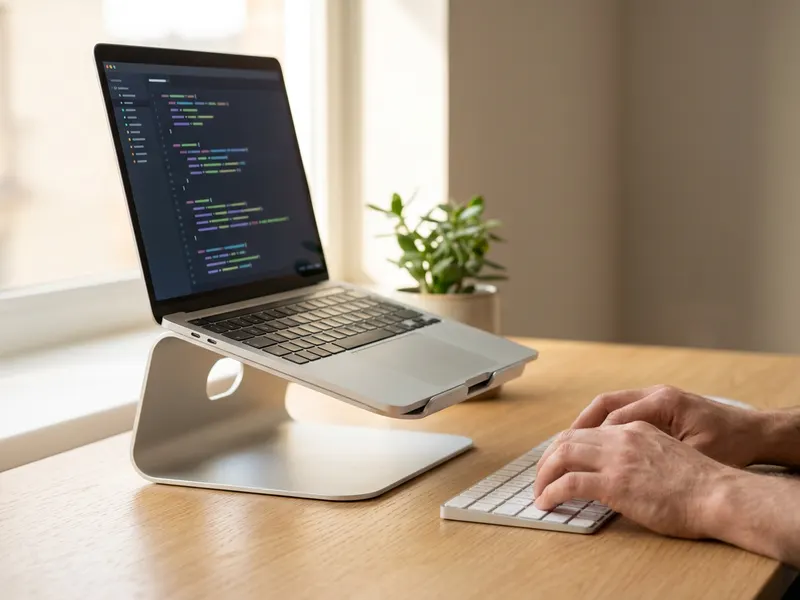 Amazon Basics Foldable Laptop Stand
Raises your laptop so you can write long drafts without hunching.
-
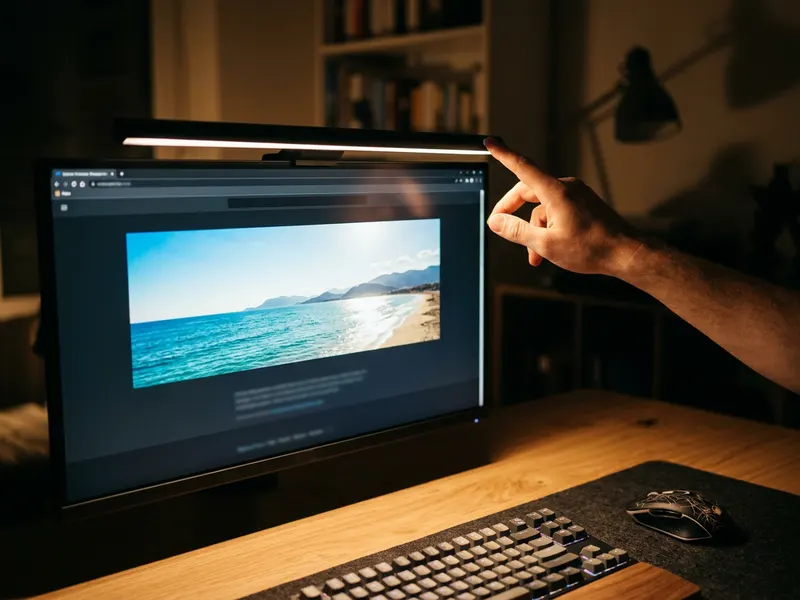 BenQ ScreenBar Pro Monitor Light
Lights your keyboard and notes without glare while you finish that README.
-
 Soundcore Q30 Noise Cancelling Headphones
Shuts out the noise so a long post or README actually gets written.
Helps keep the tools free. ✨
Images are for illustration only. As an Amazon Associate I earn from qualifying purchases.


