Wall Art Mockup Generator
This wall art mockup generator shows your artwork as a framed print on the wall of a room, so you can see how it looks and save the picture as a JPG. Choose your artwork, move and resize the print, switch between six illustrated rooms and download the mockup for a shop listing, a portfolio or a social post. It all happens in your browser.
How to make a wall art mockup
- Select Choose your artwork or drop it here, or drop an image onto it. JPG, PNG and WebP work, and so do HEIC and camera RAW photos, which are converted on your device.
- Your artwork appears at once as a framed print in a room, Living room to begin with.
- Drag the print to move it. To resize it, pinch on a touchscreen or a trackpad, or hold Ctrl (Cmd on a Mac) and scroll.
- Under Room, select another room. Every card shows your own artwork in that room.
- Select Adjust style to change the shadow, the white border and the size of the print.
- Select Download Mockup ↓ to save the JPG. The button then reads Download again ↓, and a note says ✓ Saved as a JPG. Change anything and download again.
To use different artwork, select the back arrow at the top left (Start over). A JPG, PNG or WebP file over 15 MB is refused with is over 15 MB. Try a smaller copy. after its name; HEIC and RAW photos are checked against the same limit after they are converted. A file in a format it cannot read gets isn't a supported image. Use a JPG, PNG, WebP or HEIC file. While you work, a very large image is scaled down to 3000 px on its longest side, which is more than the finished mockup can show.
The six rooms: living room, bedroom and four more
The rooms are illustrated scenes drawn in your browser, not photographs. Each has its own frame and wall, and the print is always drawn with the frame that room comes with.
| Room | Frame | In the scene |
|---|---|---|
| Living room | Black | Sofa |
| Bedroom | Oak | Bed with a headboard |
| Hallway console | White | Console table |
| Dark study | Brass | Dark navy wall, armchair, bookshelf |
| Bare wall | None: a bare print with a white border and a soft shadow | Sunlit wall with a small ledge and plant |
| Terracotta bench | White | Terracotta wall, bench |
Choosing another room puts the print back in the middle of the wall but keeps the size you set.
Move and resize the print
The preview says Drag to move · Pinch or Ctrl + scroll to resize. A mouse or a finger drags the print; a pinch on a phone, a trackpad pinch, or Ctrl + scroll (Cmd + scroll on a Mac) resizes it. A plain scroll still scrolls the page.
With the preview focused, the arrow keys move the print in small steps, and Shift with an arrow key moves it further. + (or =) makes it bigger and - makes it smaller.
The print always keeps your artwork's own proportions, so nothing is cropped or stretched, and it can never leave the wall area of the room it hangs in. If you want a different shape, crop the image first with the Image Cropper.
Adjust style: shadow, white matte border and size
Adjust style starts closed. Open it for three sliders.
| Slider | Range | Default | What it changes |
|---|---|---|---|
| Shadow | 0 to 100% | 55% | The soft drop shadow behind the print on the wall. 0% removes it. |
| White matte border | 0 to 25% | 8% | The white mat between the artwork and the frame, as a share of the artwork's shorter side. In the Bare wall room it is the white border of the print. |
| Size | 30 to 100% | 90% | The size of the print compared with the biggest one that fits the room's wall area. |
The print as a whole stays within the wall area, so a wider white matte border takes space from the artwork inside it rather than making the print bigger.
What you download
A JPG at 2400 × 1800 px (4:3) with 92% quality, named after your file with -mockup added, such as sunset-print-mockup.jpg. It is drawn by the same code as the preview, so the saved picture matches what you see. No watermark is added. To make the file smaller for a web page or a listing, run it through the Image Compressor.
Where a wall art mockup helps
- Shop listings: show a print or poster on a wall next to the flat file buyers would receive.
- Portfolios: illustrators and photographers can show a piece in a setting without staging a photo.
- Social posts: one mockup per room gives you several pictures from one artwork.
- Your own wall: get a feel for how a print could look above a sofa, a bed or a console table before you order it.
What this mockup generator does not do
It is a visual preview, not a print proof. The rooms have no real measurements, so it cannot show the true size of a print, and the colours on screen are not a promise of how a printed copy will look. You cannot add your own room photo, place more than one artwork, adjust perspective, pick a different frame in a room, or export a PNG. Your artwork stays on your device: it is drawn on a canvas in your browser and nothing is uploaded.
Frequently asked questions
Is there a free wall art mockup generator?
Yes, this one is free: no account and no watermark. Choose your artwork, pick one of the six rooms and select Download Mockup to save a JPG. Everything runs in your browser.
Can I make a wall art mockup without Photoshop?
Yes. You do not need Photoshop, smart objects or a template pack. Your artwork is placed in a room as soon as you choose it, you drag it to move it, resize it, switch rooms and save the result as a JPG. The rooms are illustrated scenes drawn in your browser, so there is nothing to install.
Do I need a wall art mockup PSD file?
No. This generator does not use PSD files and does not give you one: the rooms are drawn in your browser and the result is a flat JPG. If you need a layered file to edit in Photoshop, this is not the tool for that.
Is this an AI wall art mockup generator?
No. Nothing is generated by AI. Your artwork is drawn into one of six fixed, illustrated rooms, and the frame, white matte border and shadow are drawn by ordinary code. Your artwork is never cropped or stretched.
Can I use a wall art mockup for my Etsy listing?
Yes. The download is a JPG at 2400 x 1800 px (4:3), saved at 92% quality, so it can go into a shop listing, a portfolio page or a social post. Check the image size and shape your shop platform asks for before you upload. It is a visual preview, not a print proof, so colours on a printed copy can differ.
Can I choose the frame for my framed art mockup?
Not freely. Each room has its own fixed frame: black in the Living room, oak in the Bedroom, white in the Hallway console and the Terracotta bench, brass in the Dark study. For no frame at all, choose Bare wall, which shows a bare print with a white border and a soft shadow. The White matte border slider sets the width of the white mat or border.
Does this work as a poster mockup generator?
Yes, for a poster or print of any shape. The print keeps your artwork's own proportions, portrait or landscape, with nothing cropped or stretched. Choose Bare wall for an unframed poster look or any other room for a framed one. All six rooms are wall scenes, so there are no flat poster or banner templates.
Can I see how art looks on my own wall?
Not with a photo of your own wall: the tool has no custom room photos. It shows your art in six illustrated rooms, which gives a feel for how a print could look above a sofa, a bed or a console table.
Does the wall art mockup show the real size of my print?
No. The rooms have no real-world measurements, so a mockup cannot tell you whether a print is 8 x 10 or 24 x 36 inches. The Size slider only sets how large the print looks compared with the biggest one that fits the room's wall area, from 30% to 100%. Use it to judge the look, not the dimensions.
Is my artwork uploaded when I make a mockup?
No. Your browser reads the artwork and draws the mockup on a canvas on your device, and the JPG is created there too. Nothing is uploaded and there is no account.
What size is the downloaded wall art mockup?
Every mockup is saved as a JPG at 2400 x 1800 px (4:3) with 92% quality, whichever room you chose. JPG is the only format offered. The file is named after your artwork with -mockup added, for example sunset-print-mockup.jpg.
Recommended
-
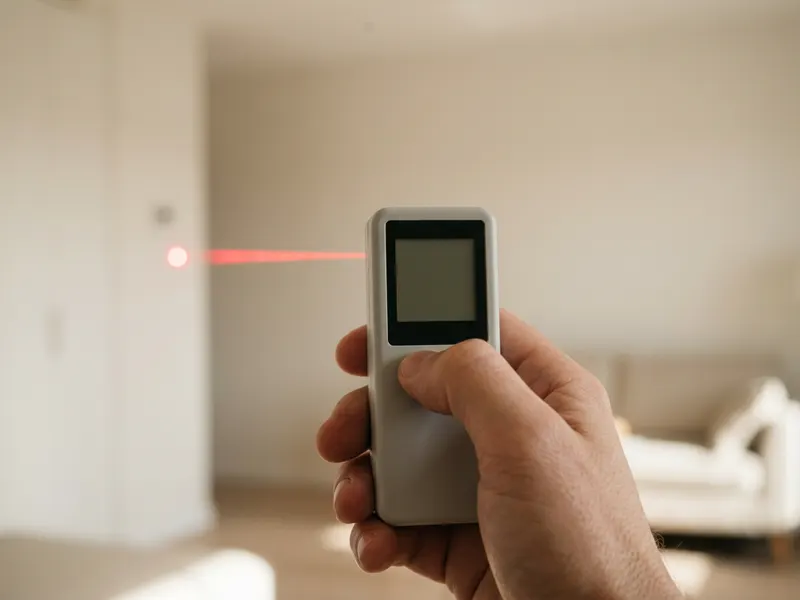 Bosch Blaze Laser Distance Measure
Measure the wall above your sofa so you pick the right print size.
-
 XPPen Deco 01 V3 Pen Tablet
Draw your next print digitally, then drop it into a room mockup.
-
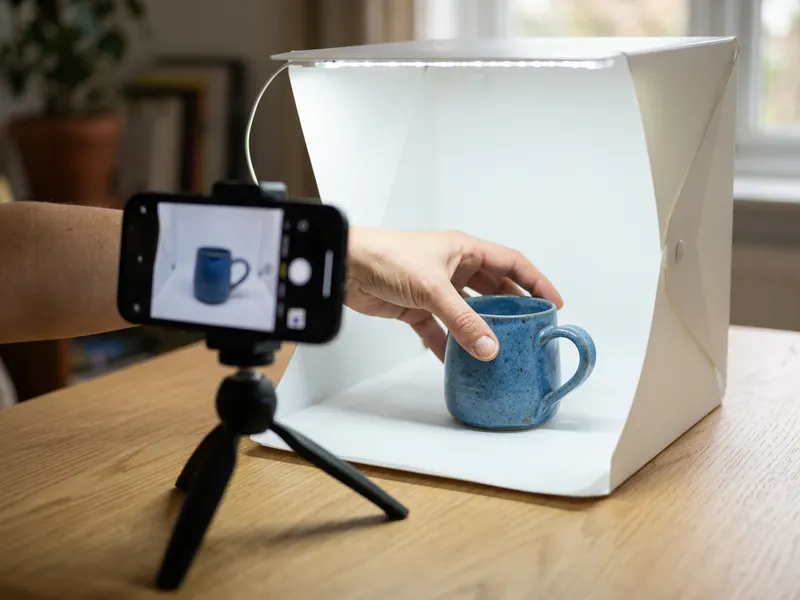 PULUZ 20-inch Photo Light Box
Photograph the real printed card or small print for your shop listing.
Helps keep the tools free. ✨
Images are for illustration only. As an Amazon Associate I earn from qualifying purchases.


