Add Watermark to Photo: Text, Opacity and Repeat Pattern
Type your name, website or a copyright line and see it on your photo straight away. Set how see-through it is, keep it as one mark in the middle or repeat it across the whole picture, then download the photo at its own size. Everything happens in your browser, so the photo never leaves your device.
How to add a watermark to a photo
- Choose a photo, or drop it on the box that says Choose a photo or drop it here. JPG, PNG and WebP work up to 20 MB, and RAW and HEIC photos are converted automatically.
- The preview opens with a default watermark, © Your name, at 30% opacity. Under the preview, Saves at W × H px. tells you the size of the file you will get.
- Type your own text in Watermark text, up to 60 characters. The preview follows every keystroke.
- Drag the Opacity slider until the mark is as strong or as faint as you want.
- Press Download photo. The file is saved as
your-photo-watermarked.jpgor.png, and your original is not changed.
To work on a different picture, press the back chevron at the top left (Choose a different photo).
One watermark or a repeat pattern
By default there is one watermark, centred on the photo. That looks tidy, but anyone can crop or retouch a single mark. Switch on Repeat pattern and the same text is repeated in staggered diagonal rows across the whole photo, at -30 degrees, so every part of the picture carries it and there is no corner to crop to.
| Setting | Layout | Best for |
|---|---|---|
| Repeat pattern off | One mark, centred, rotation 0 | A signature or credit that should not hide the photo |
| Repeat pattern on | Staggered diagonal rows, rotation -30 | Proofs, listings and photos you are sharing publicly |
Opacity, font size and rotation
- Opacity runs from 0% to 100% and starts at 30%. Around 20% to 40% usually reads without hiding the picture; go higher for a pattern you want to be hard to retouch.
- Font size sits in Advanced options and goes from 1% to 40% of the photo's width, so the mark scales with the picture. Until you move it, the size fits automatically. On a photo 4000 px wide, 5% sets a font size of 200 px.
- Rotation goes from -90 to 90 degrees. It starts at 0 for one mark and -30 for the pattern.
- Reset size and rotation returns both to automatic.
The text is white with a soft dark edge, so it stays readable on light and dark photos alike. There is no colour choice and no logo upload: this is a text watermark, so a name, a website, a handle or a line like © 2026 Your name. Type the © symbol straight into Watermark text.
What gets saved
The download keeps your photo's own pixel size. A JPG or WebP photo downloads as a JPG at quality 92, and a PNG downloads as a PNG. A photo larger than about 16 megapixels is reduced to fit the browser's canvas limit, and the line under the preview tells you so: a 6000 × 4000 px photo, for example, saves at about 4900 × 3270 px. RAW and HEIC photos, including iPhone photos, are converted when they open and download as JPG.
On iPhone, Android, Windows and Mac
It works in the browser, so the steps are the same on a phone, a Windows PC or a Mac, with no app, Photoshop, Lightroom or Word involved.
What a watermark can and cannot do
A visible watermark makes the source of a photo clear and discourages casual reuse. It does not stop a determined person, and it is not legal protection or copyright advice. Keep your original files.
A repeated mark across the whole picture is much harder to remove than a small one in a corner, but no visible watermark is impossible to remove.
Frequently asked questions
How do I add a watermark to a photo for free?
Choose a photo, or drop it on the box that says Choose a photo or drop it here. The preview already shows a watermark, so type your own text in Watermark text, adjust Opacity, then press Download photo. There is nothing to install and no account to make, and Capsule Tools adds no watermark of its own.
Can I add a watermark to a photo on iPhone or Android?
Yes. It runs in the browser on your phone, so there is no app to install. Choose a photo from your library; HEIC photos from an iPhone are converted automatically when they open. Type the text, adjust the sliders and press Download photo to save the result.
How do I add a watermark to a photo on Windows or Mac?
Open it in any current browser on Windows 11, Windows 10 or macOS, choose the photo file and edit the text. You do not need Photoshop, Lightroom, Word or Preview. The watermarked copy downloads with -watermarked added to the file name, and your original file is left untouched.
How do I change the watermark transparency?
Move the Opacity slider. It runs from 0% to 100% and starts at 30%, which is light enough to keep the photo clear and still readable on most images. Raise it for a bolder mark, lower it for a subtle one. The preview updates as you move the slider.
How do I make a tiled watermark?
Switch on Repeat pattern. The text is repeated in staggered diagonal rows across the whole photo at -30 degrees instead of sitting once in the centre. Open Advanced options to change the Font size or the Rotation, and press Reset size and rotation to go back to the defaults.
Can I add a logo as a watermark?
No. This tool adds text only: a name, a website, a handle or a copyright line such as © 2026 Your name. There is no logo or image upload and no colour choice. The text is white with a soft dark edge so it stays readable on both light and dark photos.
Can I add a watermark to multiple photos at once?
No, it handles one photo at a time. Press the back chevron at the top left (Choose a different photo) to start again with the next one. Your text, Opacity and Repeat pattern settings stay as you left them, so the next photo gets the same watermark.
Can a watermark be removed from a photo?
A determined person with editing software can sometimes remove or paint over a watermark, especially a faint one in one spot. A single centred mark is the easiest to remove. Repeat pattern at a higher opacity is much harder to crop or paint out, but nothing makes a visible watermark impossible to remove, and it is not legal protection.
Does the watermarked photo keep its original resolution?
Yes, up to about 16 megapixels. The line under the preview, Saves at W × H px., shows the exact size you will get. A larger photo is reduced to fit the browser's size limit, and the line then says so: a 6000 × 4000 px photo, for example, saves at roughly 4900 × 3270 px.
Can I add a watermark to a PNG or JPG?
Yes. JPG, PNG and WebP photos up to 20 MB work, and RAW and HEIC photos are converted automatically. A PNG downloads as a PNG; a JPG or WebP downloads as a JPG at quality 92. The file is named like holiday-watermarked.jpg.
Is my photo uploaded anywhere?
No. The watermark is drawn on your device in the browser, and the photo is never sent to a server. You do not need an account.
Recommended
-
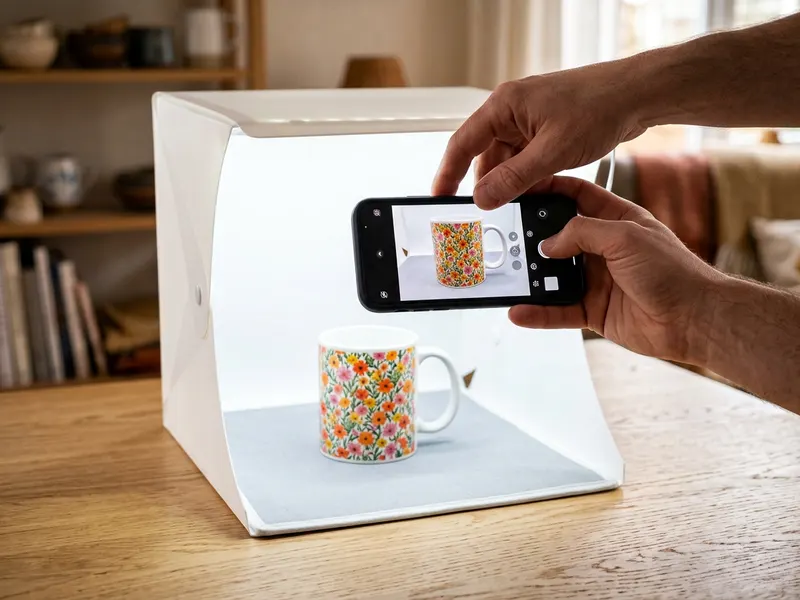 DUCLUS 16-inch Photo Light Box
Shoot your next product photos on a clean white backdrop, then add your mark.
-
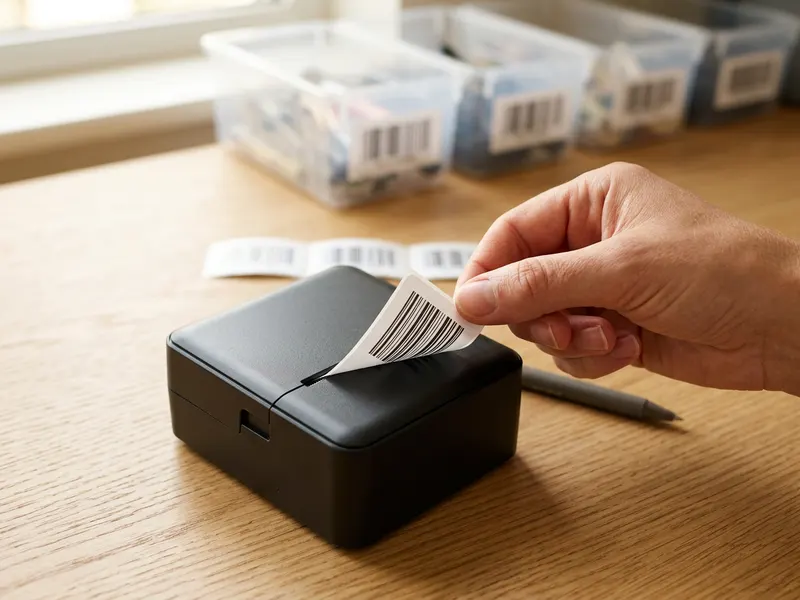 Phomemo M110 Label Printer
Label and ship your orders with the same name your watermark carries.
-
 SanDisk 1TB Portable SSD
Keep the clean originals safe, since the watermarked copy is the only one you share.
Helps keep the tools free. ✨
Images are for illustration only. As an Amazon Associate I earn from qualifying purchases.


