Full Wrap Mug Mockup Generator (Free & Online)
This full wrap mug mockup generator turns a flat 2D design into a realistic 3D mug preview — upload your wrap art, and it's mapped onto a mug's full circumference with studio-style lighting, ready to rotate and download. No Photoshop displacement maps, no smart objects, and nothing ever leaves your device: the whole render happens in your browser.
What Is a Full Wrap Mug Mockup?
A full wrap mug design covers the entire printable area of the mug — the whole circumference, edge to edge — as opposed to a half wrap, which prints only on one side and leaves the other side (and the handle side) plain. A full wrap mockup shows how a design looks once it's been stretched and joined around the mug's curved body, including how the pattern behaves at the seam where the two edges meet. That's the part a flat design file can't show you, and the reason a mockup exists at all.
How to Use the Full Wrap Mug Mockup Generator
- Upload your flat wrap design — JPG or PNG, up to 10MB.
- The mug mockup renders instantly, with your design wrapped around the body.
- Open Adjust to drag the viewing angle slider (or drag the mockup itself) and rotate the mug, and to pick a mug color for the handle, rim, and interior.
- Select Download Mockup to save a high-resolution PNG.
There's no queue and no processing wait — the mockup updates the moment you upload, because the 3D rendering runs locally in your browser rather than on a server.
Full Wrap vs. Half Wrap Mug Templates
Most free mug mockup templates floating around as PSD or Canva files are half wrap — a flat rectangle you place on one visible face, with the handle and the far side left plain. That's simpler to produce but it hides exactly the thing a full wrap most needs checking: what happens where the design wraps past 180° and meets itself again. This generator renders the complete circumference, so a full wrap design shows its real seam behavior and how it reads from every angle, not just the one flattering angle a static template happens to show. Unlike a static full mug wrap template file, this generator shows exactly how a full wrap design will look once it's rendered in 3D — before you commit to printing.
What Size Should Your Mug Wrap Design Be?
Aim for roughly a 2.5:1 width-to-height ratio for your source design's dimensions — that's close to the unrolled shape of a standard 11oz mug's printable wrap area. The generator stretches whatever image you upload to cover the mug's full body, so a design already cut to that proportion wraps with the least stretching or squashing. If your design is a different shape, upload it anyway and use the preview to judge whether the distortion is acceptable before you commit to printing.
Using This Tool for Sublimation Mug Printing
Sublimation printers work from a flat wrap file, and it's easy to lose track of how a pattern, logo, or photo will actually sit once it's curved around a real mug. This generator gives sublimation crafters a fast way to sanity-check a design — rotate the preview to see the whole wrap, check the seam, and confirm colors read the way you expect — before spending on blanks, ink, and press time. It's a visual preview, not a print-ready template: keep using your usual sublimation template (with its bleed and safe-zone margins) for the actual file you send to print.
Frequently Asked Questions
Is this full wrap mug mockup generator free to use?
Yes, completely free — there's no account, no sign-up, and no usage limit. Upload your wrap design, adjust the rotation and mug color, and download the mockup PNG as many times as you like. There is no paid tier or watermark to remove.
Does this mug mockup generator add a watermark?
No. The downloaded PNG is a clean mockup image with no watermark, logo overlay, or branding added anywhere — what you see in the preview is exactly what you get in the file. Many free mockup generators watermark the output unless you pay; this one never does.
What size should my mug wrap design be?
Design at roughly a 2.5:1 width-to-height ratio — wide and short — since that's close to the unrolled shape of an 11oz mug's printable area. The tool stretches whatever you upload to cover the mug's full circumference and height, so a design cut to that ratio wraps with the least distortion. JPG or PNG both work, up to 10MB.
What size is a standard 11oz mug mockup?
This generator's 3D model is proportioned to a standard 11oz ceramic mug — the most common size for sublimation printing and the one most print-on-demand catalogs default to. It's the mug most buyers picture when they see a mug mockup, which is why it's the default here rather than a 15oz or novelty shape.
Can I use this generator for sublimation mug designs?
Yes — this tool is a quick way to preview a sublimation mug wrap before you print it, so you can catch stretching, awkward crops, or color choices that don't work before spending on blanks and ink. It's a visual preview only, not a sublimation-ready print template with bleed and safe-zone guides, so keep using your usual template for the actual print file.
Recommended
-
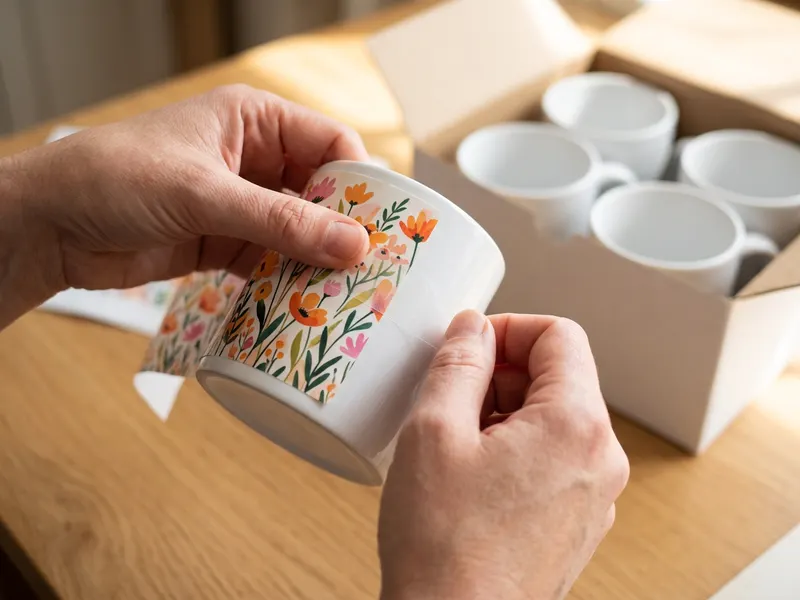 ABBSH 11 oz Sublimation Mugs (12 pack)
Blank coated mugs with gift boxes, ready to turn your mockup into the real thing.
-
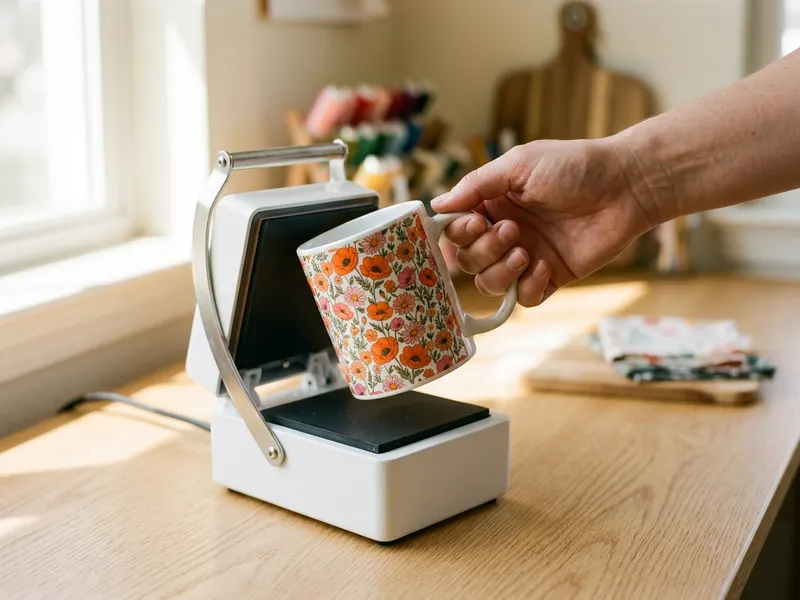 HTVRONT Auto Tumbler & Mug Press
Presses a full-wrap design evenly all the way round, no oven or guesswork.
-
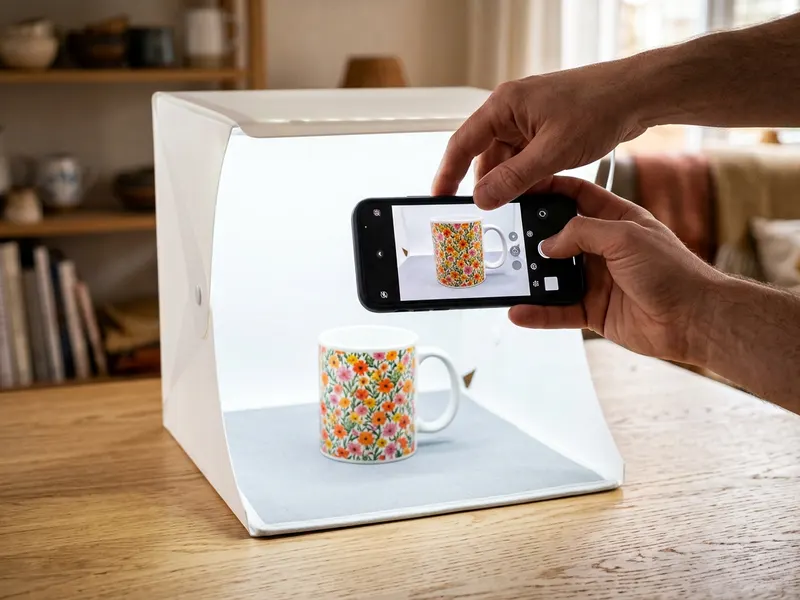 DUCLUS 16-inch Photo Light Box
Shoot the finished mug on a clean, evenly lit background for your shop listing.
Helps keep the tools free. ✨
Images are for illustration only. As an Amazon Associate I earn from qualifying purchases.


