uBlock Origin YouTube Filters
Switch on the parts of YouTube you want gone and this page writes the cosmetic filters for you: the home feed, the sidebar recommendations, Shorts, endcards and comments. Copy them into uBlock Origin or AdGuard. This is a rule generator, not an extension, and the rules only hide things on the page.
How to hide YouTube Shorts, the home feed and comments
- In the Hide on YouTube list, switch on each element you want hidden: Homepage feed, Sidebar recommendations, Shorts, Endcards or Comments.
- Switch on Include mobile web if you also use YouTube in a phone browser. It adds rules for
m.youtube.com. - Watch the Filter rules box. It rewrites itself with every switch and shows how many rules there are. With every switch off it shows Turn on at least one element below to generate filters.
- Press Copy filters. The button says Copied to clipboard when it worked. You can also select the box, since one click selects all of its text.
- Paste the rules into your content blocker and save, as described below.
Add the filters to uBlock Origin or AdGuard
- uBlock Origin: open the Dashboard and select the My filters pane. Paste the rules on new lines, then save with Apply changes or Ctrl+S (Cmd+S on a Mac). Reload YouTube.
- AdGuard: paste the rules into its User rules and save. Reload YouTube.
The output is plain text with one rule per line, and every rule starts with the site, a double hash and a page element, for example:
youtube.com##ytd-browse[page-subtype="home"]
Pasting the same rules twice does no harm. To undo a rule, delete its line from My filters or User rules.
What each switch hides
| Switch | What disappears | What stays |
|---|---|---|
| Homepage feed | The recommended videos on the home page, as one rule: youtube.com##ytd-browse[page-subtype="home"] | Search, menu, subscriptions, history and every video page |
| Sidebar recommendations | The list of suggested videos beside a video: youtube.com##ytd-watch-flexy #related | The playlist panel and live chat beside the video |
| Shorts | The Shorts shelf on the home page, Shorts shelves, Shorts in search results and the Shorts entry in the left menu | A direct youtube.com/shorts/ link still plays |
| Endcards | Suggested videos and cards at the end of a video: youtube.com##.ytp-ce-element and youtube.com##.html5-endscreen | The player and its controls |
| Comments | The comment section under a video: youtube.com##ytd-comments#comments | The video and its description |
Homepage feed, Sidebar recommendations and Shorts are on when the page opens. Endcards, Comments and Include mobile web are off until you switch them on. Switching everything on, mobile included, gives 21 lines.
Hide YouTube Shorts from the menu, the home page and search results
The Shorts switch writes several rules, because Shorts show up in more than one place: a shelf on the home page, Shorts shelves elsewhere, Shorts inside search results, and the Shorts entry in the left menu. Together they remove all four.
Hiding is not blocking. A youtube.com/shorts/ link that someone sends you still opens and plays, and these rules do nothing about it.
Hide suggested videos, endcards and comments
Recommendations appear in three places while you watch, and each has its own switch. Sidebar recommendations hides only the suggested-video list beside the player, so a playlist panel or live chat in the same column stays. Endcards hides the cards and suggestions drawn over the video near its end. Comments hides the comment section underneath. Use any combination.
Filters for YouTube on a phone
Switch on Include mobile web to add a second block of rules that start with m.youtube.com##. They use the page elements the mobile site really uses (the ytm- ones), not a copy of the desktop selectors. They work in a phone browser that runs uBlock Origin or AdGuard. They cannot change the YouTube app.
What these filters do not do
The rules only hide page elements. They do not stop videos from loading, they do not remove ads, and they work only in a browser that runs uBlock Origin or AdGuard. Nothing is installed on YouTube and nothing is changed on your account.
When a filter stops working
YouTube renames its page elements from time to time. When that happens a rule stops matching: it hides nothing, and nothing breaks. If something that used to be hidden comes back, return to this page, copy fresh rules and replace the old lines in My filters or User rules. No rule depends on the words YouTube displays, so a Japanese, German or other language version of YouTube works the same way.
Frequently asked questions
How do I hide YouTube Shorts with uBlock Origin?
Leave the Shorts switch on, press Copy filters, and paste the rules into the My filters pane of the uBlock Origin Dashboard. Save with Apply changes or Ctrl+S (Cmd+S on Mac), then reload YouTube. The rules hide the Shorts shelf on the home page, Shorts shelves, Shorts in search results and the Shorts entry in the left menu.
Can uBlock Origin hide the YouTube homepage recommendations?
Yes. Turn on Homepage feed and the generated rule hides the whole recommended-video grid on the home page, so the page opens empty apart from the search bar and menu. The search box still works, and so do your subscriptions, history and every video page.
How do I hide suggested videos on YouTube?
Turn on Sidebar recommendations to hide the list of suggested videos beside the player, and Endcards to hide the suggested videos and cards that appear over the video when it ends. Then paste the rules into uBlock Origin or AdGuard. The playlist panel and live chat beside a video are not hidden.
How do I hide YouTube comments with uBlock Origin?
Turn on Comments, which is off by default, copy the rules and paste them into My filters. The rule youtube.com##ytd-comments#comments hides the whole comment section under a video. The video, its description and the sidebar are untouched.
How do I add custom filters to uBlock Origin?
Open the uBlock Origin Dashboard and select the My filters pane. Paste the rules on new lines, then save with Apply changes or Ctrl+S (Cmd+S on Mac). Rules you already had stay as they are, so add the new lines below them.
Can AdGuard hide YouTube Shorts?
Yes. The rules use standard cosmetic filter syntax, which AdGuard reads. Paste them into AdGuard's User rules and save. The Shorts switch writes the same rules for both blockers.
Why are my uBlock Origin custom filters not working?
Check three things. The rules were saved (Apply changes or Ctrl+S, Cmd+S on Mac) and the YouTube tab was reloaded. Every line was pasted whole, since a cut-off line is not a valid rule. And the page is not using a layout YouTube has changed. YouTube renames its page elements from time to time, and a rule that no longer matches anything simply hides nothing. Come back and copy fresh rules.
Does this work with uBlock Origin Lite?
The rules are written for the My filters pane of uBlock Origin and for AdGuard's User rules. uBlock Origin Lite is a separate, reduced extension, and this page cannot promise that its custom filters accept every line. If you paste the rules there and nothing is hidden, use full uBlock Origin instead.
Can I still open a YouTube Shorts link after hiding Shorts?
Yes. The rules hide Shorts shelves, search results and the menu entry, but they do not block pages. A direct youtube.com/shorts/ link still opens and plays.
Do these filters block YouTube ads?
No. They only hide page elements such as the home feed, the sidebar, Shorts, endcards and comments. They do not stop videos loading and they do not remove ads.
How do I hide Shorts and recommendations on mobile YouTube?
Turn on Include mobile web. It adds a second set of rules for m.youtube.com that use the elements the mobile site really uses, not a copy of the desktop ones. They work in a mobile browser that runs uBlock Origin or AdGuard. They do not change the YouTube app.
Do the filters work if YouTube is set to another language?
Yes. No rule depends on the words YouTube shows, so a Japanese, German or any other language version is filtered the same way.
Recommended
-
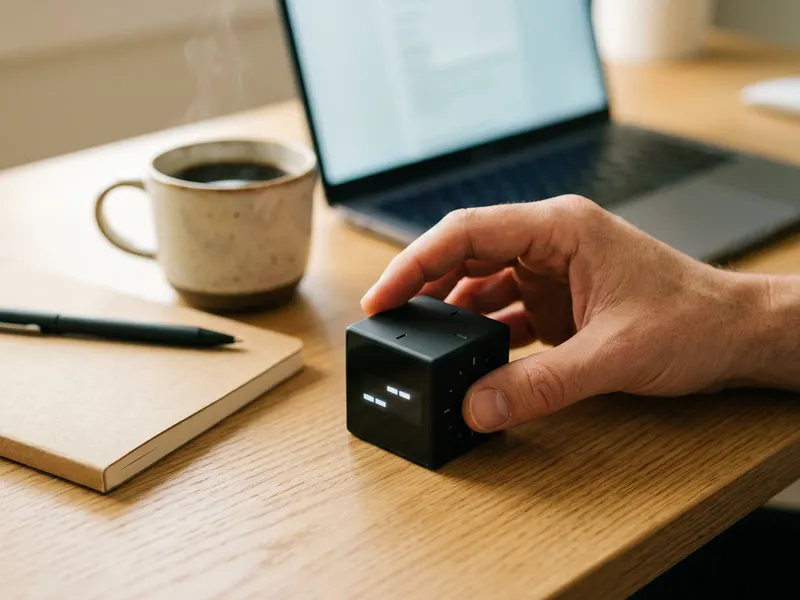 ODRAI Flip Cube Timer (5/10/25/50 min)
Flip it to 25 minutes and give the video you came for your full attention.
-
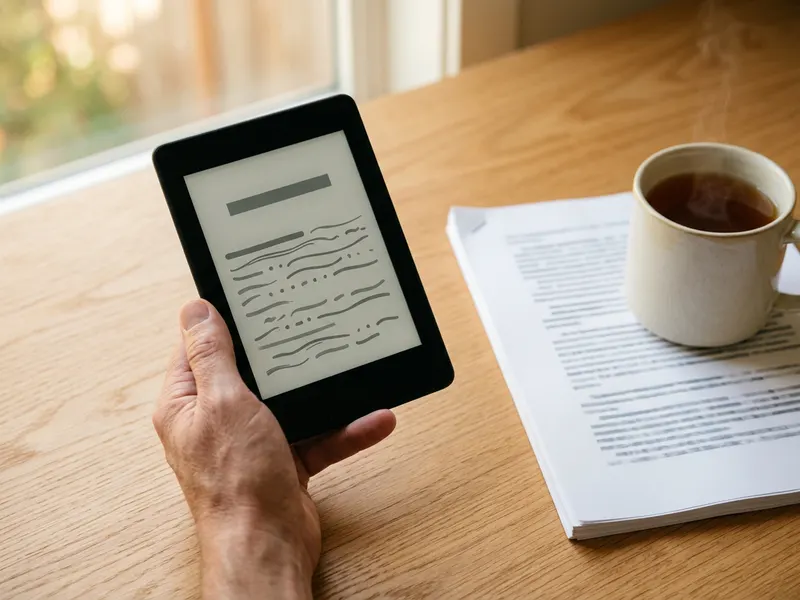 Kindle (16 GB)
Read on a screen with no feed, no Shorts and nothing suggested.
-
 Soundcore Q20i Noise-Cancelling Headphones
Quiet the room so the one video you opened stays the only thing on.
Helps keep the tools free. ✨
Images are for illustration only. As an Amazon Associate I earn from qualifying purchases.


