Unit Price Calculator
This unit price calculator turns the price and size on two labels into a cost per kg, per 100 g, per lb, per oz, per L, per 100 ml or per piece, then shows which item is cheaper and by what percentage. Mix grams with ounces or liters with milliliters freely, and type a sum such as 6*330 for a multipack. There is no button to press: the result updates as you type.
How to compare two items
- Under Item A, type the Price on the label. 0 is allowed. The currency symbol of your region sits inside the field.
- Type the Amount: the weight, volume or count on the pack. For a multipack, type a sum such as
6*330and the line under the field echoes the total, for example "= 1,980 ml". - Select the Unit from the dropdown: g, kg, oz, lb, ml, L or pieces. It starts at g, or at oz in regions that use imperial units.
- Do the same for Item B. It can use a different unit from Item A, as long as both are weight, both are volume or both are a count.
- Read the result card. Each column shows the price per unit in large type, with the same price in the other units of that kind in small text. The cheaper column turns green with a Cheaper tag, and the line under the columns says "Item A is cheaper" or "Item B is cheaper" with how much less per unit it costs.
- Use Compare price per to change the scale. The result, the percentage and the winner stay the same, because only the unit the price is quoted in changes.
Until both items are filled in, the card says "Enter a price and an amount for both items to compare them." or "Add the other item to see which is cheaper."
Unit price calculator example: oz against grams
Two jars of the same sauce, one sold by weight in ounces and one in grams:
Item B 3.49 for 400 g = about 0.25 per oz, 8.73 per kg
Result Item B is cheaper, 25.6% less per unit
The sums behind it are the price divided by the amount in grams, with 1 oz taken as 28.349523125 g. Select oz or kg under Compare price per and each column shows the figure for that scale. The percentage is worked out as (1 - cheaper / dearer) × 100 and shown to one decimal place.
Multipacks, cases and sums in the Amount field
The Amount field reads numbers and the symbols + - * / and ( ). It also accepts
x or × as times, so 12 x 33.3 and (2+3)*100 both work. It is read by a small
hand-written parser, not by running what you typed as code. A pack of 6 cans of 330 ml for 4.80
is entered as 6*330 with the unit ml, which comes to 1,980 ml.
If a field is wrong, it gets an amber border and a note reads "Check the marked fields: a price is 0 or more, and an amount is above 0 and uses only numbers and + - * / ( )." Division by zero, letters, and an amount of 0 or less are all flagged.
Price per kg, 100 g, lb, oz, L and 100 ml
The Compare price per toggle shows the choices that fit the units you picked, so a weight pair offers weight scales and a volume pair offers volume scales. Pieces are always "per piece".
| Items entered in | Compare price per | Starts at |
|---|---|---|
| g, kg, oz, lb (weight) | kg, 100 g, lb, oz | kg in metric regions, lb in imperial regions |
| ml, L (volume) | L, 100 ml | L |
| pieces (count) | per piece only | per piece |
If you switch the weight scale to kg or lb, that choice is remembered across Capsule Tools. The conversions used are:
| Unit | Kind | Equals |
|---|---|---|
| g | Weight | 1 g |
| kg | Weight | 1,000 g |
| oz | Weight | 28.349523125 g |
| lb | Weight | 453.59237 g (16 oz) |
| ml | Volume | 1 ml |
| L | Volume | 1,000 ml |
| pieces | Count | 1 piece |
Unit prices are shown with at least three significant digits, so a price of 0.0425 per g is not rounded to 0.04 and two close packs stay distinguishable. Prices within 0.05% of each other count as the same price, and the card says "Both cost the same per unit".
Why weight, volume and count are not compared
Weight (g, kg, oz, lb), volume (ml, L) and pieces are never compared with each other. If Item A is in grams and Item B is in milliliters, both unit prices still show, but the card says "Weight, volume and count cannot be compared directly, so no winner is picked." The calculator does not know the density of what you are buying, so it will not guess that a liter of oil weighs a kilogram.
What the calculator leaves out
- No fluid ounces or gallons. Volume is entered in ml or L. Convert a fluid-ounce label first.
- No price per serving. It compares weight, volume and count only.
- No store prices. You type the price from the label, so use the price you actually pay after any offer.
- Nothing saved. Everything is calculated on your device and nothing is uploaded.
The cheapest unit price is not always the best buy. A larger pack only saves money if you use all of it before it spoils.
Other tools for comparing what things cost
To see how much food energy each dollar buys, try the Calories per Dollar tool. To judge a purchase by how often you use it, there is the Cost per Wear Calculator. For converting ounces, pounds, grams and liters on their own, use the Measurement Converter.
Unit price calculator questions
What is unit price?
Unit price is what one standard measure of a product costs, such as one kilogram, one liter or one piece, instead of the price of the whole package. It puts packs of different sizes on the same scale so you can compare them. This calculator works it out as the price divided by the amount, then scales it to the unit you choose.
How do you calculate unit price per kg?
Divide the price by the weight in kilograms. A 500 g pack for 4.50 is 0.5 kg, so the unit price is 4.50 ÷ 0.5 = 9.00 per kg. If the weight is in pounds, multiply it by 0.45359237 first. The calculator does the conversion as you type: enter the price, amount and unit, then select kg under Compare price per.
How do you calculate price per ounce?
Divide the price by the number of ounces. A 12 oz pack for 3.99 costs about 0.33 per oz. If the label is in pounds, remember that 1 lb is 16 oz, and if it is in grams, enter the grams and select oz under Compare price per so the conversion is done for you.
How do you calculate price per 100g?
Divide the price by the number of grams and multiply by 100. A 500 g pack for 4.50 comes to 4.50 ÷ 500 × 100 = 0.90 per 100 g. Select 100 g under Compare price per to see both items on that scale.
How do you calculate price per ml?
Divide the price by the number of milliliters. The result is a tiny number, so the calculator shows volume per L or per 100 ml instead. A pack of 6 cans of 330 ml for 4.80 is 1,980 ml, which comes to about 0.24 per 100 ml and 2.42 per L.
How do you compare unit prices?
Convert both items to the same unit, then pick the lower number. In the calculator, fill in the Price, Amount and Unit for Item A and Item B. The cheaper column turns green with a Cheaper tag, and the line under the columns shows how much less per unit it costs, as (1 - cheaper ÷ dearer) × 100.
Is there a free unit price calculator app?
Yes. This unit price calculator is free and needs no sign-in. It runs in your browser on a phone or a computer, calculates everything on your device and does not save or upload what you type.
Recommended
-
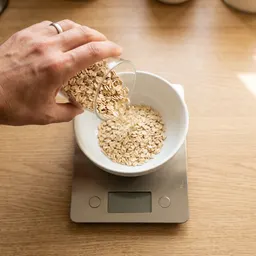 Etekcity Digital Kitchen Scale
Weigh the pack at home to check the label, then compare the real price per kg.
-
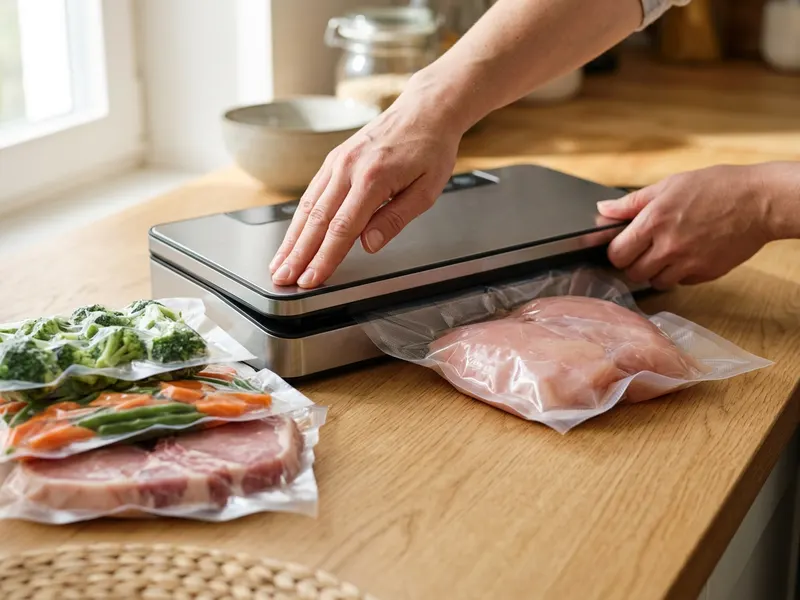 Bonsenkitchen Vacuum Sealer
Buy the bigger, cheaper pack and freeze the extra so none of it goes to waste.
-
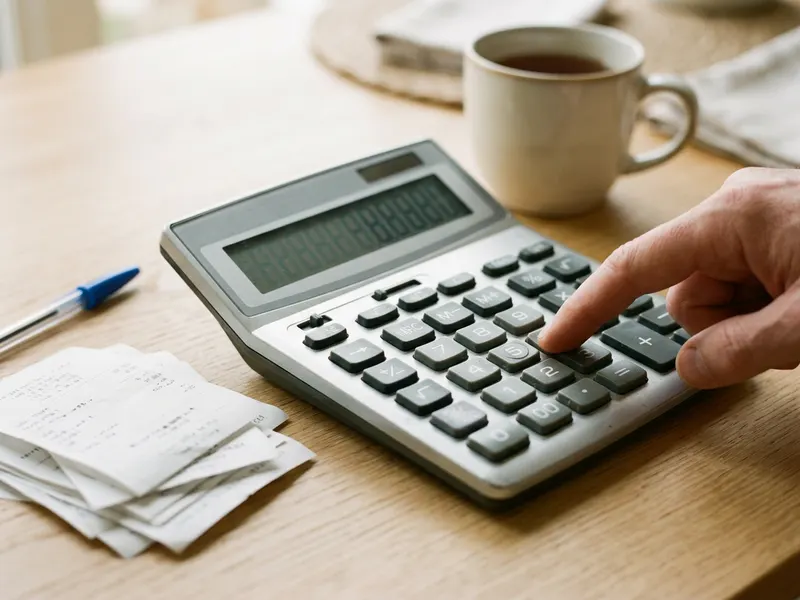 Casio MS-80B Desktop Calculator
Add up the whole shop and keep a running total before you reach the till.
Helps keep the tools free. ✨
Images are for illustration only. As an Amazon Associate I earn from qualifying purchases.


