Extract a Frame from a Video
Pick a video, scrub to the exact moment you want and save that frame as a JPG or PNG at the video's full resolution. It is a clean way to make a cover image or thumbnail without a screenshot or editing software, and the video never leaves your device.
How to Save a Frame from a Video as an Image
- Tap Select a video and choose an MP4, MOV or WebM file.
- Drag the Video position slider until the preview shows the frame you want. The readout shows the current time and the total length.
- Under Format, choose JPG (smaller file) or PNG (lossless).
- Tap Capture frame.
- Check the image, then tap Download. To grab a different moment, tap Capture another.
Make a 16:9, 4:3 or Square Thumbnail
Open Crop aspect ratio and pick 16:9, 4:3 or 1:1. The largest centered area of that shape is cut from the frame. Leave it on Original to keep the whole picture. A line under the controls shows the video's native pixel size, so you know what to expect.
JPG or PNG for a Video Frame
Use JPG (smaller file) for cover images, uploads and sharing. Use PNG (lossless) when you need every pixel unchanged, for example for editing or a screenshot of fine text. After capture, the result shows Size, File size and the At time of the frame.
Full Resolution, and Its Limits
- The image is the video's native size, not the size of the preview.
- Frames above about 16 megapixels are scaled down to fit the browser's canvas limit.
- The slider moves in 0.01 second steps. There are no frame-by-frame buttons.
- The preview is muted.
MP4, MOV and WebM only work if your browser can decode them. HEVC or ProRes .mov files may not play in some browsers, and then an error appears. Try an MP4 or a different browser.
Where the File Goes
The frame is captured in your browser and downloaded straight to you, named like video-thumbnail-01-23.jpg (your video's name, the word thumbnail, then minutes and seconds). Nothing is uploaded and there is no account.
Frame Extraction FAQ
How do I extract a frame from a video online?
Select a video, drag the Video position slider to the moment you want and tap Capture frame. Then tap Download to save it as an image. The video is read in your browser and is not uploaded.
How do I save a frame from a video as a JPG or PNG?
Pick JPG (smaller file) or PNG (lossless) under Format before you tap Capture frame. JPG makes a smaller file; PNG keeps every pixel exactly as decoded.
Does it keep the video's full resolution?
Yes. The image is the video's native size, so a 1920 x 1080 video gives a 1920 x 1080 image. The one exception is very large frames above about 16 megapixels, which are scaled down to fit the browser's canvas limit.
How do I make a 16:9 or square thumbnail from a video?
Open Crop aspect ratio and choose 16:9, 4:3 or 1:1. The frame is cropped from the center. Choose Original to keep the whole frame.
Can I pick an exact frame?
The slider moves in steps of 0.01 seconds and the timecode shows the current position and the total length. There are no frame-by-frame buttons, so for a precise frame nudge the slider and check the preview before you capture.
Which video formats work?
MP4, MOV and WebM, as long as your browser can play them. Some HEVC or ProRes .mov files do not play in every browser, and then an error appears. Trying an MP4 or another browser usually fixes it.
What is the file called?
The name is the video's name plus thumbnail and the time, such as holiday-thumbnail-01-23.jpg.
Is my video uploaded?
No. The frame is pulled out in your browser and nothing leaves your device. No account is needed.
Recommended
-
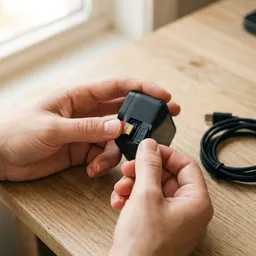 SanDisk Extreme 128GB microSD card
Room for every clip you'll pull cover frames from.
-
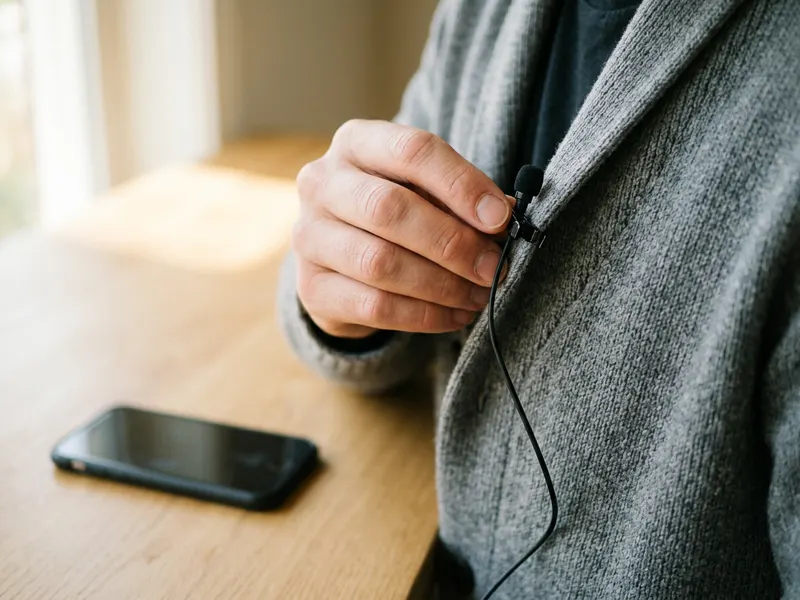 Rode Lavalier GO clip-on microphone
Clear voice in the video you'll make a cover for.
-
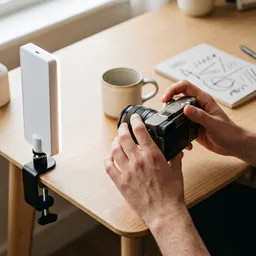 Elgato Key Light
Bright, even light for a cleaner frame to grab.
Helps keep the tools free. ✨
Images are for illustration only. As an Amazon Associate I earn from qualifying purchases.


