Random Walk Generator: Pi-Digit Paths and Fractal Curves
This random walk generator draws three kinds of curve: a Random walk, a Sequence that follows the digits of pi or any text you paste, and an L-system fractal such as the dragon curve. Set the step count anywhere from 100 to 1,000,000, watch the preview redraw, and download the result as a compact SVG or a PNG. Everything is built in your browser and nothing is uploaded.
How to Generate a Random Curve
- Pick an Algorithm: Random walk, Sequence or L-system fractal. The curve appears in the white preview square, with its step count under it, for example 5,000 steps.
- For L-system fractal, choose a Fractal: Dragon curve, Koch curve, Sierpinski arrowhead, Gosper curve or Lévy C curve.
- Drag the Step count slider. It is logarithmic, so the short end moves in small steps and the long end in big ones.
- Type a Step angle (degrees) from 0 to 360. Leave it at 0 and the tool picks the angle for you.
- For a Random walk, press Regenerate to roll a new walk. Changing any other setting keeps the walk you have.
- Press Download SVG or Download PNG to save
random-curve.svgorrandom-curve.png.
The preview updates as you change a setting, and there is no Generate button. A walk cannot be brought back once you press Regenerate, so download the SVG first if you want to keep it.
The Three Algorithms
- Random walk: every step goes in a random multiple of the Step angle. At 90 degrees the walk uses four directions and looks like a path along a grid. At 0 any direction can come up.
- Sequence: every digit decides the direction of one step, as value times Step angle. It is repeatable: the same data and angle always draw the same curve.
- L-system fractal: a turtle follows a rewriting rule, and Step angle is its turn angle. The five fractals start at 90 degrees for the dragon curve, 60 for Koch, Sierpinski arrowhead and Gosper, and 45 for Lévy C. Entering 0 means that default.
Walk on the Digits of Pi
Choose Sequence and leave Data seed empty. The tool then reads the digits of pi, built in up to the first 20,000 digits, and the Step angle starts at 36 degrees. Ten digit values times 36 degrees make one full turn, which is the classic way to draw pi as a path. Because only 20,000 digits are stored, the curve stops at 20,000 steps and tells you so.
Direction of each step: digit × 36 degrees, so a 3 turns to 108 degrees and a 7 to 252
To use your own data, open Advanced and paste it into Data seed. It can hold up to 1,000,000 characters. Digits 0 to 9 count as 0 to 9, letters a to z count as 10 to 35 in any case, and spaces, dots and other punctuation are skipped. With Step angle at 0 the angle is 360 divided by one more than the largest value in your data, so a text drives the curve just as a number does. A short seed draws only that many steps.
Dragon, Koch, Gosper and Other L-System Fractal Curves
With L-system fractal selected, Step count is the number of line segments drawn. The fractal is grown until it has that many and then cut, so a count that is not a full generation shows a partial fractal. If the shape looks unfinished, raise or lower the count a little. Moving Step angle away from the default does not break anything, but it gives distorted, odd variants of the fractal.
| Fractal | Default turn angle |
|---|---|
| Dragon curve | 90 |
| Koch curve | 60 |
| Sierpinski arrowhead | 60 |
| Gosper curve | 60 |
| Lévy C curve | 45 |
Polar Plot and Color Shift
Both options are in Advanced. Polar plot works for Random walk and Sequence. Each point sits farther from the centre as the steps go on, with distance equal to the square root of the step number, while the angle keeps turning by each step's value times the Step angle. The result is a spiral instead of a wandering line. A constant digit with a Step angle of 137.5 degrees gives a sunflower-seed spiral.
Shift the color every … steps takes a number. At 0 the curve is one color. Above 0 the color changes every that many steps, in a rainbow-style progression that starts at the site blue.
SVG and PNG Export
The SVG stores the whole curve as path data with one move and then straight line commands, so the file stays small, about 10 MB at a million steps. It has a transparent background and a blue line by default. With color shifting on, each color band is its own path. The PNG is up to 2000 px on the long side with a white background. To trace an existing picture into an SVG, use Image to SVG, and to plot a function instead of a walk, try the Graphing Calculator.
A million steps can produce a heavy file. If your drawing program is slow to open the SVG, download it again with fewer steps.
Frequently asked questions
What is a random walk?
A random walk is a path built from steps whose directions are chosen at random. Start at a point, pick a direction, move one step, and repeat. Here each step goes in a random multiple of the Step angle, so a Step angle of 90 gives a walk on a square grid and 0 lets any direction come up. Press Regenerate for a new one.
How do I make a random walk in 2D?
Choose Random walk in the Algorithm dropdown, set the Step count with the slider and set the Step angle (degrees). The curve is flat, so every walk is a 2D walk. Use 90 for a four-direction walk along a grid, or 0 for steps in any direction, then press Download SVG or Download PNG to save it.
How do I draw a dragon curve?
Choose L-system fractal in the Algorithm dropdown and Dragon curve in the Fractal dropdown. The tool follows the dragon curve's rewriting rule with a 90 degree turn, so you do not have to fold paper or write the rule yourself. Raise the Step count to grow more of the curve, then press Download SVG.
What is the Lévy C curve?
The Lévy C curve is a fractal that looks like a letter C with a ragged, feathery edge. Choose it in the Fractal dropdown under L-system fractal. Its default turn is 45 degrees.
How do I make a sunflower spiral?
Choose Sequence, open Advanced and tick Polar plot. Paste a long run of the digit 1 into Data seed, for example 2,000 of them, and set Step angle (degrees) to 137.5. Every step then turns by 137.5 degrees while the distance from the centre grows with the square root of the step number, which packs the points into the pattern seen in a sunflower head.
Why does my fractal look cut off?
The fractal is grown until it has at least as many line segments as your Step count, and then it is cut at exactly that count. If the count is not a full generation, you see part of the fractal. Move the Step count up or down and the shape completes and breaks again. Changing Step angle away from the default also gives distorted variants.
What does the Data seed do in Sequence?
Each digit 0 to 9 sets a direction equal to its value times the Step angle. Letters a to z count as 10 to 35, in any case, and anything else, such as spaces, dots and punctuation, is skipped. A short seed makes the curve stop at its length. Leave the seed empty and the tool uses the first 20,000 digits of pi.
Can I use the SVG for a pen plotter or laser cutter?
The SVG is the whole curve as one path made of a single move command and straight line commands, so it opens in any program that reads SVG, including plotter and laser-cutter software. The background is transparent and the line is blue by default. With color shifting on, each color band is its own path.
How big is the SVG file?
Small, because the curve is stored as one path of path data and not as separate line elements. At 1,000,000 steps the file is about 10 MB, and it shrinks in proportion as you lower the Step count. The PNG is up to 2000 px on its long side, on a white background.
Is anything uploaded when I generate a curve?
No. A background worker in your browser builds the curve, so a million steps does not freeze the page, and the SVG and PNG are made on your device. There is no account either.
Recommended
-
 STAEDTLER Pigment Liner Fineliners (6 pack)
Fine, waterproof pigment ink: the same pens plotter artists load, or trace the printed curve by hand.
-
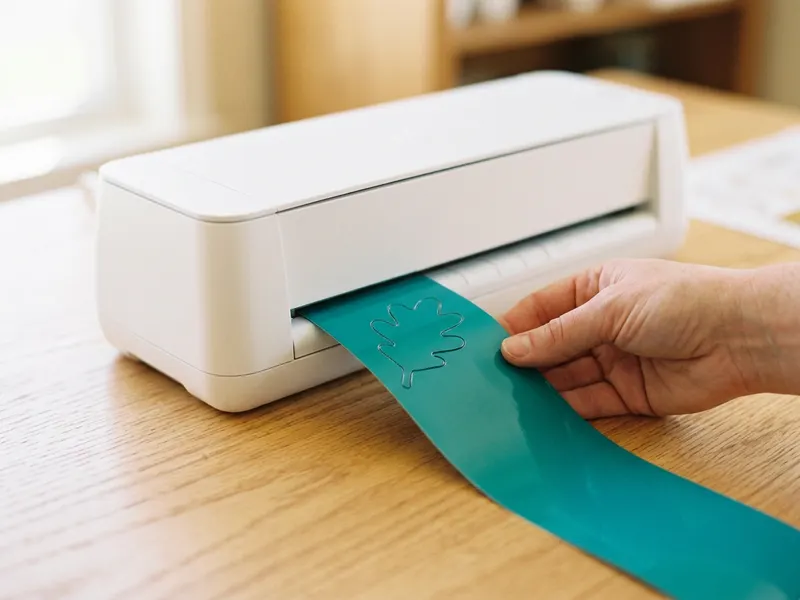 Cricut Joy Xtra Cutting Machine
Send your one-path SVG straight to a cutting machine and turn the curve into a vinyl decal or card.
-
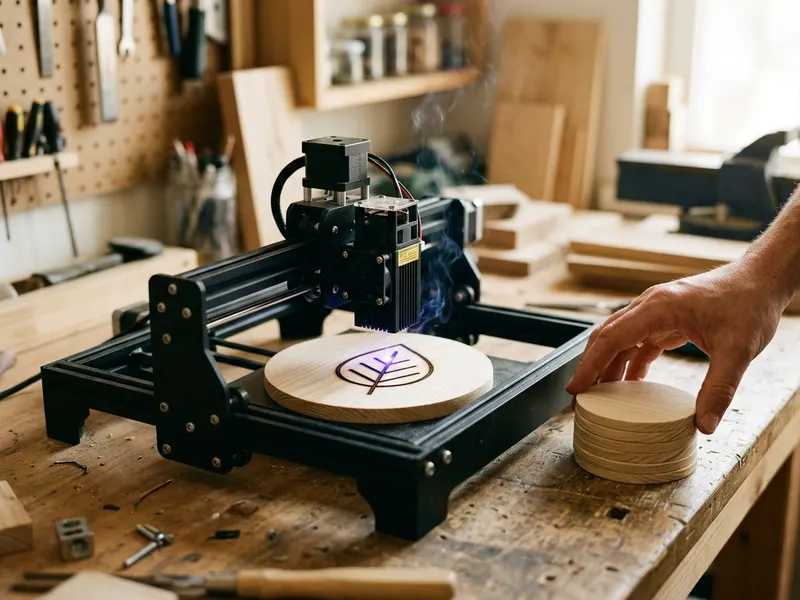 ACMER S1 Desktop Laser Engraver
Burn your curve into wood, leather or a coaster: an SVG path is exactly what a laser engraver follows.
Helps keep the tools free. ✨
Images are for illustration only. As an Amazon Associate I earn from qualifying purchases.


