Image to SVG Converter
This image to SVG converter traces a PNG, JPG or WebP into filled vector paths you can scale to any size. Choose Monochrome for a single-color shape or Color to keep the main colors as separate layers, tune the result with live sliders, then download the SVG. It is built for logos, icons, line art, signatures and silhouettes, including cut files for Cricut and other cutting machines. The tracing runs in your browser and nothing is uploaded.
How to convert an image to SVG
- Select Choose an image or drop it here and pick a PNG, JPG, WebP or HEIC file of up to 5 MB.
- Wait a moment for the trace, then use the SVG trace and Original toggle above the preview to compare the two.
- If the shapes are too coarse, too busy or missing detail, change the Trace settings below the preview. The preview updates as you move each control.
- Press Download SVG. The file is saved with the original name and an .svg ending, and the button changes to Download again.
The preview sits on a checkerboard so a transparent background is visible. The checkerboard is not part of the file. The readout under the preview, such as 5 paths and 4.2 kB, shows how many paths the trace has and how big the SVG will be. Download SVG is switched off for a moment while the image is traced again after a change.
Monochrome or Color trace mode
Trace mode starts on Monochrome. Pixels darker than the Detail threshold become one black shape and everything else is background. Use it for a signature, a stencil, a one-color logo or a silhouette.
Color keeps the main colors of the image and turns each one into its own filled shape. Use it for a flat-color logo, an icon or an illustration with a few distinct colors. A photograph traced in color becomes posterised shapes, not a lifelike copy.
Detail threshold and Smoothing
The two sliders do different things depending on the mode.
- Detail threshold runs from 0 to 255 and starts at 128. In Monochrome, raising it includes lighter areas in the shape and lowering it keeps only the darkest areas. In Color, it sets how many colors are kept: about 2 at 0, about 17 at the default 128 and about 32 at 255. The hint under the slider shows the number.
- Smoothing runs from 1 to 100 and starts at 50. Higher values give cleaner curves, fewer points and fewer paths, and drop small specks. Lower values follow the edges more sharply but add more nodes.
Remove white background for a transparent SVG
Remove white background is on by default. It drops near-white areas, where red, green and blue are all above 240, so the SVG has a transparent background and sits cleanly over any page, mockup or material. It cannot tell a background from white inside the picture, so white highlights or white lettering in the image also become see-through holes. Untick it to keep white areas as white shapes; in Monochrome that adds a white background shape behind the black one. Any transparent pixels in a PNG are treated as white before the trace.
What traces well and what does not
| Image | Suggested start | What to expect |
|---|---|---|
| Signature or handwriting | Monochrome, adjust Detail threshold | Clean black outlines |
| Black-and-white logo or line art | Monochrome, default settings | Sharp, scalable shapes |
| Flat-color logo or icon | Color, default settings | One filled shape per color |
| Silhouette or stencil | Monochrome | A single solid shape |
| Photograph | Color, raise Smoothing | Posterised shapes, many paths |
The SVG is a trace, not an exact copy of the original. Gradients become bands of flat color, very fine detail can disappear, and text in the image is not turned back into fonts.
PNG to SVG for Cricut and cutting machines
The downloaded SVG contains plain filled <path> elements only: no strokes, no
opacity and no embedded raster image. It declares the pixel width and height of your original with a
viewBox, so it scales to any size without blurring. It opens in Cricut Design Space,
Illustrator, Inkscape, Figma and any web browser. For a cut file, start with Monochrome on a
high-contrast image, keep Remove white background on, and check the shapes in your cutting software
before you cut.
Limits and large images
Files can be up to 5 MB, checked after a HEIC or camera RAW photo is converted. A very large image is traced from a copy scaled to at most 1200 px on the long edge, and the SVG still declares the original size, so nothing about the scaling shows in the file. Tracing is quick, but a busy color photo can produce thousands of paths and a file of 1 MB or more. For fewer paths, raise Smoothing or lower Detail threshold.
Other image and vector tools
To trace a scanned or raster PDF page, use Vectorize PDF. To cut out a subject before you trace it, try the Background Remover. To change the file type instead of tracing it, the Image Converter saves JPG, PNG, WebP or PDF, and the Pixel Art Converter turns a picture into chunky retro pixels.
Image to SVG questions
How do I convert a PNG to SVG?
Choose your PNG, check the SVG trace preview, then press Download SVG. The tool traces the shapes in the image into filled vector paths and saves them in a file named after the original, such as logo.svg. If the result is not right, change the Trace settings first: the preview updates as you move each control.
How do I convert a JPG to SVG with color?
In Trace settings, set Trace mode to Color, then press Download SVG. Each color the tool keeps becomes its own filled shape. Detail threshold sets how many colors are kept, from about 2 at 0 to about 32 at 255, and the default of 128 keeps about 17. JPG compression can leave specks, so raise Smoothing if you see them.
Can I convert an image to SVG for Cricut?
Yes. Press Download SVG and open the file in Cricut Design Space. The SVG contains only filled paths, with no strokes and no embedded picture. Clean black-and-white or flat-color artwork traces best, and Monochrome gives a single-color shape. A photo turns into blocky posterised shapes rather than a clean cut file.
How do I convert an image to SVG with a transparent background?
Keep Remove white background ticked, which is the default. Near-white areas, where red, green and blue are all above 240, are dropped, so the SVG has no background shape and the checkerboard shows through in the preview. This also removes white areas inside the picture, such as highlights, which become see-through holes. Untick it to keep white areas as white shapes.
Can I convert a photo to SVG?
You can, but the result is a posterised trace, not a photo. Color mode turns the picture into flat filled shapes, and a busy photo can produce thousands of paths and a file of 1 MB or more. Raise Smoothing or lower Detail threshold for fewer paths. For clean results, start from a logo, icon, line drawing or silhouette instead.
How do I convert a PNG to SVG without losing quality?
An SVG is made of paths instead of pixels, so it stays sharp at any size. It is a trace of the image and not an exact copy, so thin details can be smoothed away or merged. Lower Smoothing to follow edges more sharply, and raise Detail threshold in Color mode to keep more colors. Images with flat colors and clear edges lose the least.
Can I convert a logo or signature to SVG?
Yes, these are the best fit. Use Monochrome, then adjust Detail threshold until thin strokes stay solid without filling in the gaps. The shapes are plain filled paths, so the file opens in Illustrator, Inkscape and Figma and scales to any size. Text is not recreated as fonts: letters come out as outlines.
Is my image uploaded when I convert it to SVG?
No. The tracing runs in your browser in a web worker, so the image stays on your device. The limit is 5 MB, checked after a HEIC or camera RAW file is converted. Very large images are traced from a copy scaled to at most 1200 px on the long edge, and the SVG still declares the original size and scales freely.
Recommended
-
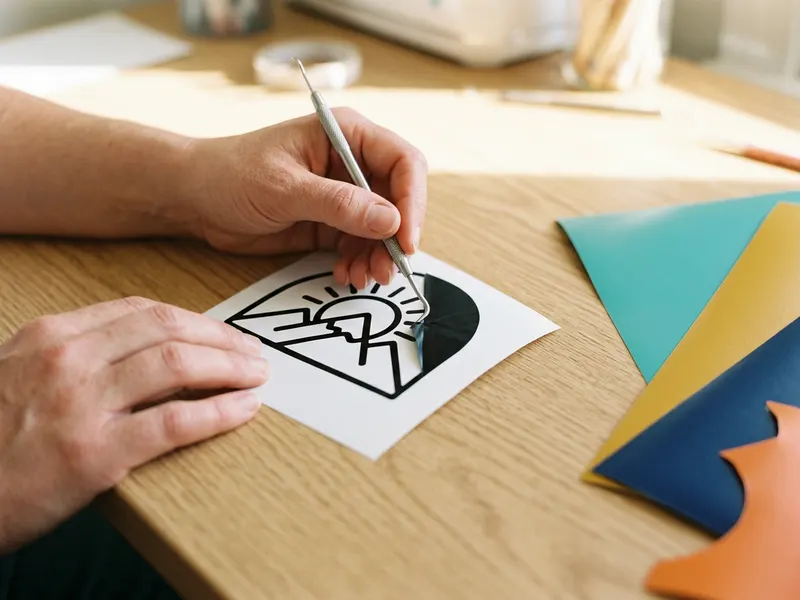 Cricut Permanent Vinyl Sampler (25 sheets)
Your traced logo is ready to cut; stock up on vinyl for the first decals.
-
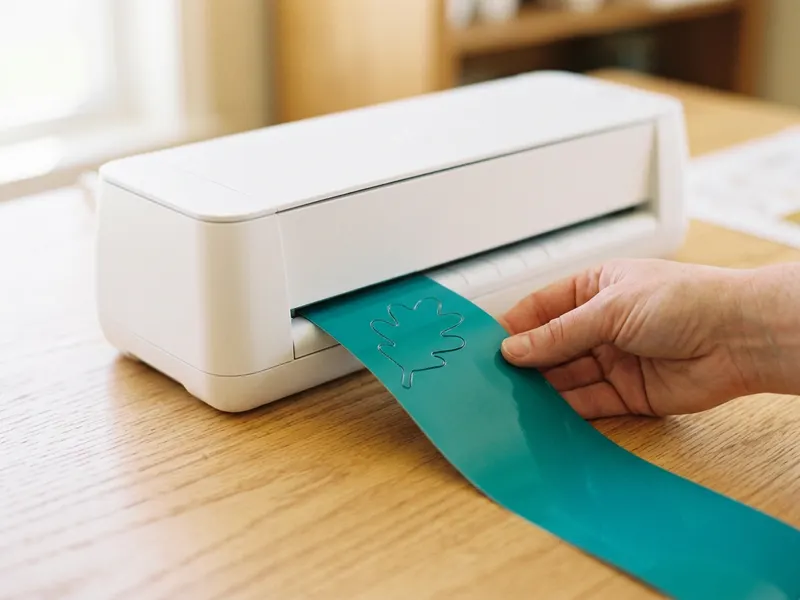 Cricut Joy Xtra Cutting Machine
Load the SVG straight into a small cutting machine and cut your logo out.
-
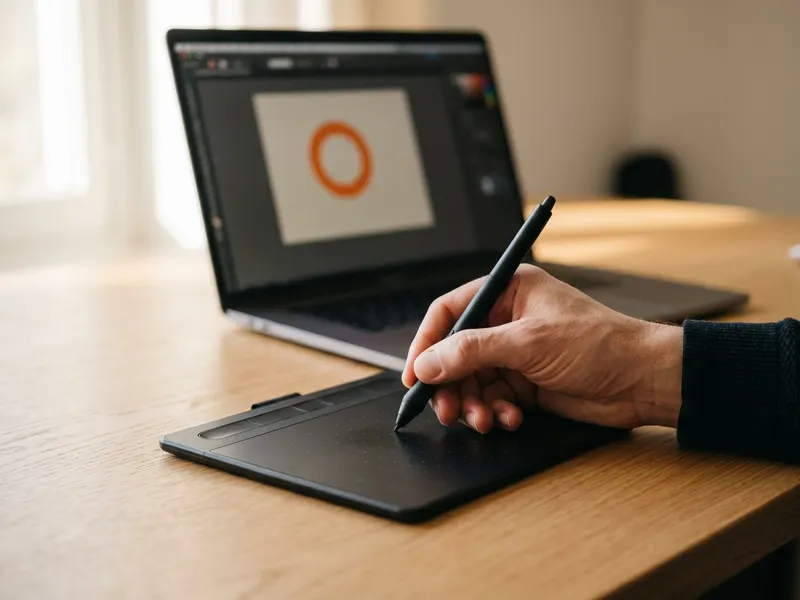 Wacom Intuos Small Drawing Tablet
Clean up the traced paths by hand with a pen, the way designers do.
Helps keep the tools free. ✨
Images are for illustration only. As an Amazon Associate I earn from qualifying purchases.


