Upside Down Text Generator
This upside down text generator turns what you type into upside down text as you type. Each letter, digit and common punctuation mark is swapped for the Unicode character that looks like it turned through 180 degrees, so the result is plain text you can copy and paste into a chat, a bio or a caption. Choose whether the order flips too, or stays put. Your text stays in your browser.
How to turn text upside down
- Type or paste your text into Your text.
- Under Text order, leave Flip text order selected or choose Keep text order (see the next section).
- Read the result in Upside down text, then select Copy to clipboard. The button changes to Copied!.
Select Clear to empty the box and start over. There is no submit button: the result changes with every keystroke and every time you switch the text order.
Flip text order or keep text order
Turning a page through 180 degrees does two things: every letter ends up upside down, and the last letter ends up first. The two choices under Text order let you pick.
The text is reversed as well as flipped, so the line reads correctly when the screen is physically turned around. On a phone, turn the phone to read it.
The letters are upside down but stay where they were, so the line still reads from left to right on a normal screen.
With more than one line, Flip text order reverses the whole text, so the lines come out in
reverse order too: Line one over Line two becomes oʍʇ ǝuᴉ⅂ over
ǝuo ǝuᴉ⅂. Keep text order leaves every line in its place and flips only the
letters: ⅂ᴉuǝ ouǝ over ⅂ᴉuǝ ʇʍo.
Which characters turn upside down
The tool covers A to Z, a to z, 0 to 9 and the punctuation marks below. This is what Keep text order gives you for each group.
| You type | You get |
|---|---|
abcdefghijklmnopqrstuvwxyz | ɐqɔpǝɟƃɥᴉɾʞlɯuodbɹsʇnʌʍxʎz |
ABCDEFGHIJKLMNOPQRSTUVWXYZ | ∀ᗺƆᗡƎℲ⅁HIſ⋊⅂WNOԀΌᴚS⊥∩ΛMX⅄Z |
0123456789 | 0ƖᄅƐㄣϛ9ㄥ86 |
. , ' " ! ? ( ) [ ] { } < > & _ ; | ˙ ' , „ ¡ ¿ ) ( ] [ } { > < ⅋ ‾ ؛ |
Some letters look the same upside down, such as o, s, x, z,
H and N, so they stay as they are. A few capitals have no true upside down twin, so
the nearest look-alike is used: A becomes ∀, M and W swap places, and
h becomes ɥ. Brackets swap sides as well as turning over, so with Flip text
order (a) [b] comes out as [q] (ɐ), still balanced.
Emoji, accents and other characters
A character with no upside down look-alike is left exactly as you typed it: emoji, Japanese and Chinese text,
other symbols and spaces. Emoji and flags stay whole instead of being cut into pieces, and an accented letter
such as é has its base letter flipped and keeps its accent.
Hello — 你好 → Hǝllo — 你好 (Keep text order)
Upside down text copy and paste
The result is ordinary Unicode text, not an image or a font, so it pastes into Discord, Instagram, WhatsApp, X, text messages and profile bios the same way you paste any text. How it looks is up to the app and its font. A few of the rarer glyphs, such as ᗺ, ᗡ or ㄣ, can show as boxes in an app or font that does not include them, so glance at the preview before you post.
Need only the order reversed, with every character left as typed? Use the Text Reverser. Want bold, script or Gothic letters instead of upside down ones? Try the Fancy Text Generator.
Limits and privacy
You can flip up to 10,000 characters at a time. Past that, a notice asks you to shorten the text instead of showing a result. The text is flipped in your browser as you type; nothing is uploaded or saved.
Frequently Asked Questions
How do you make upside down text?
Type or paste your text into the Your text box. The Upside down text box fills in as you type, with every letter, digit and common punctuation mark swapped for the Unicode character that looks like it turned 180 degrees. There is no button to press. Select Copy to clipboard to take the result with you.
How do I copy and paste upside down text?
Select Copy to clipboard under the Upside down text box. The button changes to Copied!, and the flipped text is on your clipboard, ready to paste into a message, a bio, a caption or a document. Line breaks are copied exactly as they appear in the box.
How do I send upside down text on Discord, Instagram or WhatsApp?
Copy the result with Copy to clipboard, then paste it into the message box, bio or caption like any other text. It is ordinary Unicode text, so apps accept it as typed. A few of the rarer glyphs can show as boxes in an app or font that lacks them, so check the preview before you post. Choose Keep text order if you want it to read left to right on a normal screen.
How do I type upside down text on an iPhone?
Type or paste your text into the Your text box on this page, then copy the result and paste it where you want it. To read it the way it is meant to be read, leave Flip text order selected and turn the phone around, so the line reads correctly with the screen upside down.
What is the difference between Flip text order and Keep text order?
Flip text order, the default, also reverses the text, so it reads correctly when the screen is physically turned around. Keep text order turns each letter upside down but leaves the letters in place, so the line still reads left to right. Hello world becomes plɹoʍ ollǝH with Flip text order and Hǝllo ʍoɹlp with Keep text order.
Is upside down text a font or Unicode?
It is Unicode, not a font. Each letter is replaced by a different character that looks like the turned-over letter, for example a becomes ɐ and e becomes ǝ. Because the result is ordinary text, it pastes almost anywhere, but it is drawn by whatever font the app uses, and a font that lacks one of the rarer glyphs may show a box for it.
Can I flip text upside down in Word or Google Docs?
You can paste the result into a document like any other text. It is made of look-alike characters rather than rotated text, so it follows the document's font, and a font that lacks a few of the rarer glyphs may show boxes for them. To rotate a text box or a block of text itself, use the rotate option in your editor instead.
Is upside down text the same as reversed text?
No. Reversed text only changes the order of the characters and keeps each one as typed. Upside down text also swaps each letter for a look-alike symbol. Flip text order does both at once, which is what turning a page around does. If you only need the order reversed, the Text Reverser does that.
How many characters can I flip at once?
Up to 10,000 characters. Above that, a notice asks you to shorten the text instead of showing a result.
Is my text uploaded or saved anywhere?
No. The text is flipped in your browser as you type. Nothing is uploaded, and nothing is saved when you close the page.
Recommended
-
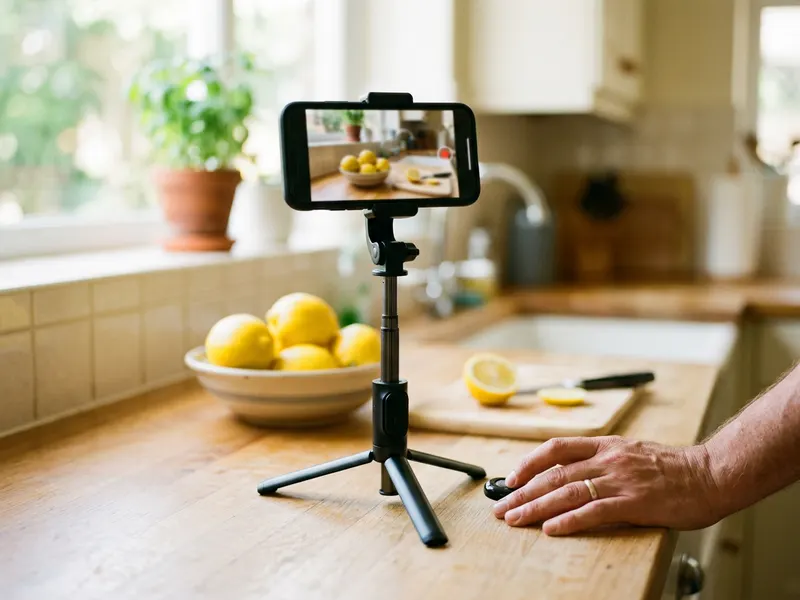 UBeesize Flexible Phone Tripod with Remote
Prop your phone up and film the upside-down joke or caption you just made.
-
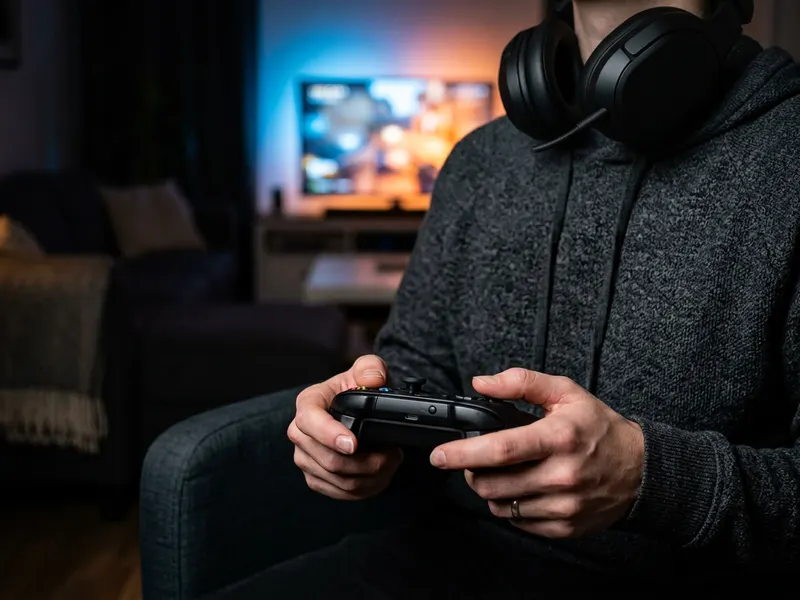 Turtle Beach Recon 50 Gaming Headset
Drop your flipped message in Discord, then jump on the voice call with a proper headset.
-
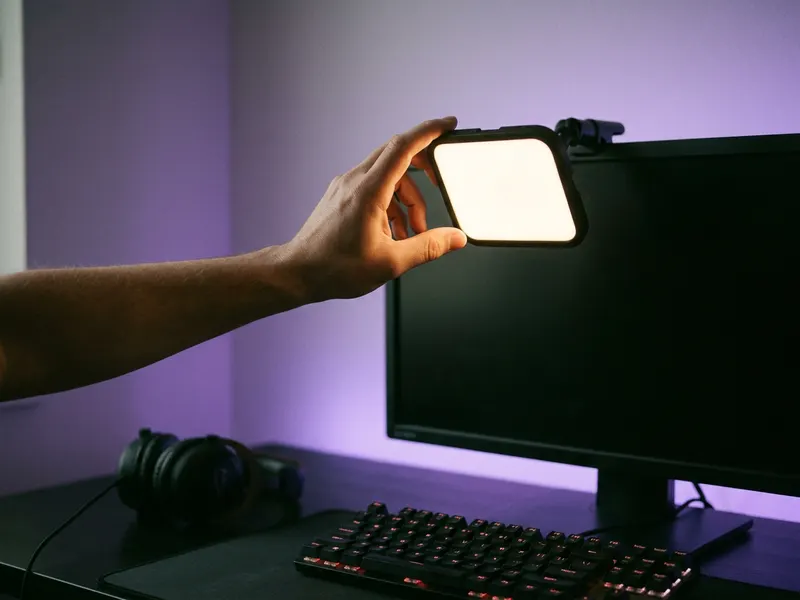 Logitech Litra Glow Streaming Light
Light your face and your Reels or TikToks to match that attention-grabbing post.
Helps keep the tools free. ✨
Images are for illustration only. As an Amazon Associate I earn from qualifying purchases.


