Reverse Text Online
Use this text reverser to reverse text three ways: flip the whole text backwards, spell every word backwards in place, or reverse the order of the words. The result updates as you type, there is no account to make, and your text is never uploaded. Emoji and accented letters are kept whole, so they do not break when the text is reversed.
How to reverse text
- Type or paste your text into Your text.
- Choose Reverse entire string, Reverse letters in words or Reverse word order under the box. The first is selected by default.
- Read the result in Reversed text, then select Copy to clipboard. The button changes to Copied.
Select Clear to empty the box and start over. There is no submit button: the result changes with every keystroke and every time you switch mode.
The three ways to reverse text
Every character is flipped, last one first. Line breaks are flipped too, so the lines come out in reverse order as well.
Each word is spelled backwards but stays where it was.
The words swap places and each one is left intact.
With more than one line, Reverse entire string turns
Line one over Line two into owt eniL over eno eniL. The
other two modes keep each line break where you typed it: Reverse letters in words gives
eniL eno over eniL owt, and Reverse word order gives
two Line over one Line.
Reverse words in a sentence, or only the letters in each word
To reverse the order of the words in a sentence, use Reverse word order: The quick brown fox becomes fox brown quick The. To reverse each word in a sentence and keep the sentence in place, use Reverse letters in words: the same sentence becomes ehT kciuq nworb xof. In both modes the spaces and line breaks stay exactly where you typed them.
Words are split on spaces and line breaks only. Text written without spaces, such as Japanese or Chinese, counts as one word, so Reverse word order leaves it as it is while Reverse entire string still reverses it character by character.
Reverse text with emoji and accents
Simple reversers cut emoji into pieces, because one emoji can be several characters inside. This one splits the text into what you see as one character first, so a thumbs-up with a skin tone, a flag, a family emoji and a letter with a combining accent each move as one piece.
café au lait → tial ua éfac
Limits and privacy
You can reverse up to 100,000 characters at a time. Past that, a notice asks you to shorten the text instead of showing a result. The text is reversed in your browser as you type; nothing is uploaded or saved. The tool does not read files, so paste the text in rather than opening a document.
Frequently Asked Questions
How do I reverse text online?
Type or paste your text into the Your text box. The Reversed text box fills in as you type, with the whole text backwards by default, so there is no button to press. Then select Copy to clipboard to take the result with you. To change what gets reversed, pick Reverse letters in words or Reverse word order under the box.
How do I reverse text and copy and paste it somewhere else?
Select Copy to clipboard under the Reversed text box. The button changes to Copied, and the reversed text is on your clipboard, ready to paste into a message, a document or a post. Line breaks and spacing are copied exactly as they appear in the box.
How do I reverse each word in a sentence?
Choose Reverse letters in words. Each word is spelled backwards but stays in its place, so Hello world becomes olleH dlrow. Spaces and line breaks stay exactly where you typed them.
How do I reverse the order of words in a sentence?
Choose Reverse word order. The words swap places and each one stays spelled normally, so Hello world becomes world Hello. Words are split on spaces and line breaks, and the spaces and line breaks stay where they were.
Is reverse text the same as mirror text or upside down text?
No. Reversing changes the order of the characters or words and keeps every character as it is. Mirror text and upside down text swap letters for look-alike symbols, which this tool does not do, so you will not get flipped glyphs or special fonts.
Can I reverse text that has emoji or accented letters in it?
Yes. The tool reverses by what you see as one character, not by code unit, so an emoji with a skin tone, a flag, a family emoji or a letter with a combining accent moves as a single piece and is never split into broken symbols.
Why does my Japanese or Chinese text not reverse word by word?
Words are found by spaces and line breaks only. Text written without spaces counts as one word, so Reverse letters in words reverses the whole run and Reverse word order leaves it unchanged. Reverse entire string still reverses it character by character.
Is there a limit on how much text I can reverse?
Yes, 100,000 characters. Above that, a notice asks you to shorten the text instead of showing a result. An emoji can count as more than one character toward the limit.
Is my text uploaded or saved anywhere?
No. The text is reversed in your browser as you type. Nothing is uploaded, and nothing is saved when you close the page.
Recommended
-
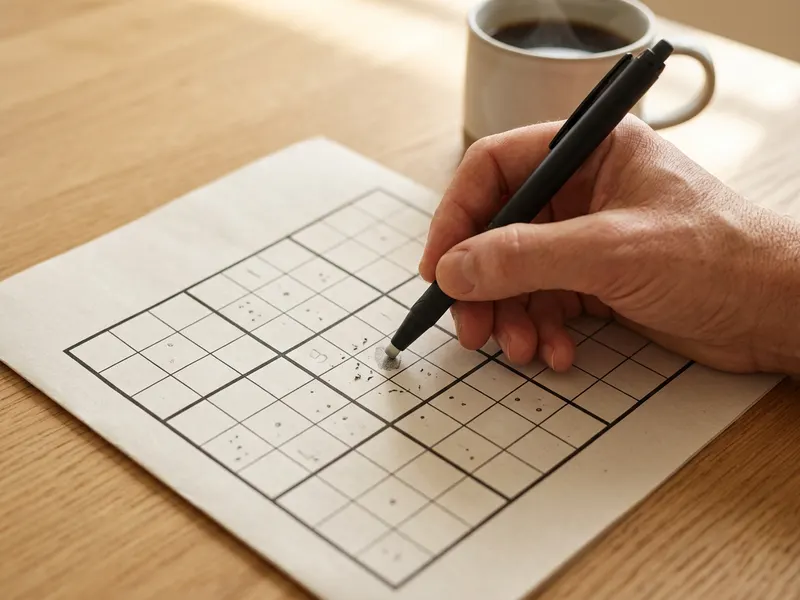 Pilot FriXion Erasable Pens (3 pack)
Write your backwards message by hand, then wipe it clean and try another.
-
 Desktop Magnetic Whiteboard with Markers
Post the reversed clue on the board and let the kids read it in a mirror.
-
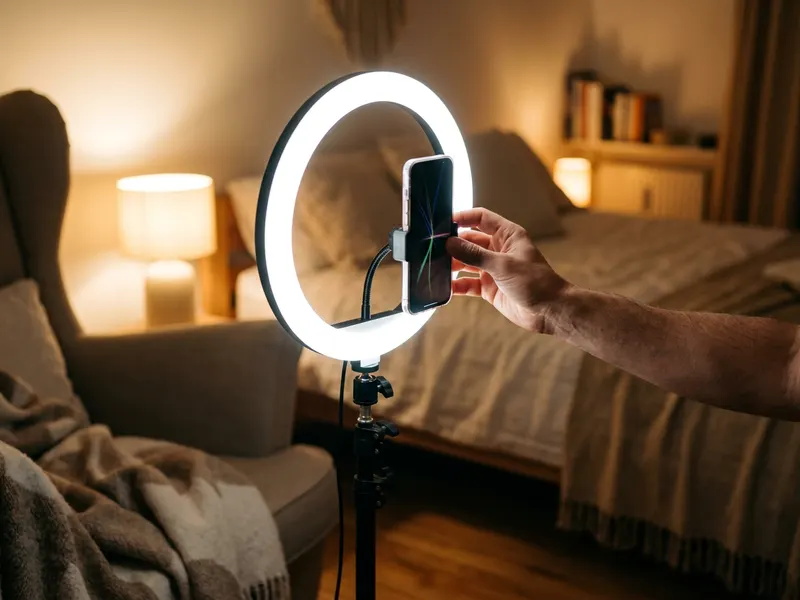 UBeesize Desk Ring Light with Phone Stand
Light your face and hold the phone steady when you film your backwards message.
Helps keep the tools free. ✨
Images are for illustration only. As an Amazon Associate I earn from qualifying purchases.


