Change a GIF's Playback Speed Online, Free
This tool changes a GIF's playback speed online, free, entirely in your browser — no upload, no sign up. It works as a GIF speed changer online, free, whether you want to slow down a GIF online or speed up a GIF online: drag the Playback speed slider, or open Advanced settings for an exact custom frame delay. Because it rewrites the delay time already stored in the file instead of re-encoding the pixels, the result is instant and pixel-for-pixel identical to the original.
Slow Down or Speed Up a GIF in Your Browser
Drop a GIF in and the Playback speed slider defaults to 0.5× — half speed — since slowing a GIF down is the more common reason to reach for a tool like this. Drag it above 1× to speed the animation up instead, all the way to 5×. The preview above the slider updates within a couple hundred milliseconds of every drag, so you're always looking at exactly what Download will save.
Set an Exact Playback Multiplier (0.1×–5.0×)
The multiplier works by reading each frame's stored delay time and dividing it by the slider's value — a 0.5× multiplier doubles every delay (half speed), a 2× multiplier halves every delay (double speed). It's applied per frame, not as one flat number for the whole GIF, so animations with uneven original timing (a pause on one frame, a quick flash on the next) keep their relative rhythm whether you're using it to make a GIF slower online or make a GIF faster online, free.
Override with a Custom Frame Delay (Advanced)
Open Advanced settings to bypass the multiplier entirely and type an exact delay in milliseconds — every frame is set to that same value, overriding whatever timing the original file had. This is the control to reach for when you need a specific, known speed rather than "twice as fast" relative to the source. The slider disables itself while a custom delay is set, since the two controls can't both be authoritative at once; clear the field to hand control back to the slider. The lowest delay accepted is 20ms — see the FAQ below for why.
Slow Down a GIF on iPhone or Any Device
There's nothing to install: this works the same in Safari, Chrome, or any mobile browser — tap the drop zone above to pick the GIF from Photos or Files, and adjust the slider the same way you would on a computer. The processing happens on your device either way, so the file never leaves your phone, and Download saves the result straight back to your device's normal downloads or photo library flow.
Frequently Asked Questions
Can you speed up a GIF?
Yes — drag the Playback speed slider above 1× and the tool rewrites every frame's delay time to a shorter value, so the whole animation plays back faster. Up to 5× is supported, and because only the delay bytes change (not the pixels), there's no quality loss and no re-encoding step to wait for.
Can you slow down a GIF?
Yes — drag the Playback speed slider below 1× (the default is 0.5×, half speed) and every frame's delay time is stretched proportionally, so the GIF plays back slower without losing any frames or quality. You can go as low as 0.1× for a near-freeze-frame effect.
Why are my GIFs playing too fast?
A GIF's playback speed is set by a per-frame delay value baked into the file itself — some export tools write very short delays (or even a 0ms delay, which browsers then play as fast as they can), which is why the same GIF can look fine in one app and rush past in another. Dragging the Playback speed slider below 1× here rewrites those delay values directly, so the fix is permanent in the downloaded file rather than a per-viewer setting.
How do I slow down a GIF on iPhone?
In Safari or any iPhone browser, tap the drop zone above to choose the GIF from Photos or Files, then drag the Playback speed slider below 1×. Everything runs in the browser itself, so there's no app to install — the slowed-down GIF downloads straight to your iPhone when you tap Download.
What's the minimum GIF frame delay?
This tool won't write a delay shorter than 20 milliseconds (2 hundredths of a second) per frame, even if the speed multiplier or a custom delay would otherwise call for less. That floor exists because most browsers cap or round very short GIF delays inconsistently — going below it risks the opposite of what you want, an animation that stutters or plays at an unpredictable speed.
How many FPS is a GIF?
A GIF doesn't have one fixed frame rate the way a video does — each frame carries its own delay time, so the effective FPS is 100 divided by that delay in hundredths of a second (a 10-hundredths, i.e. 100ms, delay is 10fps). Open Advanced settings and enter a Custom frame delay in milliseconds if you want to target an exact frame rate instead of a relative speed multiplier — 100ms for 10fps, 42ms for roughly 24fps, and so on.
Recommended
-
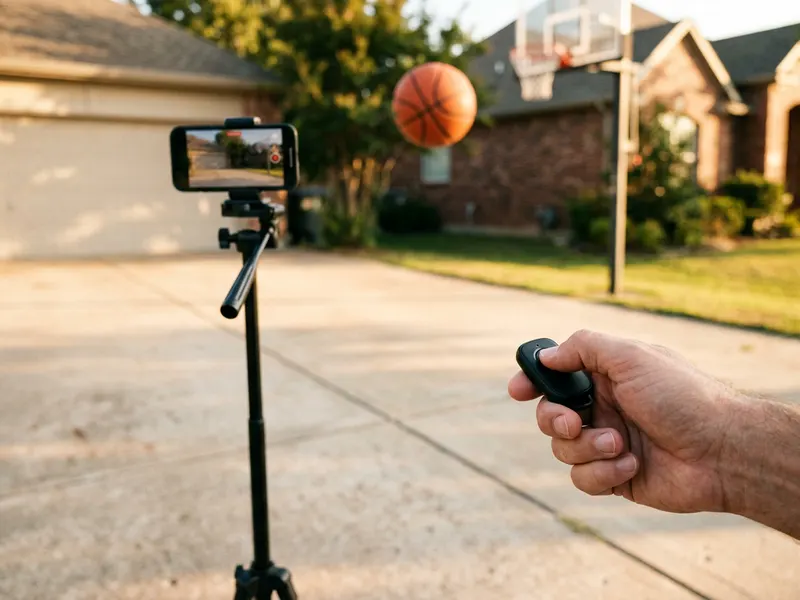 SENSYNE Phone Tripod with Remote
Film the shot or trick you want to slow down frame by frame
-
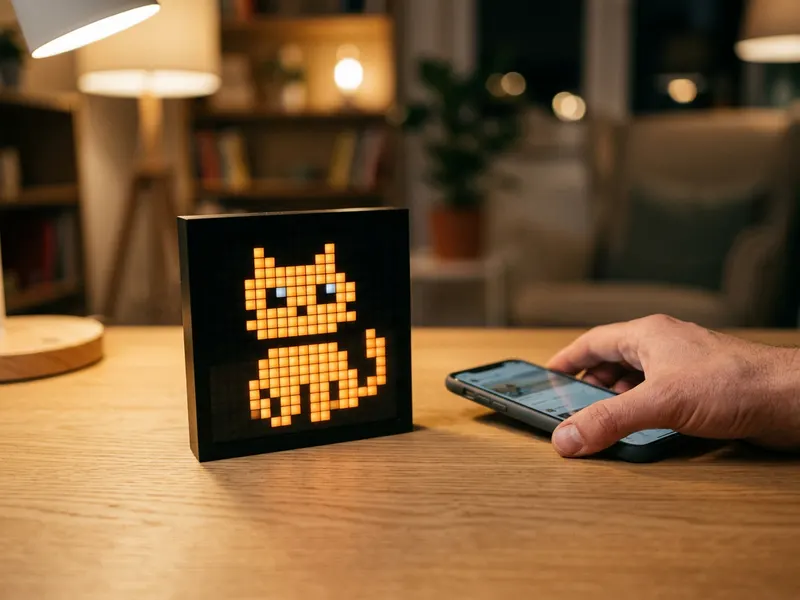 Divoom Pixoo Pixel Art Display
Loop your GIF on your desk at exactly the speed you set
-
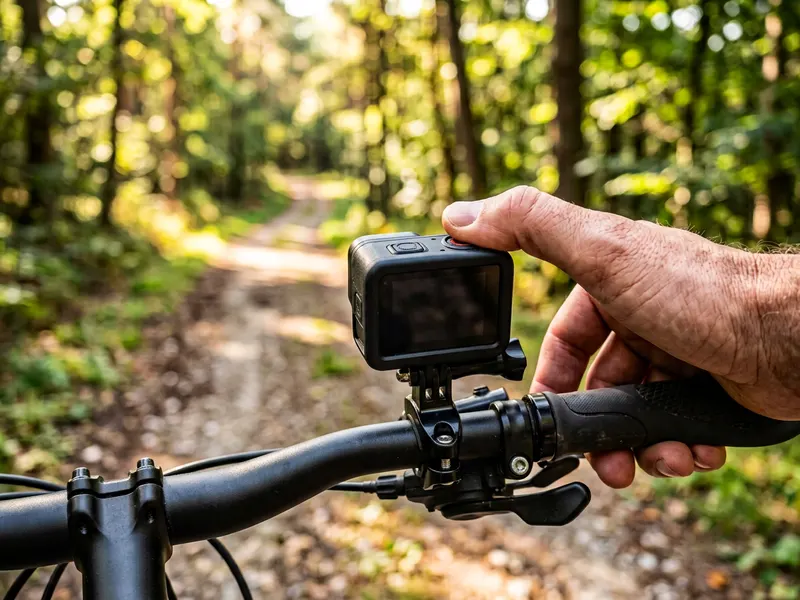 AKASO Brave 7 LE Action Camera
Capture fast moments worth replaying in slow motion
Helps keep the tools free. ✨
Images are for illustration only. As an Amazon Associate I earn from qualifying purchases.


