Static QR Code Generator
A static QR code stores your link or text directly in its squares, so it works for as long as the page it points to does. Paste a link or type any text into Link or text and the code redraws as you type, then download it as a PNG or an SVG. The text is encoded exactly as typed, with no shortener, no redirect and no tracking, and it never leaves your device.
How to make a static QR code
- Paste a link or type any text into Link or text. Press Clear to empty the box and start again.
- Watch the code below the box. It updates a moment after each keystroke, and the line under it shows its size in squares and its version.
- Check the byte counter under the box. It reads like "19 / 2,331 bytes" and is flagged when the text is too long for the chosen error correction level.
- Select Download PNG or Download SVG. A Saved note appears when the file has been written to your device.
- To change the look, select Appearance & error correction and set the error correction level, Code color, Background color, Transparent background and Margin (quiet zone).
https://example.comResult 19 / 2,331 bytes, a 25 × 25 squares code, Version 2 at level M
Before you print or share the code, scan it once with a phone. Barcode Scanner reads QR codes with a camera, and it is a quick way to confirm the code opens exactly the link you meant.
Static vs dynamic QR codes: why this one never expires
Many QR code makers print a dynamic code. Its squares hold a short address on the maker's own server, which forwards the scan to your link. That is how they count scans and let you change the destination, and it is also why the printed code can stop working when a free trial or subscription ends.
A static code has no middleman. The squares hold your text itself, so the code cannot be switched off, edited or made to show a different page later. The price of that is the same fact: to change where a static code points, you make and print a new one.
A code that never expires does not keep a web page alive. If the page you linked to is moved or taken down, the code still scans and leads to an error, so link to an address you plan to keep.
QR code error correction levels
Error correction adds spare data so a scanner can still read a code that is scratched, smudged or partly covered. A higher level repairs more damage but makes the code denser and lowers how much text fits.
| Level | Repairs about | Max bytes | Good for |
|---|---|---|---|
| L | 7% | 2,953 | Smallest, simplest code; clean print or screen |
| M | 15% | 2,331 | The default; a good choice for most codes |
| Q | 25% | 1,663 | Codes that may get scuffed |
| H | 30% | 1,273 | Placing a logo over the code |
The generator has no logo upload, but if you will add a logo yourself in a design program, choose H first and keep the logo small and centered. Then scan the finished design before you print it.
Download a QR code as PNG or SVG
- Download PNG saves an image about 1,024 px wide. Every square is a whole number of pixels, so the edges stay sharp instead of blurring.
- Download SVG saves a vector file that scales to any size, which suits posters, signs, stickers and packaging files.
- Transparent background leaves the background out of both files so you can place the code on your own artwork. Put it on a light surface.
- Margin (quiet zone) adds blank squares around the code, from 0 to 10. Keep 4 for printing.
Scanners need strong contrast between the code and its background. A warning appears when Code color and Background color are too close, and when the code is lighter than its background, because not every scanner reads that. A dark code on a light background is the safe choice.
How much text fits in a QR code (max characters)
The limit is in bytes, not characters, and it falls as error correction rises: 2,953 at L, 2,331 at M, 1,663 at Q and 1,273 at H. Plain English text uses 1 byte per character, accented letters and Cyrillic or Greek use 2, Chinese, Japanese and Korean characters use 3, and emoji use 4. A text of 300 Japanese characters is therefore 900 bytes.
More text means more squares. A short link such as https://example.com is only 25 × 25 squares, while a text at the limit gives a version 40 code of 177 × 177 squares. When the version reaches 15, a note asks you to print the code large or shorten the text, so phones can read it reliably. A shorter link is the easiest fix.
Text that starts or ends with a space or line break is encoded exactly as typed, which can break a link, so the generator warns you about it.
What this QR code generator leaves out
It makes one kind of code: the text you enter, nothing more. There is no logo upload, no dynamic or tracked codes, no scan counts and no forms for contact cards or Wi-Fi. You can still paste a Wi-Fi or contact card string into Link or text and it is encoded as written.
Static QR code generator questions
Do static QR codes expire?
No. A static QR code holds your link or text inside its squares, so there is no account, subscription or server behind it that can lapse. This generator writes the text exactly as you typed it, with no shortener and no redirect, so a printed code keeps scanning for as long as the page it points to stays online. If the website itself disappears, the code still scans but leads nowhere.
What is the difference between static and dynamic QR codes?
A static code stores the final link or text in the squares and can never be edited. A dynamic code stores a short redirect address owned by the generator service, which lets the service change the destination and count scans, but the printed code often stops working when the subscription ends. This tool makes static codes only, so there are no scan counts and nothing to renew.
Can static QR codes be tracked?
The code itself carries no tracking: it holds only the text you entered, and this tool adds no redirect and no scan counter, so scans of the code cannot be counted. Whoever runs the page you link to can still see its own visitors, and a link you paste with tracking parameters such as utm_source keeps them.
How much data can a QR code hold?
Up to 2,953 bytes at error correction L, 2,331 at M, 1,663 at Q and 1,273 at H. Plain English letters, digits and symbols take 1 byte each, accented letters and Cyrillic or Greek take 2, Chinese, Japanese and Korean characters take 3, and emoji take 4. The counter under Link or text shows the bytes used and the maximum as you type.
What QR code error correction level should I use?
Leave it on M for most codes. Choose L for the smallest, simplest code when the print will stay clean, Q for codes that may get scuffed, and H if you plan to place a logo over the code, since it repairs about 30% damage. Each step up makes the code denser and lowers the byte limit.
How do I make a QR code with a transparent background?
Select Appearance & error correction, tick Transparent background and download. Both the PNG and the SVG then have no background fill, and the preview shows a checkerboard. Keep the code dark: a transparent code is judged against white paper, and a code lighter than its background is not read by every scanner.
What is the quiet zone of a QR code?
The quiet zone is the blank border around the code that scanners use to find where it starts. The Margin (quiet zone) field sets it from 0 to 10 squares and starts at 4, the width the QR standard asks for. Keep 4 for printing, and use 0 only when the code sits inside a frame that already leaves blank space.
Can I make a Wi-Fi QR code?
There is no Wi-Fi form, but you can type the Wi-Fi text yourself into Link or text, for example WIFI:T:WPA;S:CafeGuest;P:espresso42;; and many phone cameras then offer to join the network. That example makes a 29 × 29 squares code (version 3) at level M. Anyone who scans the code can read the password, so use it only where that is fine.
Recommended
-
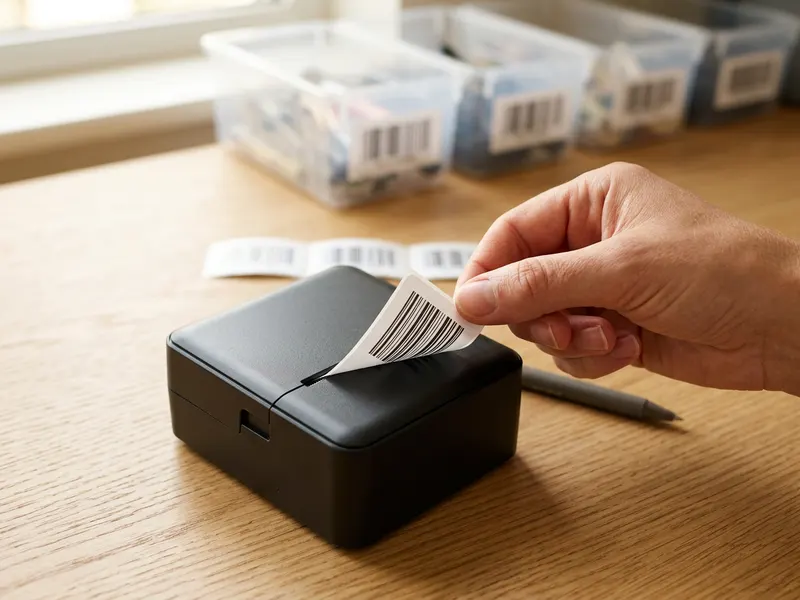 Phomemo M110 Label Printer
Send the downloaded PNG from your phone and print the code as a sticker for menus, jars or the door.
-
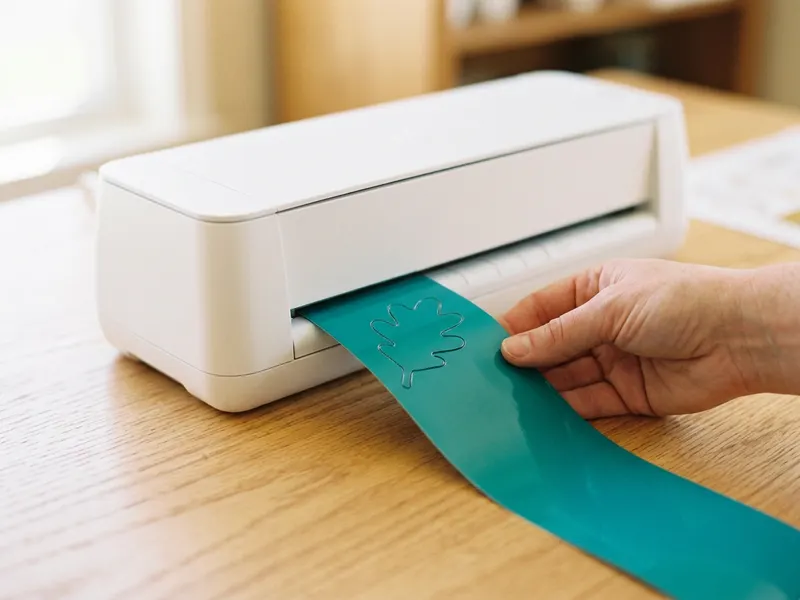 Cricut Joy Xtra Cutting Machine
Import the SVG and cut your code as a vinyl decal for a shop window or a sign.
-
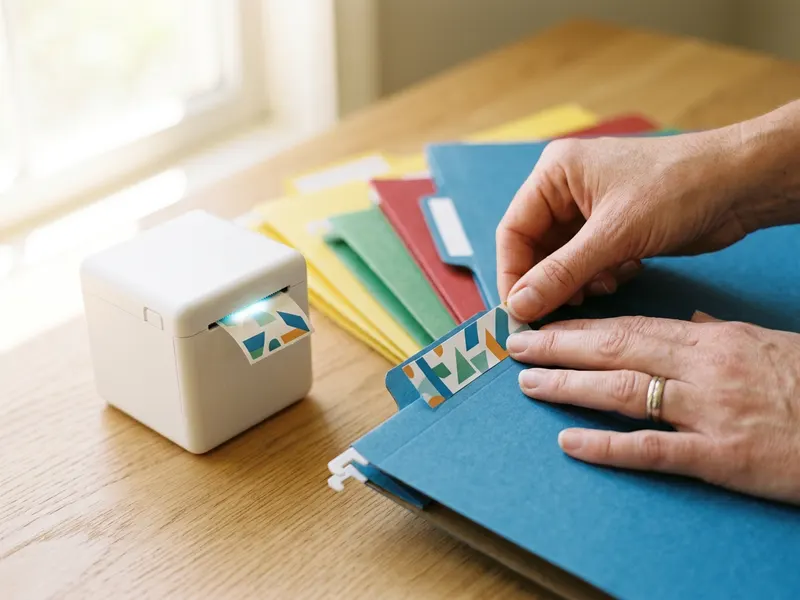 Brother P-touch Cube Label Maker
Print a short "Scan for the menu" caption label to stick right beside the code.
Helps keep the tools free. ✨
Images are for illustration only. As an Amazon Associate I earn from qualifying purchases.


