Reverse Reverb Effect Online: Make a Swell That Builds Into Your Sound
Reverse reverb is a reverb tail that builds up before a sound instead of fading after it. This page makes the effect from a short audio clip: it reverses the sound, adds reverb, reverses the result so the tail becomes a swell, and mixes your original in right after it. You get a WAV with the swell already printed, with no DAW or plugin to set up. The clip is decoded and rendered in your browser and your audio is never uploaded.
How to make a reverse reverb effect online
- Drop a clip onto Choose an audio file or drop it here, or select it to browse. The line under it reads WAV, MP3, OGG, FLAC · up to 30 seconds · 30 MB. A longer clip is refused with a message that it is longer than 30 seconds.
- Wait while it shows Decoding audio… and then Rendering the swell….
- Look at the waveform. A dashed line marks where your original sound starts, and the legend names the two parts: Swell is the build-up before the line and Original sound is your clip from the line on.
- Press Play to hear it. The button becomes Stop and a playhead moves across the waveform.
- Adjust Reverb decay time and Dry/Wet mix below the download button. The swell re-renders by itself a moment after you let go of a slider.
- Press Download WAV. The file is named
<original name>-reverse-reverb.wav, and the line under the button gives its sample rate, bit depth, channels, length and size, for example44.1 kHz · 16-bit · 1 channel · 4.0 s · 353 kB. - Select Use another file to start again with a different clip.
If something goes wrong you see Couldn't make the swell and a Try again button. The message says what failed. If the file could not be decoded, try exporting it as a standard WAV or MP3 first.
What Reverb decay time and Dry/Wet mix do
| Slider | Range | What it does |
|---|---|---|
| Reverb decay time | 1.0 to 10.0 s in 0.1 s steps, default 3.0 s | Sets how long the swell is. The file gets exactly this much longer, because the swell is added in front of your clip. A short decay is a quick pull-in; a long one is a slow rise. |
| Dry/Wet mix | 0% (Dry) to 100% (Wet), default 50% | An equal-power crossfade between your original and the swell. At 0% only the original is left, delayed by the decay time. At 100% the original is not mixed in and only the reverse reverb signal remains. |
The reverb is rendered once per decay time, so moving only Dry/Wet mix is instant, while a new Reverb decay time takes a moment to render.
How the swell is made
- Your clip is reversed.
- The reversed clip goes through a reverb. The reverb is a generated burst of decaying noise whose highs darken over the tail, the way a room does.
- The result is reversed again, so the tail plays backwards and swells up to the original sound.
- The swell is scaled so its loudest point matches the loudest point of your clip, then your original is mixed in right after it using Dry/Wet mix.
Each channel gets its own noise, so a stereo clip stays stereo and a mono clip stays mono. The same clip with the same settings always gives the same swell. If the mix would go past full scale, everything is turned down together and a note reads Turned down by {db} dB so the mix does not clip. with the number filled in.
What you get back
The result is always a WAV, so nothing is re-encoded with a lossy codec. It keeps the sample rate and channel count of your file, and it is longer than your clip by the decay time. A 1-second mono clip at 44.1 kHz and 16-bit with the default 3.0 s decay comes out as a 4.0 second file of about 353 kB.
| Source file | Output WAV |
|---|---|
| WAV | Same bit depth; a 32-bit float WAV stays 32-bit float |
| FLAC | Its own bit depth |
| MP3 or OGG | 16-bit |
What to use reverse reverb on
- Vocals. A word or short phrase gets a lead-in that rises into the first syllable. Keep the clip short; the effect is for a phrase, not a whole verse.
- Snares and other drum hits. The swell builds into the hit. Because the swell is scaled to the loudest point, it can sound very loud on a hit with a sharp peak. That is normal; lower Dry/Wet mix to push it back.
- Cymbals, guitar chords and synth stabs. A longer Reverb decay time gives a slow riser into the sound.
- Transitions. Make the swell from the first hit of the next section and place the WAV so the original sound lands on the downbeat.
What this tool does not do
- The reverb is generated decaying noise. There are no room models or presets, no pre-delay control and no tail trim.
- It adds a reverse swell; it does not remove reverb from a recording.
- It is not a plugin. You get a WAV to drag into your DAW or sampler, not an effect that runs inside one.
- Clips are limited to 30 seconds and 30 MB. Trim longer audio to the phrase or hit you want first.
- The WAV holds audio only. Tags, markers and other metadata in the original are not copied.
- To turn an MP3 into a WAV first, use MP3 to WAV, to fold a stereo clip into one channel use Audio to Mono, and to slow a clip down before you add the swell try Slow Down Audio.
- To compare the result with your original, load both in the Audio A/B Tester.
Frequently asked questions
What is reverse reverb?
Reverse reverb is a reverb tail that grows before a sound instead of fading after it. The sound is reversed, run through a reverb, and the result is reversed again, so the tail plays backwards and swells up to the original sound. Producers use it for vocal lead-ins, drum risers and transitions.
What does reverse reverb sound like?
It sounds like a soft wash that rises out of silence and gets louder until the original sound arrives, almost like the sound is being pulled in. Press Play to hear it on your own clip; the playhead moves across the waveform and the dashed line shows where the original starts.
How do I make reverse reverb?
In a DAW you reverse the clip, put a reverb with a long tail on it, bounce the result including the tail, reverse the bounce, and line it up so the swell ends where the original sound starts. This page does those steps in one go: drop a clip, set Reverb decay time and Dry/Wet mix, and download the WAV.
What is the difference between reverse reverb and reverse delay?
Reverse reverb is a smooth wash of sound that builds up into the original. Reverse delay is a series of separate echoes played backwards, so you hear distinct repeats rising into the sound. This page makes reverse reverb only, with a generated noise reverb and no delay repeats.
How do I make a reverse reverb vocal effect?
Use a short vocal phrase or a single word, up to 30 seconds. Start with the default 3.0 s Reverb decay time and 50% Dry/Wet mix, press Play, then lengthen the decay for a slower rise or lower the mix to keep the swell in the background. Download WAV gives you a file that starts with the swell and carries on into your vocal.
Can I use reverse reverb on a snare or drum hit?
Yes, a single hit works well. The swell is scaled so its loudest point matches the loudest point of your clip, so on a sharp drum hit the swell can sound very loud. That is normal. Lower the Dry/Wet mix to push the swell back, or shorten the Reverb decay time for a quicker rise.
Is there a free reverse reverb plugin?
This page is not a plugin and does not load inside a DAW. It is free to use in the browser and gives you a finished WAV with the swell already printed, which you can drag into any DAW or sampler. It has no room models or presets: the reverb is generated decaying noise.
How long is the swell, and why is the file longer than my clip?
The swell is exactly as long as the Reverb decay time, from 1.0 to 10.0 seconds, and it is added in front of your clip. A 1-second clip at the default 3.0 s decay comes out 4.0 seconds long. The line under Download WAV shows the sample rate, bit depth, channels, length and size of the file you will get.
Why did the mix get turned down?
The swell and the original add together, and if the sum would go past full scale the whole mix is lowered so it does not clip. A note then reads Turned down by a number of dB so the mix does not clip. The balance between swell and sound stays the same; only the overall level drops.
Is my audio uploaded anywhere?
No. The clip is decoded and the swell is rendered inside your browser tab, and nothing is sent to a server. WAV, MP3, OGG and FLAC files are accepted, up to 30 seconds and 30 MB; a longer clip is refused with a message that it is longer than 30 seconds.
Recommended
-
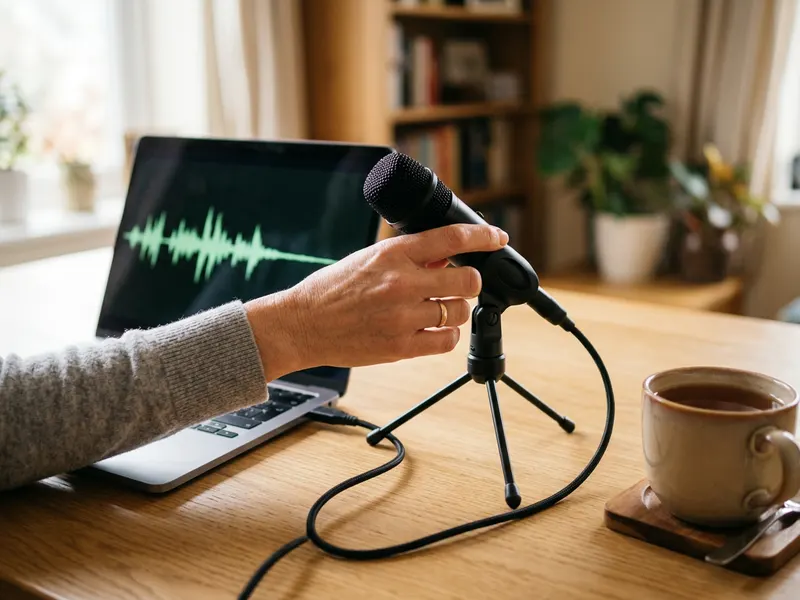 FIFINE K669B USB Microphone
Record the vocal phrase that your reverse reverb swell will lead into.
-
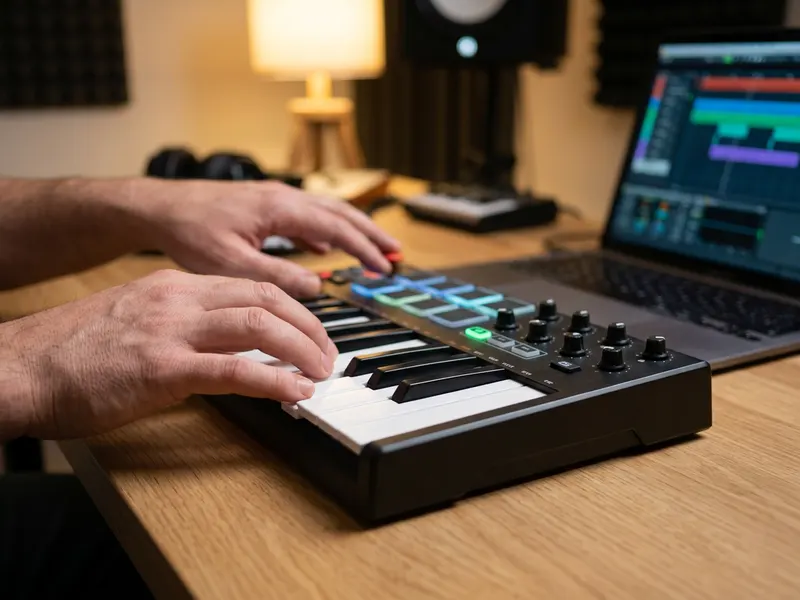 Akai MPK Mini MK3 25-Key MIDI Keyboard
Tap in the drum hits and risers you will run through the swell.
-
 Audio-Technica ATH-M50x studio headphones
Hear how the tail builds into the hit before you drop the WAV into your track.
Helps keep the tools free. ✨
Images are for illustration only. As an Amazon Associate I earn from qualifying purchases.


