LUFS Meter Online: Measure Loudness and True Peak
This LUFS meter online reads the integrated loudness, true peak and loudness range of an audio file and shows how close it is to the level Spotify, Apple Music, YouTube and others publish. It follows the ITU-R BS.1770-4 and EBU R128 method, runs inside your browser, and your audio is never uploaded. There is no account and no playback, just three numbers.
How to measure LUFS online
- Drop an audio file onto the page, or select Drop an audio file, or choose one and choose one. WAV, MP3, FLAC, AAC and OGG work, up to 150 MB.
- Wait while it shows Decoding audio… and then Measuring loudness…. A typical song takes a few seconds.
- Read Integrated loudness (the big number, in LUFS), True peak (dBTP) and Loudness range (LU).
- Open Streaming targets and change Compare against to see the same result against another platform.
- Select Measure another file to check a different one.
The meter never plays the file. Your browser decodes it to raw samples and the measurement is done on those, so the numbers describe the whole file, not whatever you happened to hear.
What the three readings mean
- Integrated loudness is the average loudness of the whole file after K-weighting, measured in 400 ms blocks. Silence and very quiet passages are gated out so they do not drag the number down.
- True peak is the highest level the waveform reaches once it is turned back into a smooth signal. Each channel is oversampled 4 times, so peaks that fall between samples are caught. This is the figure to watch for clipping after MP3 or AAC encoding.
- Loudness range (EBU Tech 3342) is the spread between the quiet and loud parts, in LU. A low value means steady loudness. It needs at least 3 seconds of audio and shows a note instead when the file is shorter.
LUFS targets for Spotify, Apple Music, YouTube and podcasts
The Compare against list holds nine commonly published reference levels. Choosing one does not re-measure anything. It only changes the colour and the wording under your numbers.
| Target | Integrated loudness | True peak ceiling |
|---|---|---|
| Spotify (default) | -14 LUFS | -1 dBTP |
| Apple Music | -16 LUFS | -1 dBTP |
| YouTube | -14 LUFS | -1 dBTP |
| Amazon Music | -14 LUFS | -2 dBTP |
| Tidal | -14 LUFS | -1 dBTP |
| Deezer | -15 LUFS | -1 dBTP |
| Podcasts | -16 LUFS | -1 dBTP |
| Broadcast (EBU R128) | -23 LUFS | -1 dBTP |
| Club / DJ | -9 LUFS | -1 dBTP |
Treat these as starting points. Services revise their guidance, and most simply turn a loud track down rather than pushing a quiet one up, so check the platform's own page before a release.
How to read the status line
- On target means the integrated loudness is within 1 LU of the chosen target.
- A line such as 6.8 LU above the target is shown in red: the file is louder than the target by that much.
- A line such as 11.2 LU below the target is shown in amber: the file is quieter than the target.
- Under the -1 dBTP ceiling means the true peak is safe. A line such as 1.2 dB over the -1 dBTP ceiling means it is too hot and should be limited or turned down.
To fix a result, change the level in your editor, export again and measure the new file. A rough guide: lowering the gain by 1 dB lowers both the loudness and the true peak by 1 dB.
Mono, surround and short files
- Mono files are measured as a single channel, so they read about 3 LU lower than the same signal playing from both speakers of a stereo file.
- Surround files weight the surround channels by +1.5 dB and ignore the LFE channel, as BS.1770 specifies.
- Silent or very short files (under about 0.4 seconds) show Too quiet or too short to measure.
- If the browser cannot match a file's sample rate it may resample it while decoding. The effect on the readings is negligible.
To hear two versions side by side after you have matched their loudness, try the audio A/B test. To see where the energy sits across frequencies, use the audio spectrum analyzer.
Frequently asked questions
What is a LUFS meter?
A LUFS meter measures how loud audio sounds to a listener, not just how high its waveform goes. It weights frequencies the way the ear hears them (K-weighting), averages over the whole file and reports one number in LUFS. Lower numbers are quieter, so -14 LUFS is louder than -16 LUFS.
How do I measure LUFS online?
Drop a WAV, MP3, FLAC, AAC or OGG file onto the page, or choose one. Your browser decodes the file, measures it and shows the integrated LUFS, true peak and loudness range in a few seconds. Files up to 150 MB are accepted, and the audio is not uploaded or played back.
What LUFS should I master to for Spotify?
Spotify's commonly published reference level is -14 LUFS integrated, with a true peak no higher than -1 dBTP. The Streaming targets list starts on that setting, so the status reads On target when you are within 1 LU of it. Platforms can change their rules, so check their current guidance before you release.
What is a good LUFS level?
It depends on where the audio will be heard. Streaming services are commonly given as -14 to -16 LUFS, podcasts around -16, broadcast television and radio under EBU R128 at -23, and club or DJ tracks often much louder. Pick the matching entry under Compare against to see how far your file is from it.
What is the difference between LUFS and dB?
A dB figure on a normal meter usually describes the highest sample level (dBFS), which says little about how loud something sounds. LUFS measures perceived loudness over time on a scale where 1 LU is a 1 dB change. Two files can peak at the same dBFS and still differ by several LUFS.
What is true peak (dBTP)?
True peak is the highest level of the reconstructed analog waveform, which can be higher than any stored sample. This meter oversamples each channel 4 times to find it and reports it in dBTP. Streaming services and encoders usually want it kept under about -1 dBTP so that conversion to MP3 or AAC does not clip.
What is a good loudness range (LRA)?
There is no single right value. Loudness range, in LU, shows how much the loudness moves between quiet and loud passages. A heavily compressed pop master reads low, a film mix or classical recording reads higher, and a speech podcast sits in between. It needs at least 3 seconds of audio, and it is a description of the file, not a pass or fail.
Is my audio uploaded anywhere?
No. The file is decoded and measured inside your browser tab, and nothing is sent to a server or played back. Closing the tab discards it.
Recommended
-
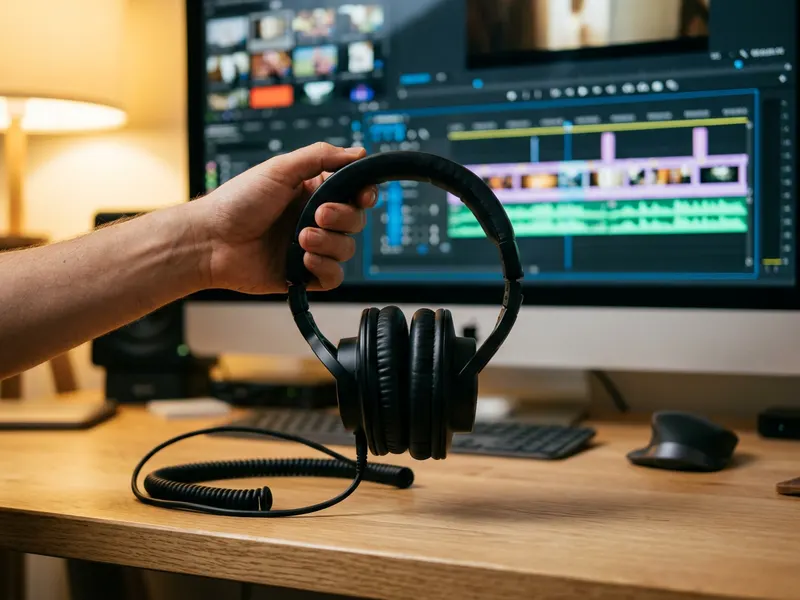 Sony MDR-7506 Studio Headphones
A flat, honest reference to judge your mix by ear before you upload.
-
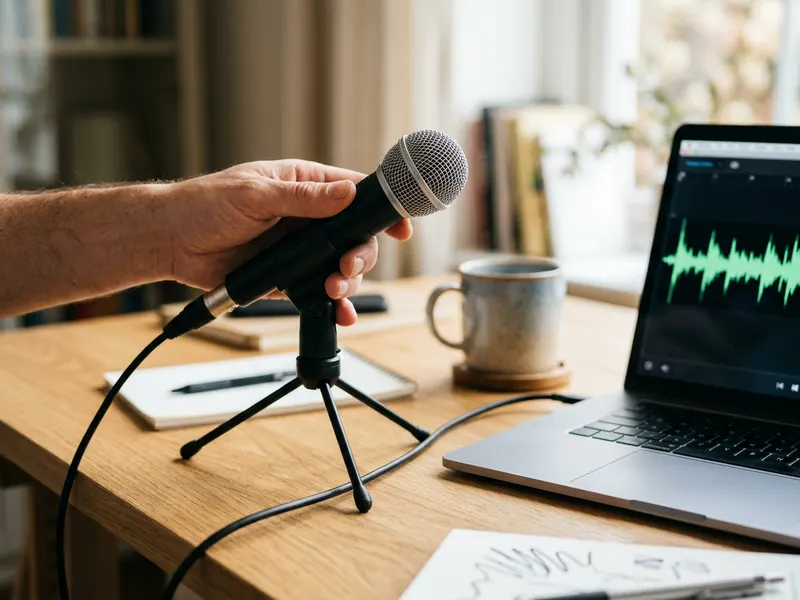 Samson Q2U USB/XLR Dynamic Microphone
Fix a quiet or boomy podcast at the source so it needs less loudness correction.
-
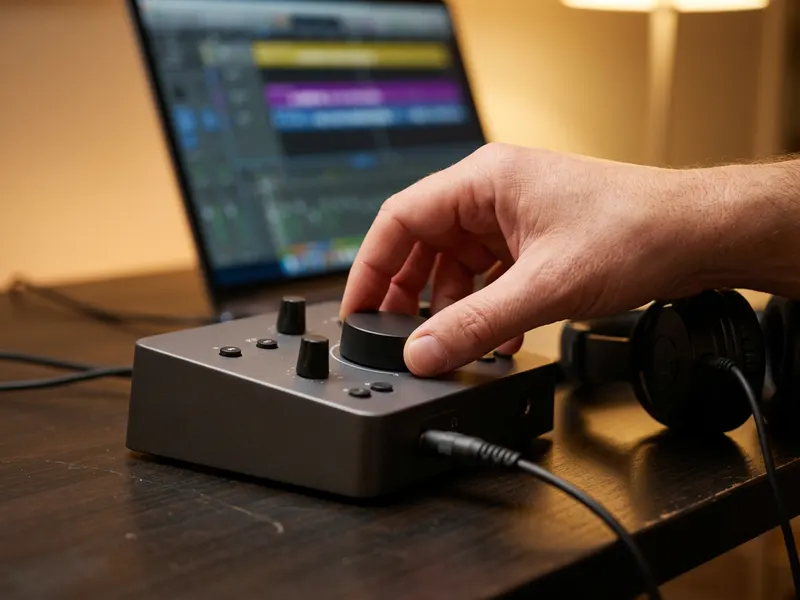 Focusrite Scarlett Solo (4th Gen) Audio Interface
Clean audio in and out, so the master you measure is the one you hear.
Helps keep the tools free. ✨
Images are for illustration only. As an Amazon Associate I earn from qualifying purchases.


