JavaScript Regex Tester
This JavaScript regex tester shows what a regular expression matches while you type it. Matches are highlighted in your text in alternating shades, and a list below gives each match's position and every capture group. It runs the browser's own JavaScript RegExp engine, so what you see is what your code will do. A pattern that backtracks without end is stopped instead of freezing the page, and your text stays on this page.
How to test a regular expression online
The page opens with a sample so you can see the result straight away: the pattern
(\d{3})-(\d{4}) and three phone-like lines. Replace both with your own.
- Type your pattern into Regular expression. Do not add the slashes; they are drawn for you, and the flags you choose appear after the closing slash.
- Paste or type the text to check into Test string (up to 100,000 characters).
- Read the highlighted text. Each match gets its own shade, and neighbouring matches alternate so you can see where one ends and the next begins.
- Scroll down to the match list for exact positions and capture groups. Change the pattern or the text and everything updates as you type.
With an empty pattern the page shows "Type a pattern to see its matches." A pattern that matches nothing shows "No matches".
Regex flags explained: g, i, m, s, u and y
The six buttons under Flags are the six JavaScript flags. Each button shows its letter and name, and global is on when the page opens. Press one to switch it on or off; the result changes at once.
| Flag | Button | What it changes |
|---|---|---|
g | global | Finds every match, not just the first. |
i | ignore case | Upper and lower case count as the same letter. |
m | multiline | ^ and $ match at the start and end of every line, not only of the whole text. |
s | dot all | The dot also matches a line break. |
u | unicode | Treats the text as Unicode code points, so an emoji counts as one character, and enables \p{…} property escapes. |
y | sticky | A match must start exactly where the search is. On its own that means the very start of the text; with g, each match must begin where the last one ended. |
Switch global off and only the first match is listed. That is a quick way to see
what a call without g would return.
Reading matches, indexes and capture groups
The list under the test string starts with a count, for example "3 matches". Each entry is
"Match 1", "Match 2" and so on, with its position written as "Index 0 to 8" (counting from 0, the
end being the first character after the match) and the matched text. For the sample, the first
line gives 555-0134 at Index 0 to 8, the second Index 9 to 17 and the third Index 18
to 26.
Under each match, every capture group has a line of its own: "Group 1", "Group 2", with the text
it caught and, where the engine supports it, its own index range. In the sample, Group 1 is
555 and Group 2 is 0134.
- Named groups. A group written
(?<year>\d{4})shows as "Group 1 (year)". - Optional groups. A group that sat out of a match, for example the second half of
(a)|(b), reads "Did not take part in this match". - Empty results. A group that matched nothing reads "Empty", and a zero-length match is labelled "Empty match" because there is nothing to highlight.
Only the first 500 matches are listed; when there are more the page says "Showing the first 500 matches." Typing past 100,000 characters stops with "Limit of 100,000 characters reached."
Invalid patterns and catastrophic backtracking
A pattern the engine cannot compile, such as an unclosed bracket or a repeat with nothing in
front of it, shows "This is not a valid JavaScript regular expression." below the flags. The
tester does not print the engine's raw error, so look for an unclosed ( or
[, or a stray *, + or ?.
Some valid patterns are dangerous. (a+)+b run against a long row of a's makes the
engine try an enormous number of ways to fit the text before it fails, which is called
catastrophic backtracking, and in an ordinary page it freezes the tab. Here the pattern is
evaluated in a Web Worker with a limit of 1.5 seconds. If it runs over, it is stopped and you
see "This pattern is taking too long to run, so it was stopped." Make the pattern more specific,
for example by removing a nested repeat, and it runs again.
JavaScript regex versus PCRE, Python and Java
This tester follows the JavaScript (ECMAScript) rules only, because it uses the browser's own
engine. Lookahead, lookbehind and named groups work wherever your browser supports them. Flavor
differences are what to watch when you move a pattern between languages: JavaScript has no inline
flags like (?i) and no possessive quantifiers, and the flags are set with the buttons
instead. Test the pattern with the engine your code will actually use.
What this regex tester does not do
It tests and explains matches. There is no replace or substitute mode, no library of ready-made patterns or cheat sheet, no code export, no saved patterns, and no switch to another regex flavor. When you need to rewrite text with a pattern, the find and replace tool supports regular expressions. For the code around it, a code formatter tidies JavaScript and a JSON formatter checks and prettifies the data you are matching against.
Frequently asked questions
How do I test a regex in JavaScript?
Type the pattern into Regular expression, paste your text into Test string and read the matches as they appear. The pattern sits between two slashes, so you write it the way you would inside a /…/ literal, and the flags you switch on are added after the closing slash. The tester runs the browser's own RegExp engine, so a match here is a match in your JavaScript.
What does the g flag do in a regex?
g (global) finds every match in the text instead of stopping at the first one. It is on when the tester opens. Switch it off and only the first match is highlighted and listed, which is how a pattern behaves when you call exec or match without g in your code.
Does regex lookbehind work in JavaScript?
Yes. Lookbehind such as (?<=\$)\d+ is part of modern JavaScript and works in current Chrome, Edge, Firefox and Safari. This tester uses your browser's engine, so if a very old browser does not support it, the pattern shows the not-valid warning instead of matching.
How do named capture groups work in JavaScript regex?
Write (?<year>\d{4}) and the group gets a name as well as a number. In the match list it appears as Group 1 (year) with the text it captured. In your own code the same group is read as match.groups.year.
What is catastrophic backtracking in regex?
It is when a pattern with nested repeats, such as (a+)+b, tries an exponential number of ways to match a string that almost fits. The page would normally freeze. Here the pattern runs in a Web Worker with a 1.5 second limit, and if it goes over, it is stopped and you see a message instead of a hung tab.
How is JavaScript regex different from PCRE?
The core syntax is shared, but flavors differ at the edges. JavaScript has no inline flags such as (?i), no atomic groups or possessive quantifiers, and a few escapes differ, while PCRE and Python have features JavaScript lacks. A pattern that works in a PCRE tester can be invalid here or match differently, so test with the engine your code will use.
Can I test Python, Java or PCRE regex here?
No. The tester checks JavaScript (ECMAScript) regular expressions only, because it runs the browser's own engine. There is no flavor switch. Simple patterns with classes, groups and quantifiers often behave the same everywhere, but check anything with lookbehind, named groups or inline flags in the language you ship.
Is the text I paste sent to a server?
No. The pattern and the test string are evaluated by your browser on this page, inside a Web Worker, and nothing is uploaded or stored. There is no account and no sign-up.
Recommended
-
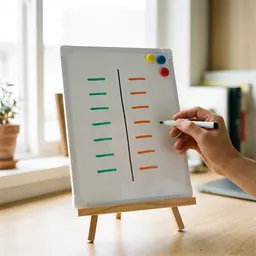 Desktop Magnetic Whiteboard with Markers
Jot down what your pattern must match and what it must reject, then test it here.
-
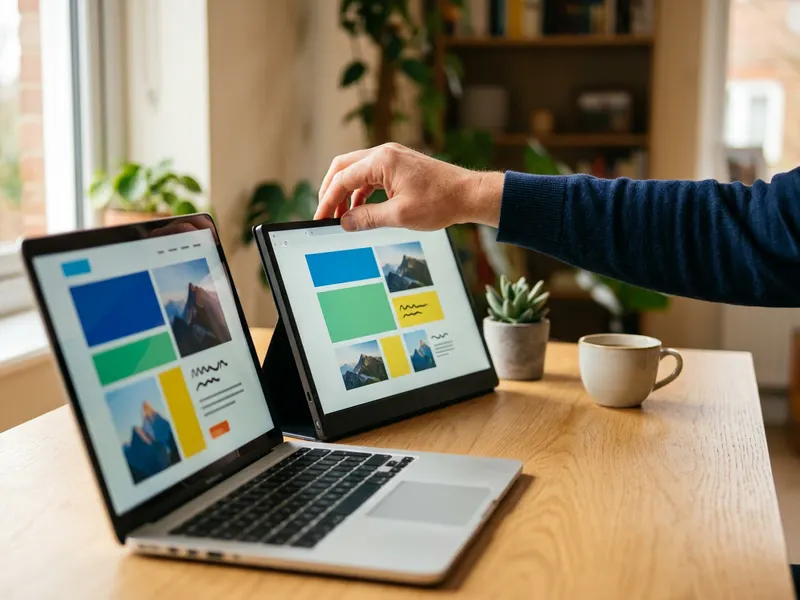 InnoView 15.6" Portable Monitor
Keep the tester on a second screen with your code in view beside it.
-
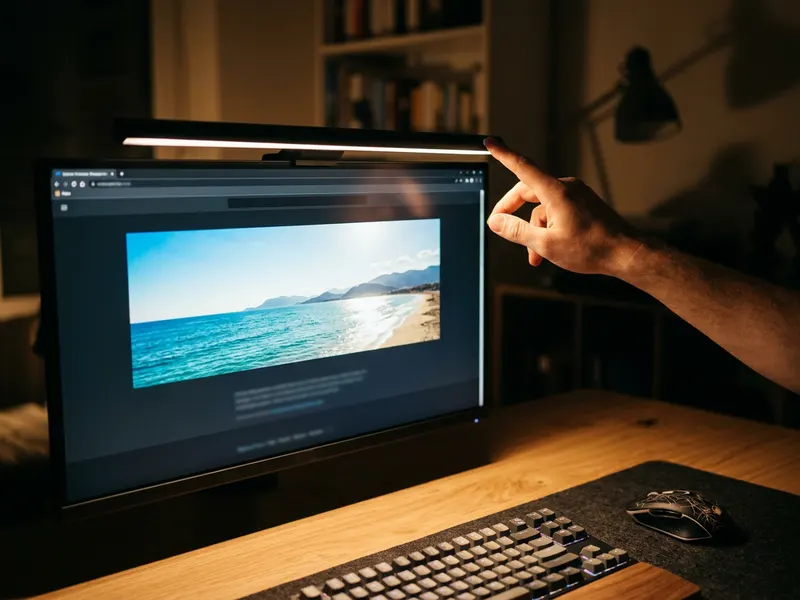 Quntis Monitor Light Bar
Lights your desk without glare on your screen during late debugging sessions.
Helps keep the tools free. ✨
Images are for illustration only. As an Amazon Associate I earn from qualifying purchases.


