Percentage Calculator
This percentage calculator works in plain sentences. Pick the sentence that matches your question, fill in its two blanks and the answer appears as you type. There is no Calculate button, so you can change a number and see the new answer at once. It covers the three everyday jobs: a percentage of a number, what percent one number is of another, and percent change (increase or decrease). It handles decimals and negative numbers, and everything runs in your browser, so nothing you type is uploaded.
How to use the percentage calculator
- Find the sentence that matches your question: What is [ ] % of [ ]?, [ ] is what % of [ ]? or % change from [ ] to [ ].
- Type a number into each blank of that sentence. Decimals, negatives and zero are all accepted.
- Read the answer after the
=sign. It shows … until both blanks in that sentence are filled. - Select the Copy result button to copy the answer exactly as it is displayed, including any + or - sign and the % mark. The icon turns into a check mark for a moment to confirm. The button stays disabled while the answer is … or Undefined.
The three sentences work independently, so you can fill in all of them at once and compare answers. Only the sentence you type into changes.
| Sentence | First blank | Second blank | Answer |
|---|---|---|---|
| What is [ ] % of [ ]? | Percentage | Base amount | A number |
| [ ] is what % of [ ]? | Part | Total | A percentage |
| % change from [ ] to [ ] | Original value | New value | A signed percentage |
Percentage formulas behind each sentence
If you want to check the work by hand, or use the same arithmetic in your own spreadsheet, these are the formulas the calculator applies.
| Sentence | Formula | Example |
|---|---|---|
| What is X % of Y? | X ÷ 100 × Y | 15 % of 200 = 30 |
| X is what % of Y? | X ÷ Y × 100 | 3 is 25% of 12 |
| % change from X to Y | (Y - X) ÷ |X| × 100 | 80 to 100 = +25% |
Find a percentage of a number
Use What is [ ] % of [ ]?. Type the percentage in the first blank and the amount in the second. Some examples to try:
- 15 and 200 give 30.
- 12.5 and 1,200 give 150.
- 7.5 and 1,234 give 92.55, the kind of sum you need for a tax or tip on a bill.
- 15 and -80 give -12, because a percentage of a negative amount is negative.
This sentence shows a plain number, not a percentage, and large answers get thousands separators.
Work out what percent one number is of another
Use [ ] is what % of [ ]?. The first blank is the part and the second is the whole.
- 3 and 12 give 25%.
- 42 and 50 give 84%, for example a score of 42 marks out of 50.
- 30 and 24 give 125%. An answer over 100% just means the part is bigger than the whole.
If the second blank is 0 the answer is Undefined, since a percentage of nothing has no meaning. To find the score you need on an exam to reach a target grade, use the Final Grade Calculator.
Percentage increase and decrease
Use % change from [ ] to [ ]: the original value goes in the first blank and the new value in the second. The answer carries its sign, so one sentence covers both an increase and a decrease.
- 80 to 100 is +25%, an increase.
- 100 to 80 is -20%, a decrease.
- 40 to 40 is 0%, no change.
Notice that the two directions are not mirror images: a 25% rise from 80 needs only a 20% fall to get back to 80, because each percentage is measured from a different starting point. To turn a change over several years into a yearly growth rate, use the CAGR Calculator.
Percent change with negative numbers or zero
The calculator divides by the absolute value of the original, so the sign of the answer always matches the direction of the move, even when the original is negative.
| Original | New | Answer |
|---|---|---|
| -50 | -25 | +50% |
| -10 | 5 | +150% |
| 10 | -5 | -150% |
| 0 | 10 | Undefined |
An original of 0 gives Undefined, because there is no percent change from nothing. In that case describe the move as a plain difference.
Negatives are a convention. Dividing by the absolute value of the original is the common way to keep the direction right, but a textbook, report or spreadsheet with its own rule for negative starting values may give a different answer.
Take a percentage off a price
There is no separate discount sentence; it takes two steps. For 20 percent off an 80 price, enter 20 and 80 in What is [ ] % of [ ]? to get the amount off, 16, then subtract it: 80 - 16 = 64. You can do the subtraction in the Basic Calculator. To check, enter 80 and 64 in % change from [ ] to [ ] and it shows -20%. For markup and margin on a cost and selling price, the Profit Margin Calculator does both.
Set the number of decimal places
Select the gear button (Precision settings) to show the Decimal places menu. It has three choices, and the choice applies to all three sentences.
| Setting | What it does | 1 is what % of 3 |
|---|---|---|
| Auto | Up to 8 decimals, trailing zeros dropped | 33.33333333% |
| 2 decimal places | Always 2 decimals | 33.33% |
| 4 decimal places | Always 4 decimals | 33.3333% |
With 2 decimal places or 4 decimal places a whole answer keeps its zeros (-25.00%), while Auto shows 8.25 % of 1250.40 as 103.158 with no padding. The copied answer matches what you see.
Typing decimals, commas and negatives
Use a dot for decimals (12.5). A comma also works as a decimal mark, so 12,5 is read as 12.5. The one exception is a comma followed by exactly three digits, which is read as a thousands separator: 1,234 means one thousand two hundred thirty-four. A minus sign in front makes a number negative, and a currency symbol or % sign typed in a blank is ignored.
When you see … or Undefined
- … means one of the two blanks in that sentence is still empty.
- Undefined means the sum would divide by zero: the second blank of [ ] is what % of [ ]? is 0, or the first blank of % change from [ ] to [ ] is 0.
Frequently Asked Questions
How do you calculate a percentage of a number?
Multiply the number by the percentage and divide by 100. For 15% of 200 that is 15 ÷ 100 × 200 = 30. Type 15 and 200 into the sentence What is [ ] % of [ ]? and the answer appears as you type. Decimals work too: 7.5% of 1,234 is 92.55.
How do you find what percent a number is of another number?
Divide the first number by the second and multiply by 100. For 3 out of 12 that is 3 ÷ 12 × 100 = 25%. Type 3 and 12 into the sentence [ ] is what % of [ ]?. The second blank is the total, so it cannot be 0: the answer shows Undefined if it is. A result over 100% is normal when the first number is larger than the second.
How do you calculate percentage change between two numbers?
Subtract the original value from the new value, divide by the original and multiply by 100. From 80 to 100 that is (100 - 80) ÷ 80 × 100 = +25%. Type the original first and the new value second in the sentence % change from [ ] to [ ]. A plus sign means an increase and a minus sign means a decrease.
How do you calculate percentage change with negative numbers?
This calculator divides by the absolute value of the original, so the sign of the answer always shows the direction of the move. From -50 to -25 the value rose by 25, which is +50% of 50. From -10 to 5 the answer is +150%. This is the common convention; a report or textbook with its own rule for negatives may do it differently.
Can you calculate a percentage increase from 0?
No. A percent change divides by the original value, and dividing by 0 has no answer, so the sentence % change from [ ] to [ ] shows Undefined when the first blank is 0. To describe a rise from 0, state the plain difference instead, such as an increase of 10.
How do you calculate 20 percent off a price?
Find 20% of the price, then subtract it. For an 80 price, What is [ ] % of [ ]? with 20 and 80 gives 16, and 80 - 16 = 64. To double-check, % change from [ ] to [ ] with 80 and 64 shows -20%.
What is the difference between percent change and percent difference?
Percent change has a starting point: it divides by the original value, so 80 to 100 is +25% but 100 to 80 is -20%. Percent difference compares two values when neither is the starting point and divides by their average. The third sentence here is percent change, so enter the starting value first.
What is the difference between percent change and percentage points?
A percentage point is the plain gap between two percentages, while percent change is that gap relative to the starting percentage. Going from 10% to 15% is 5 percentage points but a 50% increase. Type 10 and 15 into % change from [ ] to [ ] to see +50%.
How many decimal places should a percentage have?
There is no single rule. Whole numbers or one decimal suit everyday use, and a class, report or style guide may ask for 2 or more. Use the gear button to choose Auto, 2 decimal places or 4 decimal places. Auto shows up to 8 decimals and drops trailing zeros.
Recommended
-
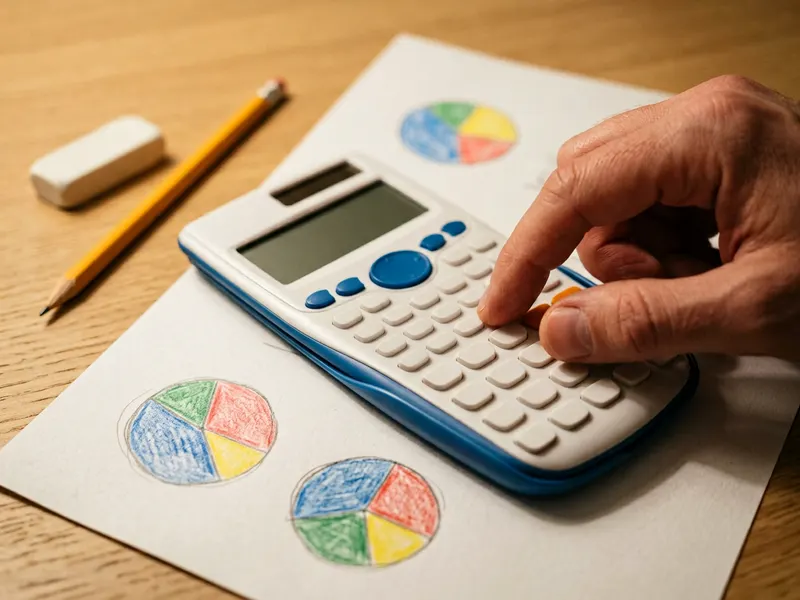 Texas Instruments TI-34 MultiView Calculator
Check your percent homework on a school-favorite calculator with a real percent key.
-
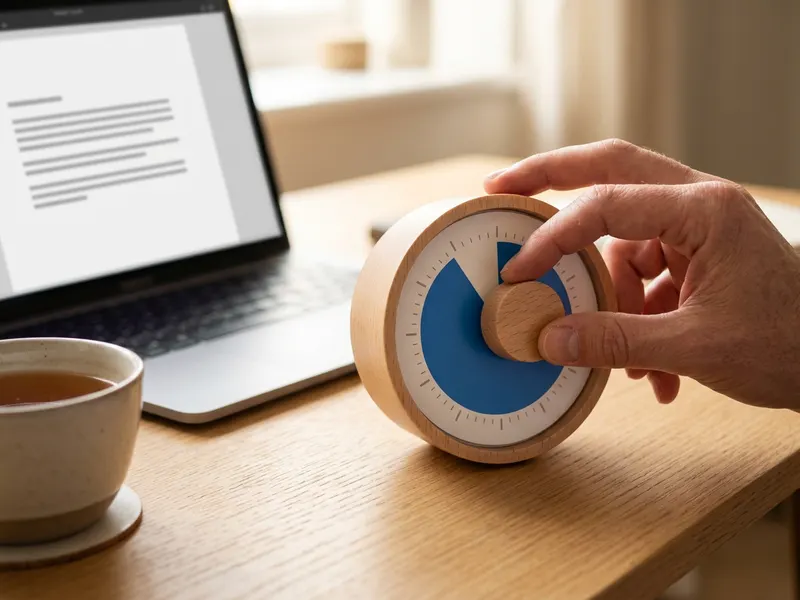 Time Timer 60-Minute Visual Timer
Set a visible 25-minute block and work through a stack of percent problems.
-
 Logitech Spotlight Presentation Remote
Turn a percent change into a report slide and click through it with a pointer.
Helps keep the tools free. ✨
Images are for illustration only. As an Amazon Associate I earn from qualifying purchases.


