Profit Margin Calculator
This profit margin calculator takes what an item costs you and what it sells for, and shows the gross profit, the gross margin and the markup side by side. Margin and markup are both profit shown as a percentage, but of different things, so the same sale gives two very different numbers. Results update as you type, and nothing you enter is uploaded or saved.
How to Calculate Profit Margin and Markup Here
- Type what the item costs you to make or buy under Cost.
- Type what it sells for under Selling price. This is your revenue for one sale.
- Read Gross profit (selling price minus cost), Gross margin (profit as a share of the selling price) and Markup (profit as a share of the cost). Green means a gain, red means a loss.
There is no Calculate button, and no currency symbol: use any currency, as long as Cost and Selling price use the same one. Both fields must be zero or more, and a negative number shows an error under the field instead of a result.
Selling price: 100
Gross profit = 100 − 40 = 60.00
Gross margin = 60 ÷ 100 × 100 = 60.00%
Markup = 60 ÷ 40 × 100 = 150.00%
Margin vs Markup: What Is the Difference?
Both measures begin with the same gross profit. Gross margin = (Selling price − Cost) ÷ Selling price × 100 says how much of each sale you keep. Markup = (Selling price − Cost) ÷ Cost × 100 says how much you added on top of what you paid. Because the cost is smaller than the selling price, markup is always the larger percentage when you make a profit. Selling something for 100 that cost 80 is a 20.00% margin and a 25.00% markup, the same sale described two ways.
The mix-up matters when you price from a percentage. Adding a 50% markup to a cost of 80 gives a price of 120 and a margin of 33.33%, not 50%. If a supplier, a spreadsheet or a pricing rule gives you one of these percentages, check which one it is before you use it.
Margin to Markup Conversion Table
To convert, markup = margin ÷ (1 − margin), with both as decimals, and margin = markup ÷ (1 + markup) going back. These rows are exact, and you can check any of them by entering a Cost of 100 minus the margin and a Selling price of 100.
| Gross margin | Markup | Cost / Selling price to enter |
|---|---|---|
| 20% | 25.00% | 80 / 100 |
| 25% | 33.33% | 75 / 100 |
| 30% | 42.86% | 70 / 100 |
| 40% | 66.67% | 60 / 100 |
| 50% | 100.00% | 50 / 100 |
| 60% | 150.00% | 40 / 100 |
| 75% | 300.00% | 25 / 100 |
A margin can never reach 100% while there is a cost, but a markup can be any size, which is why the right-hand numbers climb faster.
Selling Below Cost: Negative Margin and Markup
If the Selling price is lower than the Cost, Gross profit, Gross margin and Markup all turn red with a minus sign. A cost of 100 sold for 80 gives −20.00 gross profit, a margin of −25.00% and a markup of −20.00%. Margin is measured against the selling price, so a loss looks bigger as a margin than as a markup.
When You See N/A
- Gross margin shows N/A when the Selling price is 0, because there is no revenue to take a share of. A cost of 50 and a price of 0 still shows a gross profit of −50.00 and a markup of −100.00%.
- Markup shows N/A when the Cost is 0, because a percentage of a zero cost has no value. A free item sold for 100 shows a gross profit of 100.00 and a margin of 100.00%.
This is arithmetic on the two numbers you enter. It does not include tax, fees, shipping, discounts or running costs unless you add them into Cost yourself, so treat it as gross figures and not a full accounting of a sale.
To find how many sales it takes to cover your fixed costs, use the Break-Even Calculator. To measure the return on money you put into something over time, the ROI Calculator does the same percentage-of-cost arithmetic on an investment.
Frequently Asked Questions
What is the difference between margin and markup?
Both start from the same profit, but they divide it by different things. Margin divides profit by the selling price; markup divides it by the cost. With a cost of 40 and a selling price of 100, the profit is 60, which is a 60% margin but a 150% markup. Markup is always the bigger number when there is a profit, and the two only look alike at very small profits.
Is markup the same as profit margin?
No. A 50% markup is not a 50% margin. Adding 50% to a cost of 80 gives a selling price of 120, so the profit is 40, which is 33.33% of the price and 50% of the cost. Mixing the two up is the most common pricing mistake, and it is why this page shows Gross margin and Markup next to each other.
How do you calculate profit margin with cost and selling price?
Subtract the cost from the selling price to get the gross profit, divide the profit by the selling price, then multiply by 100. For a cost of 80 and a selling price of 100: 100 − 80 = 20, and 20 ÷ 100 × 100 = 20% gross margin. Type those two numbers into Cost and Selling price and the calculator shows 20.00, 20.00% and 25.00% as you go.
How do you calculate markup on cost?
Subtract the cost from the selling price, divide the profit by the cost, then multiply by 100. For a cost of 80 and a selling price of 100, the profit is 20 and 20 ÷ 80 × 100 = 25% markup. The Markup result shows this figure.
How do I convert margin to markup?
Markup = margin ÷ (1 − margin), with both as decimals, so a 20% margin is 0.20 ÷ 0.80 = 25% markup. Going the other way, margin = markup ÷ (1 + markup). The calculator does not have a conversion field, but you can enter a cost of 100 minus the margin and a selling price of 100 (cost 80, price 100 for a 20% margin) and read both percentages.
How do I find the selling price for a target margin?
Divide the cost by 1 minus the margin you want: selling price = cost ÷ (1 − margin). For a 30% margin on a cost of 70, 70 ÷ 0.70 = 100. This calculator works the other way round: it takes a cost and a selling price and returns the result, so type a trial price and adjust it until Gross margin shows the percentage you are aiming for.
What is a good profit margin?
There is no single answer, because typical margins differ widely between kinds of business and between products inside one business. A tool that only sees a cost and a price cannot say whether your number is good. What it can do is show the margin, so you can compare it with your own targets, your past prices or the figures you see for your own trade.
Does the gross profit include tax, fees or shipping?
No. Gross profit is the selling price minus the cost you enter, nothing more. If you want fees, shipping or packaging counted, add them into Cost yourself. The tool has no tax, discount or currency settings, so use one currency for both amounts.
Why does the calculator show N/A?
Gross margin shows N/A when the Selling price is 0, because a percentage of nothing cannot be worked out. Markup shows N/A when the Cost is 0, for the same reason against the cost. Gross profit still shows in both cases. Negative numbers are not accepted: Cost or Selling price below zero shows an error message and no result.
Recommended
-
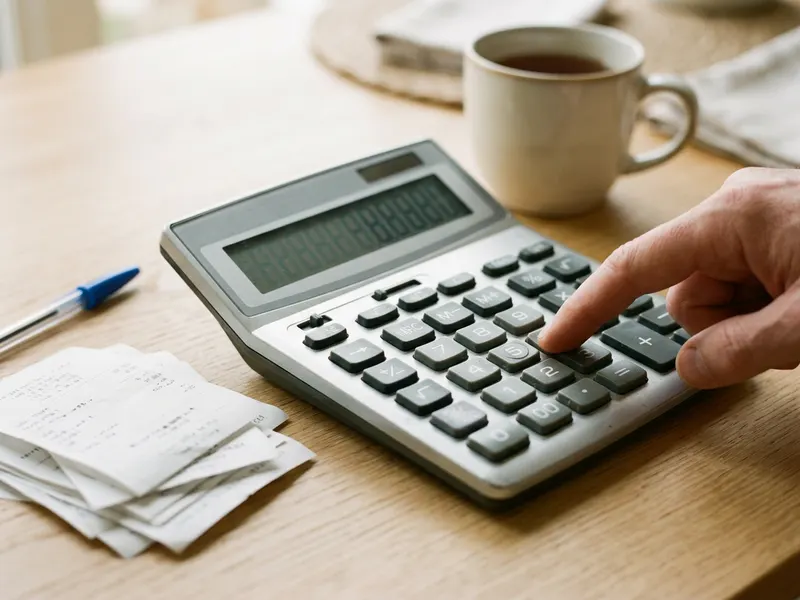 Casio MS-80B Desktop Calculator
Double-check a markup rule on paper before you set the price.
-
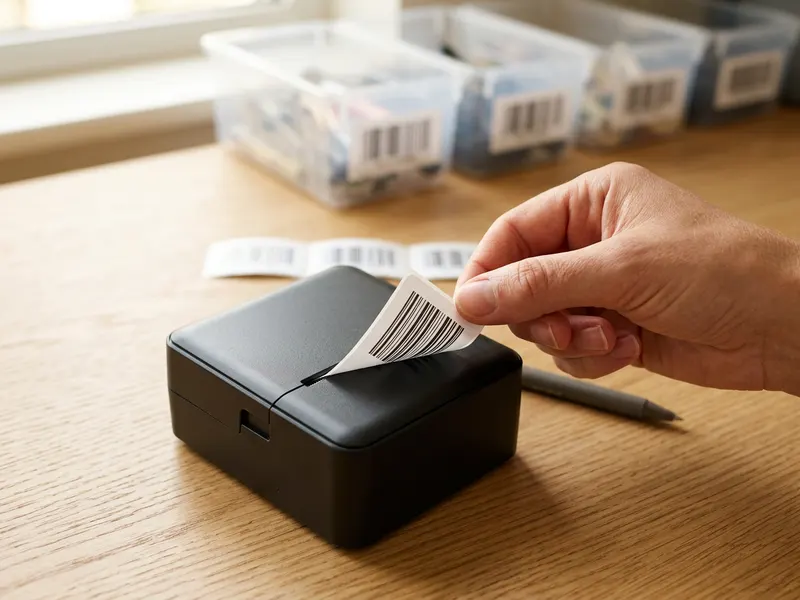 Phomemo M110 Label Printer
Print a price or SKU label once the margin looks right.
-
 Neewer Foldable Photo Light Box
Shoot clean product photos so the price you worked out holds up.
Helps keep the tools free. ✨
Images are for illustration only. As an Amazon Associate I earn from qualifying purchases.


