Tabata Timer
This free Tabata timer runs work and rest rounds behind a full-screen, color-coded countdown, so a glance mid-set tells you exactly where you are. Select a preset above — Tabata, 45 / 15, or EMOM — or dial in your own work, rest, and round count, then start the timer and let it call out every phase change while your screen stays on. It's a free Tabata timer online — no app, no account, and no signup — and flexible enough to double as a general workout interval timer for any HIIT circuit you build.
What Is a Tabata Timer?
Tabata is a high-intensity interval protocol built from short, hard work rounds separated by brief rest: the original format is 20 seconds of work, 10 seconds of rest, for 8 rounds — four minutes total. This timer's Tabata preset loads those exact numbers into the Work, Rest, and Rounds fields in one step, and every field stays editable afterward if you want to push the intervals longer or shorter.
Using It for HIIT, EMOM, and AMRAP Workouts
The same three inputs — Work, Rest, Rounds — cover more than classic Tabata. Use it as a HIIT timer by picking whatever work/rest split matches your circuit, as an EMOM timer by setting Work to 60 seconds and Rest to 0 so each round starts the instant the last one ends, or as an AMRAP timer by setting Rounds to 1 and Work to however long you want to move without a break.
Tabata, 45/15, and EMOM Presets Explained
Three one-step presets sit above the Work and Rest fields:
- Tabata — the Tabata timer 8 rounds preset: 20 seconds work, 10 seconds rest, 8 rounds.
- 45 / 15 — a 45 sec work, 15 sec rest interval timer preset with 8 rounds, for a steadier circuit pace than Tabata's sharp bursts.
- EMOM — 60 seconds work, no rest, 10 rounds, so a fresh minute begins the moment the previous one ends.
Selecting a preset fills in the three fields immediately — it doesn't lock them, so you can still nudge any value before starting.
Customizing Work, Rest, and Rounds for Any Circuit
Work and Rest each take a minutes-and-seconds duration up to 59:59, and Rounds accepts any whole number from 1 to 99 via the plus/minus stepper. Beyond the main setup screen, the Settings sheet adds a Preparation countdown (0–60 seconds, 10 by default) that gives you time to get into position before Round 1, plus optional Warm Up and Cool Down blocks that bookend the whole sequence without counting as work or rest rounds themselves. That range is enough to run it as a circuit training timer for supersets and station-based workouts, not just fixed-length intervals.
Spoken Cues, Screen Wake Lock, and Settings
A short countdown beep sounds 3-2-1 before every phase change, no matter which mode you use. Turn on Spoken Notifications in Settings and the timer announces each phase by name — "Work," "Rest," "Get Ready" — and calls out "Halfway" partway through a work or rest round, so you don't need to look at the screen to know where you are. Leave it off and the timer plays a distinct tone instead. Either way, the beeps and voice cues are generated live in your browser and mix in alongside music or a podcast rather than pausing it, and the screen is kept awake for the whole session so it won't dim or lock mid-workout. Everything runs client-side — no account, no app to install, and nothing to upload.
Frequently Asked Questions
What is a Tabata timer?
A Tabata timer counts down alternating rounds of hard work and short rest — the classic protocol is 20 seconds of work followed by 10 seconds of rest, repeated for 8 rounds (4 minutes total). This timer's Tabata preset fills in those exact numbers, and you can still adjust any of them afterward.
What does EMOM mean?
EMOM stands for "Every Minute On the Minute" — you perform a set amount of work at the start of each minute, then rest for whatever time is left before the next minute begins. The EMOM preset sets Work to 60 seconds and Rest to 0, so a new minute — and a new round — starts the instant the last one ends.
What's a good work-to-rest ratio for interval training?
It depends on intensity: classic Tabata uses a demanding 2:1 work-to-rest ratio (20s/10s), the 45/15 preset eases that to 3:1 for a steadier pace, and EMOM uses whatever rest is left in the minute after your work is done. Shorter, harder efforts favor more rest; longer, steadier circuits need less.
Can I use this timer with Spotify or music playing in the background?
Yes — this is a Tabata timer with music you can leave running. Its beeps and countdown ticks are synthesized tones that play alongside whatever else is already playing, rather than taking over the audio session, so your music, podcast, or playlist keeps playing straight through every phase change.
What is an interval timer used for?
An interval timer marks off alternating periods of effort and recovery so you don't have to watch a clock mid-workout — common uses include HIIT circuits, Tabata rounds, EMOM and AMRAP-style training, boxing rounds, and any drill that repeats on a fixed work/rest cadence.
Recommended
-
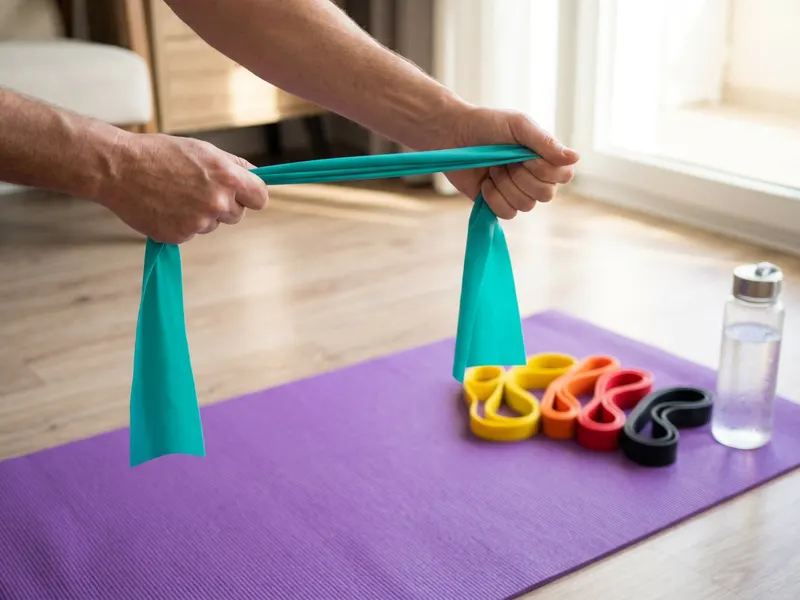 Fit Simplify Resistance Loop Bands (5 pack)
Add resistance to squats, bridges and side steps between the beeps.
-
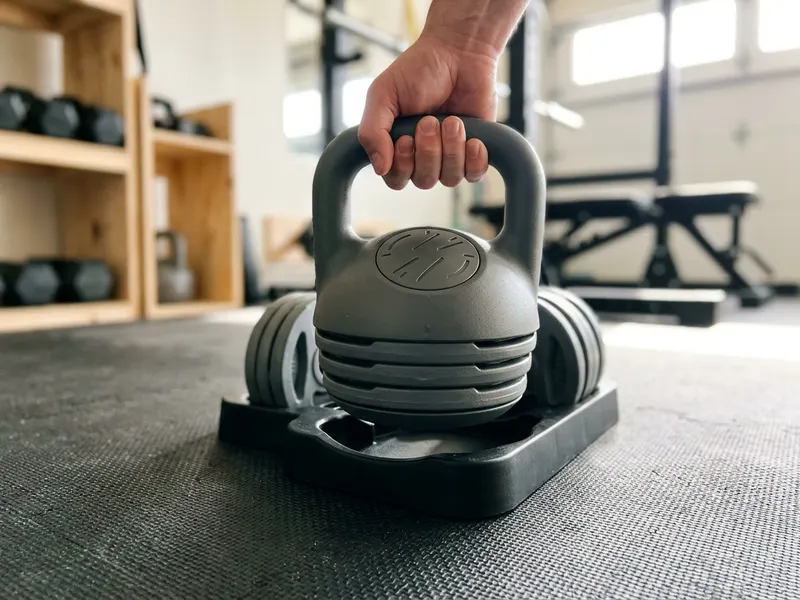 Bowflex SelectTech 840 Adjustable Kettlebell
Six kettlebells in one: turn the dial for swings, goblet squats and presses.
-
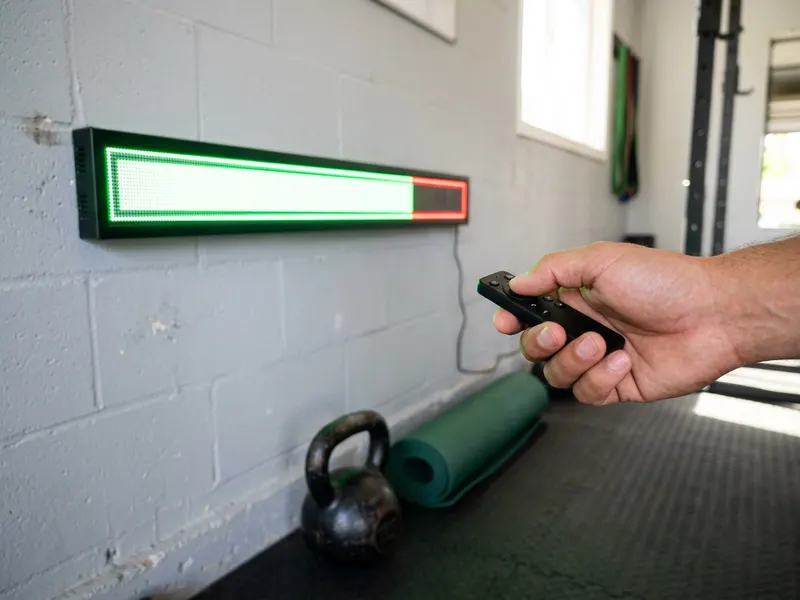 LUCORB Wall Gym Timer with Remote
Big glowing intervals you can read from across the garage gym.
Helps keep the tools free. ✨
Images are for illustration only. As an Amazon Associate I earn from qualifying purchases.


