Free Countdown Timer Online
Countdown Timer is a simple, free countdown timer online — select a preset or type a custom duration and it starts instantly, with a full-screen alert and a loud, looping alarm when time's up. Pick Beep, Ring, or Chime and set the volume, turn on Auto-Repeat for recurring intervals, and switch to an open-ended Stopwatch mode whenever you need to count up instead. No account, no sign-up — it runs entirely in your browser.
How to Start a Countdown — Presets, Custom Duration & Quick-Add
There's nothing to configure before your first timer — the fastest path is one step:
- Select a preset chip — 5, 10, 15, 20, or 30 minutes — and the countdown starts immediately.
- For a custom length, type hours, minutes, and seconds into the three fields and select Start. Durations up to 99:59:59 are supported.
- Use the +1m / +5m / +10m quick-add chips to build a duration select-by-select before starting, instead of typing it.
Your last duration and every setting are remembered on this device, so the next visit picks up right where you left off.
Full-Screen Alerts with Custom Alarm Sounds and Volume Control
When the countdown reaches zero, the screen pulses with a soft accent color and a big "Time's up!" message replaces the clock — impossible to miss even from across the room. A looping alarm plays alongside it until you select Stop.
Open the settings gear on the setup screen to pick the alarm sound — Beep, Ring, or Chime — and drag the volume slider to match the room. A one-step mute button on the running screen silences the alarm entirely if you'd rather the timer end quietly.
Extend, Auto-Repeat, and Track Time from Any Tab
Running long? Select +5 minutes to add time to a countdown that's still running, or to the alarm screen after it's already gone off — no need to cancel and start over. Turn on Auto-Repeat in settings and the timer restarts itself and chimes again every time it hits zero, which is handy for Pomodoro-style work-and-break cycles.
If you tend to switch tabs while a timer runs, settings has two ways to keep it visible: a tab-title countdown that shows the time left right in the browser tab, and a favicon progress arc — a small shrinking ring drawn onto the tab icon — so a glance at your tab bar is enough.
Study Timer, Break Timer, and Kitchen Timer Uses
A plain countdown with a loud alarm covers a lot of ground: a study timer for focused work blocks, a break timer between them, or a kitchen timer for anything on the stove. The 5/10/15/20/30-minute presets match the most common session lengths, and the quick-add chips make an odd custom length just as fast to set up.
Stopwatch Mode
Switch the toggle at the top of the setup screen to Stopwatch for an open-ended count-up clock — no duration to set and no alarm at the end, just a running clock with its own Pause and Reset controls. Useful for timing anything without a fixed length, from a workout set to how long a task actually takes.
Frequently Asked Questions
Is there a free countdown timer online?
Yes — Countdown Timer is completely free, with no account and no sign-up. It runs entirely in your browser: nothing is uploaded, and there's nothing to sign into.
How do I run a countdown timer online with sound?
Sound is on by default. Select Start (or a preset chip) and the timer plays a looping alarm automatically once it reaches zero. Open the settings gear on the setup screen to switch the sound to Beep, Ring, or Chime, or to mute it entirely.
How do I make a countdown timer full screen?
The timer already fills the browser tab edge-to-edge with large, easy-to-read digits, so there's no separate full-screen button to look for. Add Countdown Timer to your phone's home screen and it opens as its own standalone app with no browser bar at all — the closest thing to true full screen.
Can I set a repeating (recurring) countdown timer online?
Yes. Turn on Auto-Repeat in settings and the timer restarts itself and chimes again every time it reaches zero — handy for Pomodoro-style work and break cycles, or any interval you want to repeat without re-entering the duration.
Can I control the timer's alarm volume?
Yes — the settings panel has a volume slider next to the sound picker, so you can turn the alarm down for a quiet room or up for one heard across the house. There's also a one-step mute button on the running screen if you need to silence it mid-countdown.
Can I use this as a study timer or break timer?
Yes — the 5, 10, 15, 20 and 30-minute presets cover the most common study and break lengths, and the +1/+5/+10-minute quick-add chips let you build any custom session length in a couple of taps. Turn on the tab title or favicon option to see the time left while you're working in another tab.
Does this timer work as a stopwatch too?
Yes — switch to Stopwatch mode on the setup screen for an open-ended count-up clock with no alarm, useful for timing anything without a fixed end point. It has its own Pause and Reset controls, separate from the countdown presets.
Recommended
-
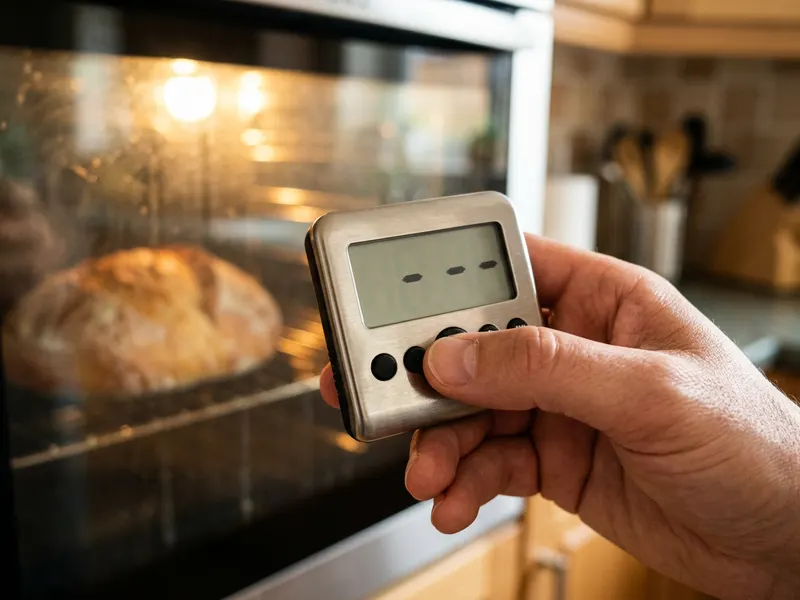 eT-23 Stainless Steel Digital Timer
A loud countdown on the fridge door for when the browser tab isn't open.
-
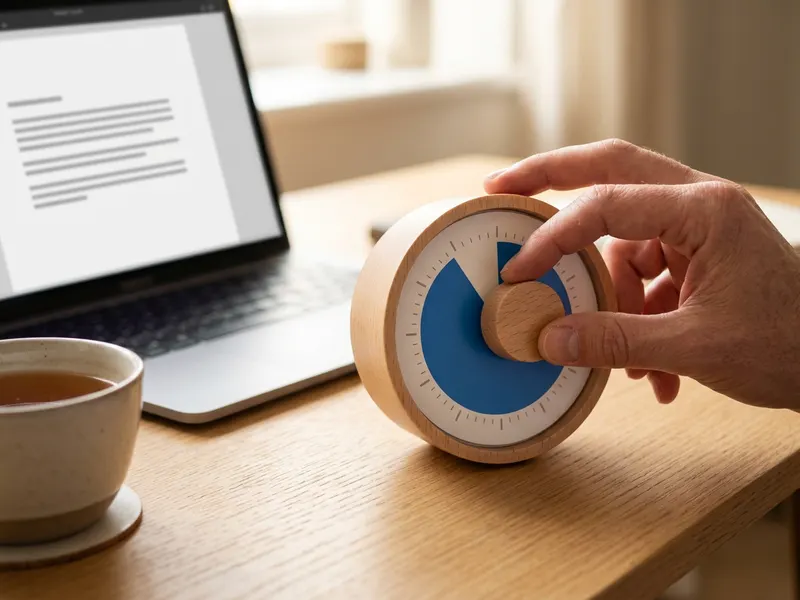 Time Timer MOD 60-Minute Visual Timer
A silent disc that shows the time left at a glance, for study, kids or meetings.
-
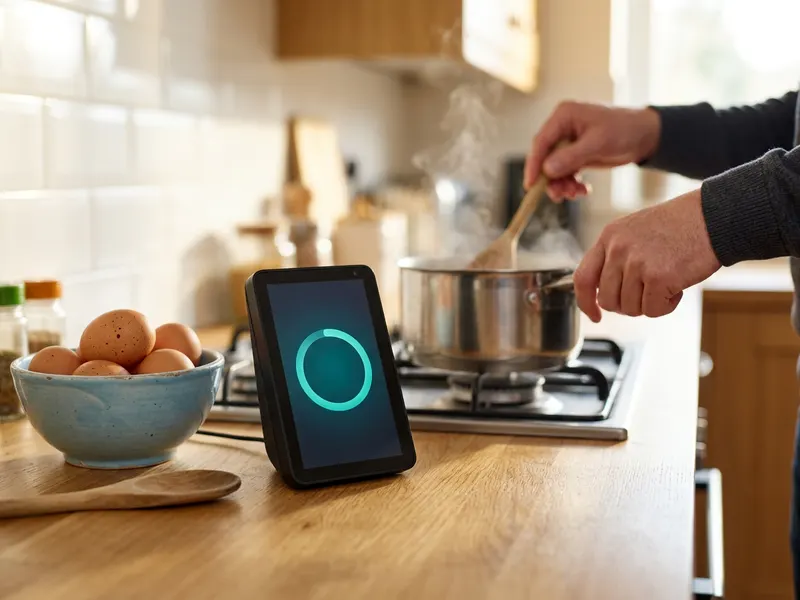 Amazon Echo Show 5
Say "set a 20-minute timer" with messy hands, and see it count down on the screen.
Helps keep the tools free. ✨
Images are for illustration only. As an Amazon Associate I earn from qualifying purchases.


