Temperature Converter: Celsius, Fahrenheit, Kelvin and Temperature Change
Type one number and pick °C, °F or K under Convert from. The converter shows it two ways at once: as a reading, in the Absolute temperature card, and as a temperature change, in the Temperature change card. Results update on every keystroke and are worked out on your device, so nothing is uploaded.
How to use the temperature converter
- Type a number in Temperature. Negatives, decimals and a decimal comma (
1,5or1.5) all work. - If your phone keypad has no minus key, press ± beside the field to switch between positive and negative.
- Choose the starting scale under Convert from: °C, °F or K. It starts on °F for visitors in the US and a few other regions and °C elsewhere, and it remembers your last pick.
- Read the other two scales in each card. Every row has a copy button.
Reading or change: which card do you need?
A reading is what a thermometer shows. A change is how far the temperature rose or fell. They convert differently, because Fahrenheit and Celsius start from different zero points.
| You have | Use | Rule |
|---|---|---|
| Today is 20 °C | Absolute temperature | °F = °C × 9/5 + 32, so 68 °F |
| It rose by 20 °C | Temperature change | °F = °C × 1.8, so +36 °F |
That is why 0 °C is 32 °F, while a change of 0 °C is a change of 0 °F, and a 10 °C change is 18 °F. The tool prints the same reminder under the cards.
Celsius, Fahrenheit and Kelvin formulas
| From → to | Reading | Change |
|---|---|---|
| °C → °F | °C × 9/5 + 32 | × 1.8 |
| °F → °C | (°F − 32) × 5/9 | ÷ 1.8 |
| °C → K | °C + 273.15 | × 1 (same size) |
| K → °C | K − 273.15 | × 1 (same size) |
| °F → K | (°F − 32) × 5/9 + 273.15 | ÷ 1.8 |
| K → °F | (K − 273.15) × 9/5 + 32 | × 1.8 |
Results are rounded to three decimals at most, so 0 °F reads as −17.778 °C and 255.372 K.
Below absolute zero
Nothing is colder than 0 K (−273.15 °C, −459.67 °F). Enter a reading below that and the Absolute temperature card says so instead of showing a figure. The Temperature change card keeps working, since a fall of any size is still a change.
Other unit conversions
For lengths, weights and volumes, use the Measurement Converter. For cups, tablespoons and grams in a recipe, use the Cooking Measurement Converter.
Frequently asked questions
How do I convert negative Celsius to Fahrenheit?
Use the same formula as for any other number: multiply by 9/5 and add 32. So -5 °C is 23 °F, and -40 °C is -40 °F, the one point where the two scales agree. In the converter, type the number and press ± if your phone keypad has no minus key.
What is the Celsius to Fahrenheit formula?
°F = °C × 9/5 + 32. Going back, °C = (°F − 32) × 5/9. For example, 20 °C is 68 °F and 100 °C is 212 °F. The converter applies these as you type and rounds to three decimals at most.
How do I convert Fahrenheit to Kelvin?
Convert to Celsius first, then add 273.15: K = (°F − 32) × 5/9 + 273.15. So 50 °F is 283.15 K and 0 °F is 255.372 K. Pick °F under Convert from and the Kelvin figure shows in the Absolute temperature card.
What is 0 Kelvin in Celsius and Fahrenheit?
0 K is absolute zero: −273.15 °C or −459.67 °F. Type 0 with K selected and the Absolute temperature card shows both.
Can temperature be negative in Kelvin?
As a reading, no. Nothing is colder than 0 K, so if you enter a value below it, the Absolute temperature card says it is below absolute zero. A temperature change is different: a fall of 5 K is a perfectly good change, and the Temperature change card still shows it.
How do I convert a temperature difference from Celsius to Fahrenheit?
Multiply the change by 1.8 and do not add 32. A 10 °C rise is an 18 °F rise, and a 20 °C change is 36 °F. A change in kelvin equals the same change in °C, and going from °F, divide by 1.8. The Temperature change card does this for whatever number you type.
Can a temperature change be negative?
Yes. A fall is a negative change, such as −5 °C, which is −9 °F. The Temperature change card shows a + or − sign on every row, so a rise and a fall are easy to tell apart.
Recommended
-
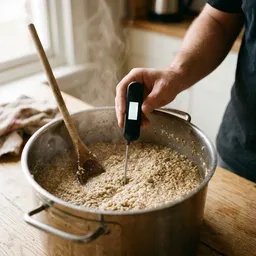 Amazon Basics Instant-Read Thermometer
Check the real oven, pan or water temperature, then convert it here.
-
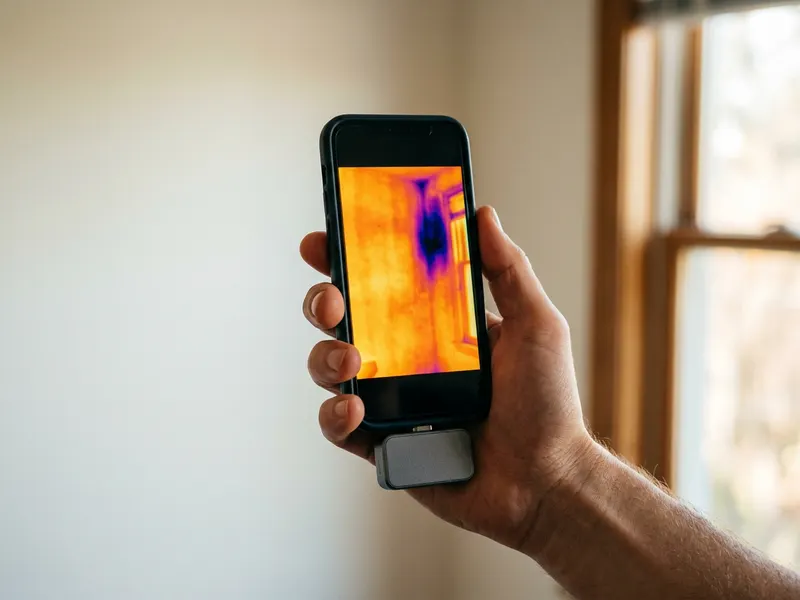 TOPDON TC002C Duo Thermal Camera
Point it at a wall or a pipe and read the temperature on screen in °C or °F.
-
 Casio fx-991ES Plus 2 Scientific Calculator
Handy for chemistry and physics homework when you switch between °C and K.
Helps keep the tools free. ✨
Images are for illustration only. As an Amazon Associate I earn from qualifying purchases.


