Random Theme Generator for Art, Photography, Writing and Fashion
This random theme generator gives you one creative theme the moment the page loads, such as "Underwater city", "Golden hour" or "A letter never sent", and a new one each time you press Generate another. Pick a category to get a random art theme, photography theme, writing theme or fashion theme, and keep the ones you like in History. It draws from 96 themes built into the page, uses no AI and runs in your browser.
How to Generate a Random Theme
- Read the large theme at the top. The first one is already there when the page opens.
- Press Generate another for a new theme. It never repeats the one on screen, and a press within 100 ms of the last one is ignored, so a double click does not skip a theme.
- Under Category, select All, Art, Photography, Writing or Fashion. All is the default. Picking a category narrows the pool and draws a new theme at once.
- Turn on Combine themes to merge two different themes into one "A + B" prompt for extra challenge. Switching it on or off also draws a new theme.
- Select a row under History to copy that theme. The row shows Copied for a moment.
There is no copy button on the large theme. The newest theme is always the top row of History, so one selection copies it.
Theme: Reflections + Neon signs
History, top row: Reflections + Neon signs
Random Art and Drawing Themes
Art holds 24 themes for drawing, painting and digital art: scenes like Underwater city, Floating islands, Desert at midnight and Haunted lighthouse, and subjects like Robot gardener, Clockwork heart and A dragon's morning routine. Use one as a drawing prompt, a daily sketch or a weekly art challenge.
Random Photography Themes
Photography holds 24 themes for photo challenges and photo walks, covering light (Golden hour, Blue hour), technique (Long exposure, Motion blur, Negative space) and subject (Old doors, Market stalls, Pets at eye level). They are short enough to carry in your head while you shoot.
Random Writing Themes
Writing holds 24 story starters, such as A letter never sent, The lighthouse keeper's secret and Two rivals stuck in an elevator. Each is a situation rather than a finished plot, so you decide who is in it and what happens.
Random Fashion and Outfit Themes
Fashion holds 24 styling themes, for example Vintage seventies, Cottagecore picnic, Space-age metallic and Thrifted denim only. Use them for an outfit challenge, a photoshoot brief or a themed dress-up game.
Combine Themes for a Harder Challenge
With Combine themes on, each draw joins two different themes from the active category. Under Art you might get Candy kingdom + Haunted lighthouse; under All the two can come from different categories, so a writing theme can land beside a photography one. Turn it off to go back to single themes.
History: Your Last 50 Themes
History lists the last 50 themes, newest first, and keeps them in this browser's localStorage, so they are still there after a reload. There is no account and nothing is uploaded. A theme you draw again moves to the top instead of appearing twice. If you reload, the theme shown on load joins History once you press Generate another, so reloading never pushes saved ideas out.
Frequently Asked Questions
How do I use a random theme generator for art?
Pick Art under Category and a theme such as Underwater city, Robot gardener or Neon rain appears at once. Press Generate another until one sparks an idea, then draw, paint or sculpt it. Each draw is random, never the theme already on screen, and every one is saved in History.
Is there a random theme generator for photography?
Yes. Select Photography under Category for 24 shooting themes such as Golden hour, Leading lines, Foggy morning, Long exposure and Blue hour. Press Generate another for a new one, or use Combine themes for two at once, for example Reflections + Neon signs.
Can I get a random writing theme or story idea?
Yes. Select Writing under Category for 24 story starters like A letter never sent, The last train home or A package with no sender. Press Generate another to redraw. Turn on Combine themes to get two in one prompt, such as A broken promise + The last bookshop on Earth.
Is there a random fashion or outfit theme generator?
Yes. Select Fashion under Category for 24 outfit and styling themes, from Vintage seventies and Cottagecore picnic to Monochrome streetwear and All-white winter. Use it for a styling challenge, a photoshoot brief or a themed dress-up game with friends.
Does the random theme generator use AI?
No. The 96 themes are written into the page and each draw is a plain random pick from them. Nothing is generated by a model, no request is sent and you get no theme outside the list, so the same list of 24 per category applies every time.
Can I get the same theme twice in a row?
No. A new draw is never the theme already on screen. Over several presses a theme can come back, because there are only 24 in each category and 96 in All. History keeps one copy of each, and a repeat moves back to the top.
What does Combine themes do?
It joins two different themes from the active category into one "A + B" prompt, for example Neon rain + Frozen time. Switching it on or off draws a new theme straight away. Use it when a single theme feels too easy.
How do I copy or save a theme?
Select a row under History and that theme is copied to your clipboard, with Copied shown on the row. The newest theme is always the top row. History keeps your last 50 themes in this browser, newest first, and they are still there after you reload the page.
Is my history uploaded or tied to an account?
No. History is stored in this browser's localStorage. There is no account and nothing is uploaded. Clearing your site data for this page, or using a different browser or device, starts you with an empty list.
Recommended
-
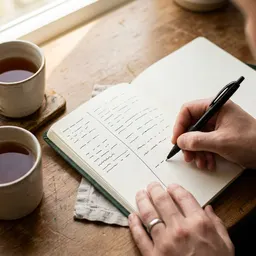 Leuchtturm1917 Dotted Notebook (A5)
A home for every theme the generator hands you, with room to sketch, list or draft.
-
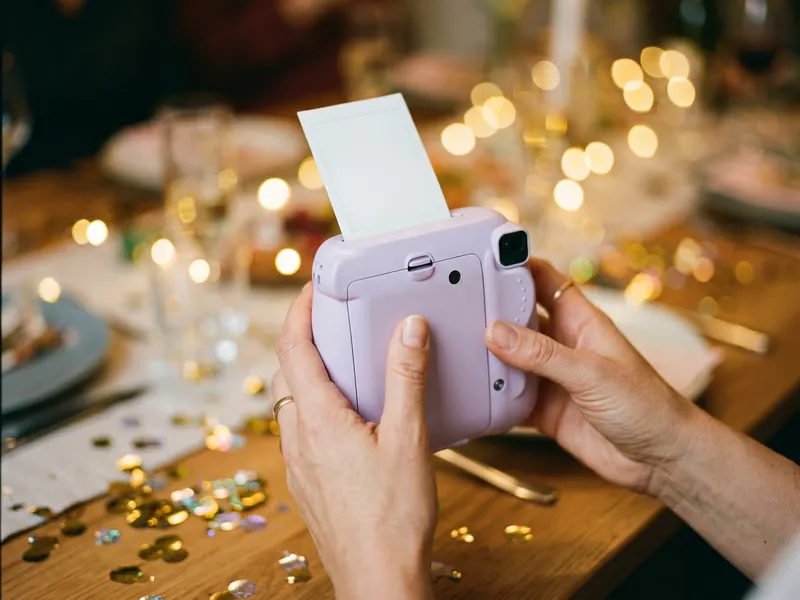 Fujifilm Instax Mini 12
Take the photo theme out for a walk and have the print in your hand a minute later.
-
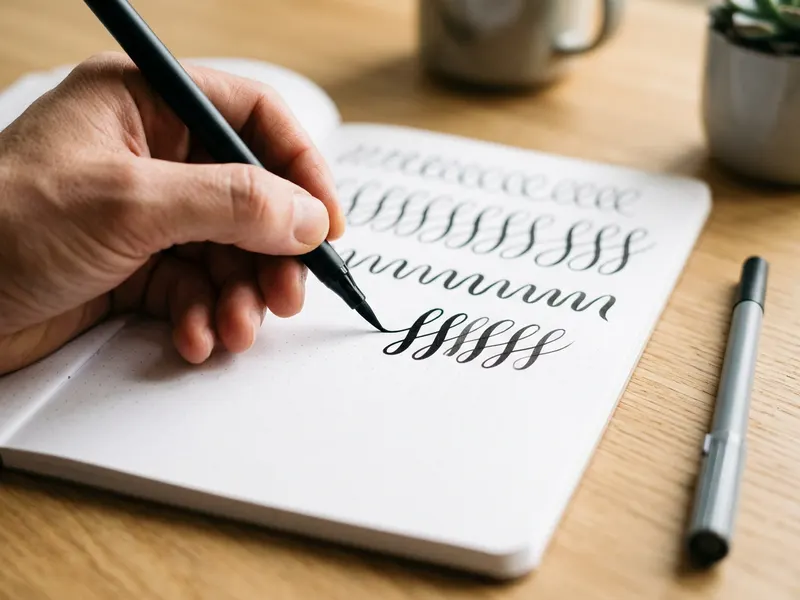 Tombow Fudenosuke Brush Pens (2-pack)
Turn a fresh drawing prompt into bold brush-pen lines on the page.
Helps keep the tools free. ✨
Images are for illustration only. As an Amazon Associate I earn from qualifying purchases.


