Mono Compatibility Check: Stereo vs Mono Switch and Phase Meter
This mono audio checker plays your mix in stereo or summed to mono and shows a live phase correlation meter, so you can hear and see what disappears on a phone speaker, a Bluetooth speaker or a club PA. It is a quick mono compatibility check without opening a DAW. The file is decoded in your browser and your audio is never uploaded.
How to check a mix in mono
- Drop a file onto Drop an audio file, or select it to browse. WAV, MP3, FLAC, M4A and OGG work, up to 100 MB, and so does anything else your browser can decode.
- Wait for Decoding audio… to finish. A long WAV takes a little longer.
- Press play. The switch starts on Stereo, which plays left and right as mixed.
- Select Mono while it plays. Left and right are summed into one channel, the way a single-speaker device plays it. The change is instant and gapless, so you can flip back and forth on the same bar.
- Listen for anything that gets quieter, thinner or vanishes, and watch the meter above the switch while you do.
- Select or drag the waveform to jump to the verse, chorus or drop you want to check, and use the Volume slider to set a comfortable level.
- Select Choose another file to test a different bounce.
The meter always reads the original left and right channels of the file, not the switched output, so it shows the same thing in Stereo and Mono. It also works while paused and updates when you scrub.
How to read the phase correlation meter
The bar runs from -1 Out of phase through 0 Wide stereo to +1 In phase, with the number shown beside it. The one-line verdict under it follows the number:
| Reading | Verdict shown | What it means in mono |
|---|---|---|
| +0.5 to +1 | In phase. Holds up in mono. | Left and right largely match, so little is lost when they are summed. |
| 0 to +0.5 | Wide. Check it in mono. | The channels are quite different. Some loss is likely, so listen with Mono on. |
| Below 0 | Out of phase. Parts cancel in mono. | Content in one channel is opposite to the other and cancels when summed. At -1 it would vanish completely. |
| Silence | No signal at the playhead | There is nothing to measure at that spot. |
The number is the correlation between left and right over about 46 milliseconds around the playhead, smoothed so it does not flicker. A brief dip below 0 on a single hit is rarely a problem. A long stretch below 0 is worth fixing, because that part of the song will thin out or drop away on mono playback.
What the Mono switch does
Mono adds the left and right channels together at half level each. A mix that is mono compatible keeps its level, and one with out-of-phase parts cancels toward silence, which is exactly what a real mono speaker does. If you load a file that has only one channel, the page says This file has only one channel, so stereo and mono sound the same.
Why mono playback still matters
Many phone speakers, small Bluetooth and smart speakers, club PAs, and shop and venue systems play a single summed channel, and a stereo pair heard from the wrong spot in a room can collapse toward mono too. Common culprits behind a mix that falls apart are stereo wideners, chorus and double-tracked effects, phase-flipped layers and mics placed too close together. Checking early tells you which section to open in your editor.
What this checker does not do
- It is a listening and measuring aid. It does not change or export your file.
- It does not measure loudness. For LUFS and true peak, use the LUFS Meter.
- To make a mono file once you are happy with the result, use Audio to Mono.
- To hear two versions of a mix side by side, try Compare Audio.
- To look at the waveform shape or the frequency balance, use the Audio Oscilloscope or the Audio Spectrum Analyzer.
Frequently asked questions
How do I check a mix in mono?
Drop your bounce onto the page, press play, then select Mono in the Stereo | Mono switch. Switching is instant and gapless, so you can flip back and forth mid-song and hear what changes. Watch the phase correlation meter above the switch: if it drops toward -1 or the verdict says parts cancel, that section is the one to fix.
Why does my mix sound bad in mono?
Mono playback adds the left and right channels together. Anything that is identical in both channels stays or gets louder, but anything that is the opposite polarity in the two channels cancels toward silence. Wide stereo effects, some chorus and widener plugins, and out-of-phase layers or mics are the usual causes. A reading below 0 on the meter marks where it happens.
What is mono compatibility?
Mono compatibility is how well a stereo mix survives being summed into one channel. A compatible mix keeps its level, balance and body in mono. An incompatible one loses instruments, thins out or sounds hollow because parts of the left and right channels cancel each other.
What is a phase correlation meter?
A phase correlation meter measures how similar the left and right channels are at a given moment, on a scale from -1 to +1. At +1 the channels match exactly, around 0 they are unrelated (wide stereo), and at -1 they are mirror opposites that cancel completely in mono.
How do I read a phase correlation meter?
Mostly read it as a warning light. Readings from +0.5 to +1 are safe in mono. Between 0 and +0.5 the mix is wide, so check it in mono by ear. Below 0 the channels partly cancel when summed, and the closer to -1, the more is lost. Brief dips below 0 are common, so look at sustained readings and trust your ears.
How do I check for phase cancellation?
Play the file and watch the meter for readings below 0, then switch to Mono and listen to the same spot. Whatever drops in level or disappears is being cancelled. Select or drag the waveform to jump to the section in question, and the meter updates even while paused.
Are phone speakers and Bluetooth speakers mono?
Many are, or behave that way. Single-driver phone speakers, small Bluetooth and smart speakers, club PAs, and some shop and venue systems play one summed channel, and a stereo pair placed close together can sound much the same. Phase problems show up as soon as the channels are summed, which is why a quick mono check is worth it before you release a track.
Is my audio uploaded anywhere?
No. The file is decoded and analysed inside your browser tab, and nothing is sent to a server. Files up to 100 MB are accepted, in any format your browser can decode, such as WAV, MP3, FLAC, M4A and OGG.
Recommended
-
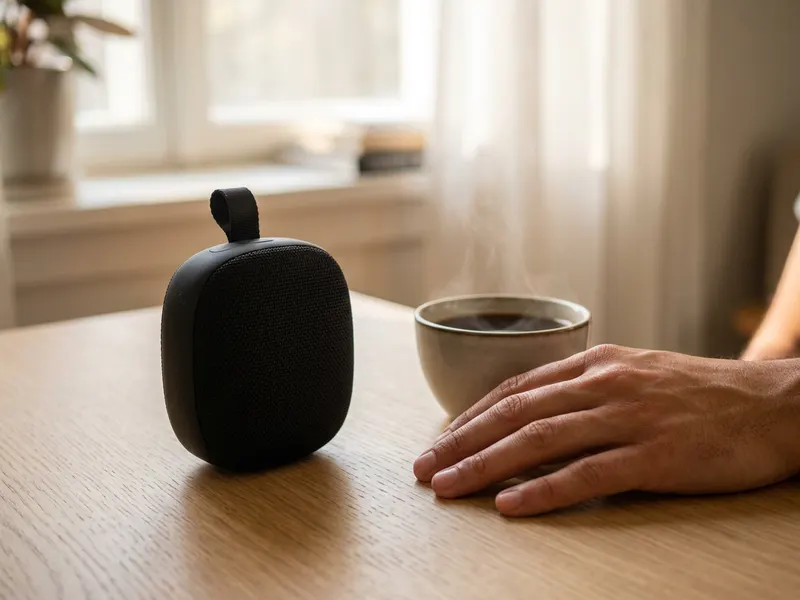 JBL Go 4 Portable Bluetooth Speaker
The cheap one-speaker test: play your bounce on it and hear what a phone-sized speaker really does to it.
-
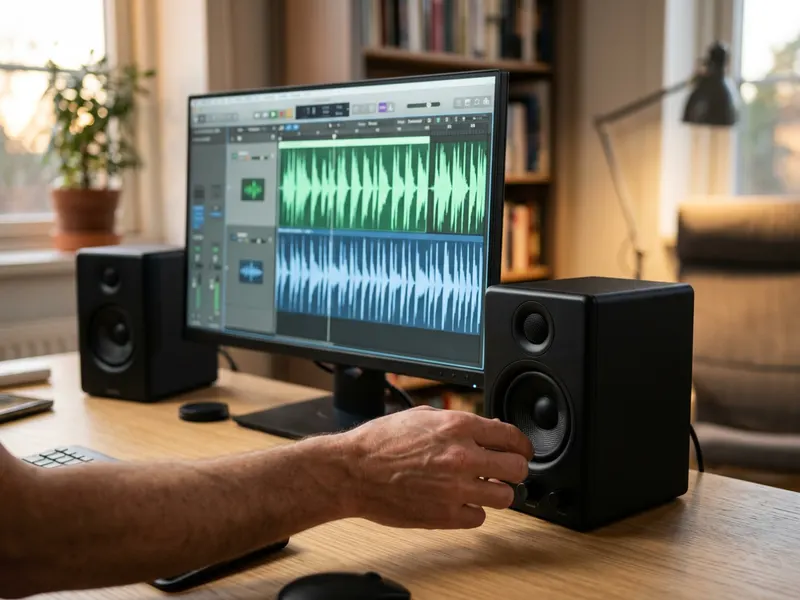 PreSonus Eris 3.5 Studio Monitors (pair)
Small nearfields reveal what vanishes when the sides fold together, and they are easy to fit on a desk.
-
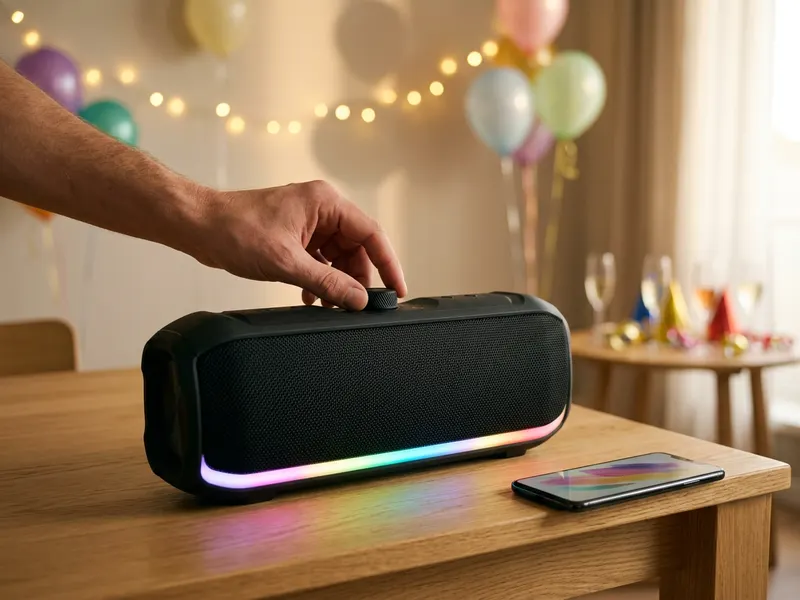 Soundcore Boom 2 Party Speaker
A loud single box is the closest stand-in for a club or party system: one last mono check before you release.
Helps keep the tools free. ✨
Images are for illustration only. As an Amazon Associate I earn from qualifying purchases.


