Free Word Search Generator
Word search generator: paste in any list of words and get back a randomized, printable word search puzzle with a matching answer-key PDF — no template to fill in, no account, and nothing leaves your browser. Grid size, word directions, and letter case are all yours to set before you generate.
How to Make a Word Search Puzzle Online
Type or paste your words into the box, separated by commas or one per line — up to 50 words, letters only. Select Generate puzzle and a grid fills in around them: your words are placed first, longest first, and every remaining cell gets a random letter. The result screen shows the finished grid, the word bank, and a button to reveal the answer key or download the PDF.
Customize Your Puzzle
Open Settings before generating to adjust three things. Grid size runs from 10×10 up to 30×30 — bigger grids hide words more easily and fit more of them. Diagonal words and backwards words can each be switched off, which restricts every word to reading left-to-right or top-to-bottom only — useful for younger solvers. Letter case sets whether the grid prints in UPPERCASE or lowercase. If a word is too long for the grid or the grid runs out of room, it's left out and listed as "didn't fit" instead of breaking the puzzle.
Download a Printable PDF With an Answer Key
Select Download printable PDF on the result screen to get a two-page, US-Letter PDF built entirely on your device: page one is the puzzle grid with the word list underneath, ready to print and solve, and page two is the same grid with every hidden word highlighted — the answer key, so you don't have to re-solve your own puzzle to grade it. You can also select Show answer key on-screen first to check the layout before printing.
Word Search Puzzles for Kids and Classrooms
A word search built from your own vocabulary or spelling list is a quick way to turn a lesson into a worksheet: type in this week's words, switch off diagonal and backwards words in Settings for early readers, and print the PDF with its ready-made answer key for grading. Because everything runs in the browser, there's nothing to install on a shared classroom computer and nothing saved on a server.
Frequently asked questions
How do I make a word search puzzle online for free?
Type or paste your words into the box above, one per line or separated by commas, and select Generate puzzle. A grid of random letters is built around your words instantly, right in your browser — no account, no upload, and nothing to install.
How do I create a word search with an answer key PDF?
Once your puzzle is generated, select Download printable PDF. The file has two pages: the blank puzzle grid with the word list on page one, and the same grid with every hidden word highlighted as the answer key on page two.
Can I make a word search puzzle without diagonal or backwards words?
Yes. Open Settings above the word list and switch off Diagonal words and Backwards words. With both off, every word reads left-to-right or top-to-bottom only — a good fit for younger solvers just learning the format.
Do I need to sign up to make a word search puzzle?
No. There's no account, no email, and no sign-up screen — the puzzle is generated and the PDF is built entirely on your own device, and nothing you type is uploaded anywhere.
Can I make a word search puzzle for kids?
Yes. Pick a smaller grid size, turn off diagonal and backwards words in Settings, and use a short, simple word list — a spelling list or a set of vocabulary words works well for a classroom or take-home worksheet.
Recommended
-
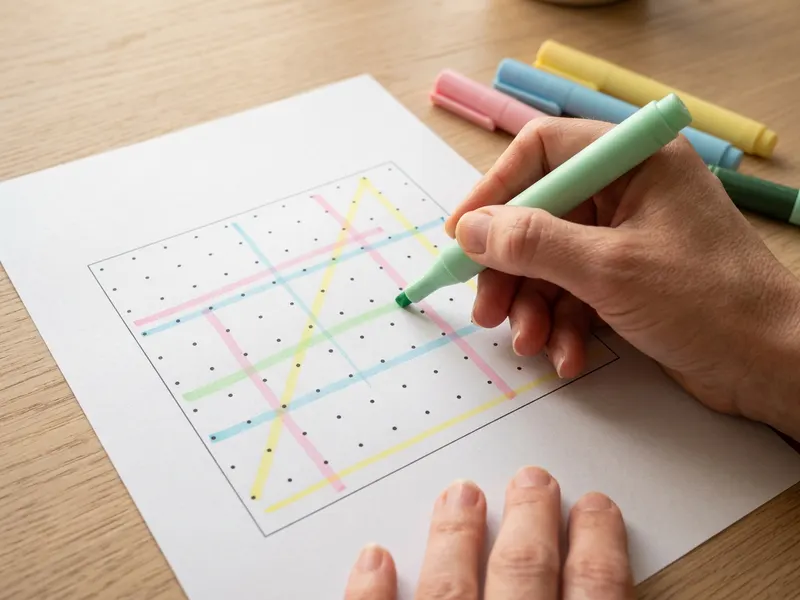 Zebra Mildliner Highlighters (8 pack)
Mark each word you find in soft colours that don't hide the letters.
-
 Scrabble Deluxe Edition
Love hunting for words? The turntable board makes family word night easy.
-
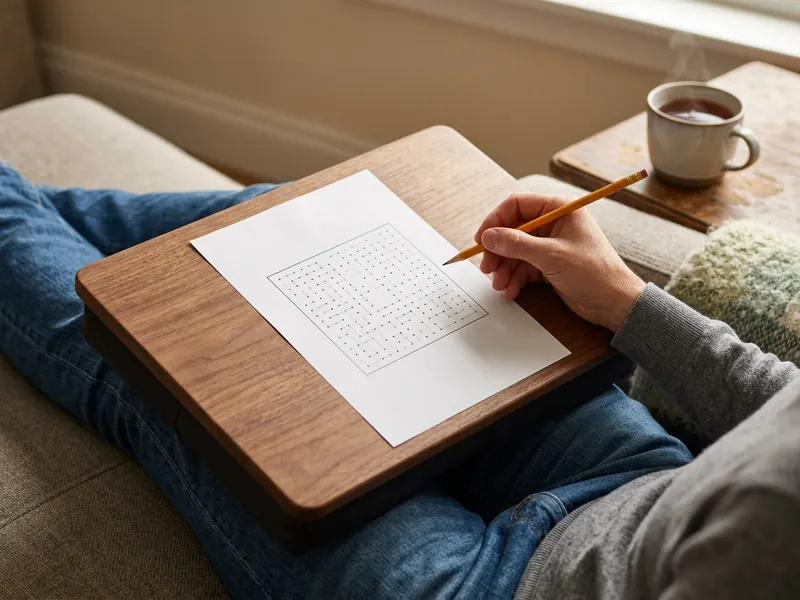 LapGear Designer Lap Desk
A firm, cushioned surface for solving puzzles from the sofa.
Helps keep the tools free. ✨
Images are for illustration only. As an Amazon Associate I earn from qualifying purchases.


