Price Quote Generator
This price quote generator turns a pasted list of items and prices into a quotation you can download as a PDF. Write one item per line with the price at the end, and the preview shows the quote as a Description / Amount table with a Subtotal, Tax and Total. It is meant for the quick job, a freelancer or a small business that needs to send a price today without opening a spreadsheet template or setting up an account. The list is read in your browser and nothing is uploaded.
How to make a price quote from a list of items
- Items and prices: paste or type one item per line, with the price at the end. It holds up to 5,000 characters, and a counter under the box shows how many you have used.
- Client name (optional): type who the quote is for. It appears under Prepared for and in the file name.
- Read the preview. Each line becomes a row, and a note under it says how many lines had no price.
- Open Options (below the Download button) to fill in Your business name, change the Currency symbol or set a Tax rate (%).
- Press Download PDF. The button reads Preparing PDF… for a moment and a Saved pill confirms the file.
Logo design 450
Website build 1,200
Monthly hosting 20
Loyalty discount -50
Currency symbol = $, Tax rate (%) = 8
Subtotal = $1,620.00
Tax (8%) = $129.60
Total = $1,749.60
How each line of the quote is read
The tool looks at the end of every line for a price. Whatever comes before it becomes the description.
A currency sign or code may sit on either side of the number, and a leading bullet or number such as
1., - or • is dropped.
| On the line | Read as |
|---|---|
| Logo design 450 | 450.00 |
| Logo design $450 | 450.00 |
| Logo design 450 € or 450€ | 450.00 |
| Logo design 450 zł | 450.00 |
| Logo design EUR 450 or 450 USD | 450.00 |
| Website build 1,200.50 | 1,200.50 |
| Website build 1.200,50 | 1,200.50 |
| Loyalty discount -50 | -50.00 |
| Refund (25) | -25.00 |
| 2. Copywriting 300 | 300.00, description Copywriting |
| Kickoff call | 0.00, counted as a line with no price |
A few rules that follow from this:
- The price has to be the last thing on the line. In
Hosting €20 / monththe number is not at the end, so the line counts as 0. - The currency you type in the list is only a hint for reading the number. Every amount in the quote is printed with the Currency symbol from Options, in front of the number, and mixed currencies are simply added together as plain numbers. There is no conversion.
- On this English page a single comma is a thousands mark and a single dot is a decimal point, so
1,200is twelve hundred and1.5is one and a half. When both marks appear, as in1.200,50, the last one is the decimal point. - Amounts are rounded to the currency's decimals: two for most symbols, none for
¥,₩and₫.
Discounts, tax and the total
A minus sign or brackets in front of a price makes the line a discount: it is subtracted from the Subtotal and shown as a negative amount. Tax rate (%) in Options adds one percentage on top of the whole Subtotal and shows it as a Tax line with the rate in brackets, for example Tax (8%). The line only appears when the rate is above 0. The Total is the Subtotal plus that tax. Use the rate for VAT, GST or sales tax, whichever applies where you work.
There are no quantity columns. To quote several of something, work out the line total and write it last:
Description = Chairs 3 x 50
Amount = 150.00
What the quote PDF looks like
Your business name sits at the top left when you have filled it in, and the heading Quote at the top
right. Under that comes today's date, set automatically, and Prepared for with the client's name if you
typed one. Then the Description / Amount table and the totals. The text in the PDF is real, selectable text, so
it stays sharp and the file is small. A long list continues on the next page with the table header repeated,
and a page number is printed at the bottom once there is more than one page. The paper is A4 or Letter,
chosen from your region. The file is named quote- followed by the client name, with spaces turned
into hyphens, or just quote.pdf when no client is entered.
Your business name, Currency symbol and Tax rate (%) are kept on this device for next time. The items and the client name are not, so keep your list somewhere if you will want to change the quote later.
What this price quote generator does not do
It turns one pasted list into one quote. There is no table to edit rows in, no quantity times unit price, no logo, quote number, due date or terms, no saved quotes, and only one tax rate for the whole quote. The document is always headed Quote and the date cannot be changed. A line of plain text such as Valid for 30 days is not ignored: it becomes a row with 0.00 as its amount, so keep terms and conditions for the message you send the PDF with.
Frequently asked questions
How do I make a quote for a client?
Paste one item per line into Items and prices, with the price at the end of each line, and type the client in Client name (optional). Check the preview, then press Download PDF. Open Options first if you want Your business name, a Currency symbol or a Tax rate (%) on it. You get a PDF with Description and Amount rows, Subtotal, Tax and Total, ready to attach to an email.
Can I make a quotation online for free without logging in?
Yes. There is no account and no login, and it is free. The list is read and the PDF is built in your browser, so nothing is uploaded, and the PDF carries no watermark.
What should a quote include?
That depends on your trade and country, so check what yours expects. This PDF holds your business name, the client's name, today's date, each item with its amount, the subtotal, the tax and the total. It has no quote number, validity period, payment terms or signature line, so put those in the message you send the PDF with.
What is the difference between a quote and an estimate?
Usually a quote is a firm price for defined work and an estimate is a best guess that can change, but how binding each one is depends on the country and the trade. This generator only builds the document, and the PDF is headed Quote. How firm the price is comes down to what you write when you send it.
How do I add a discount to a quote?
Put a minus sign in front of the amount, as in Loyalty discount -50, or wrap it in brackets, as in Loyalty discount (50). The line is subtracted from the Subtotal and shows as a negative amount, such as -$50.00.
How do I add tax or VAT to a quote?
Open Options and type a number in Tax rate (%). A Tax line, labelled for example Tax (8%), appears between Subtotal and Total. One rate is applied to the whole Subtotal, so a quote that mixes rates cannot be split. Leave the field empty or at 0 and there is no Tax line.
Can I add quantities and unit prices to a quote?
Not as columns. Every line has one amount, and it is the last number on the line. Work out the line total yourself and write it at the end, for example Chairs 3 x 50 = 150. The quote lists Chairs 3 x 50 with 150.00 as its amount.
Does it upload my client list or prices?
No. The text is parsed and the PDF is drawn on your device, and nothing is sent anywhere. Only Your business name, Currency symbol and Tax rate (%) are kept in your browser, on this device, for next time. The items and the client name are not saved.
Recommended
-
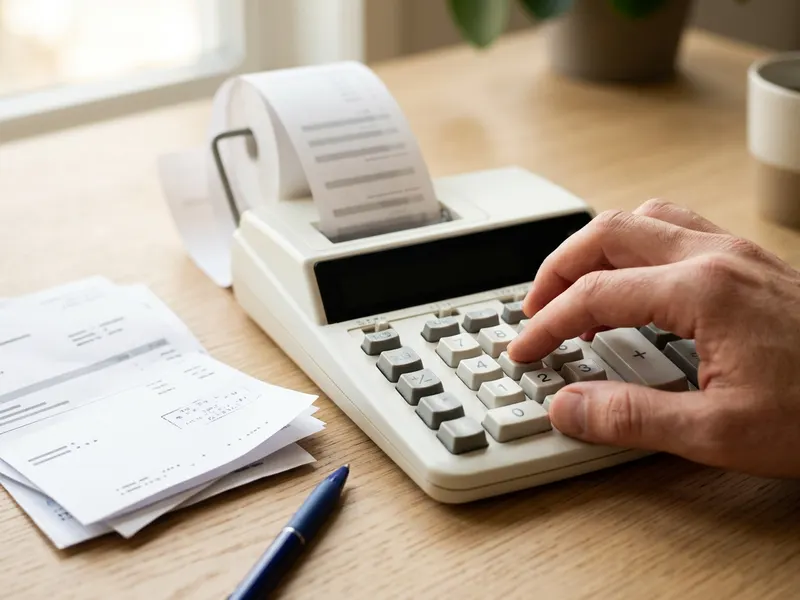 Canon P23-DHV-3 Printing Calculator
Add up Chairs 3 x 50 on paper tape before you type the total at the end of the line.
-
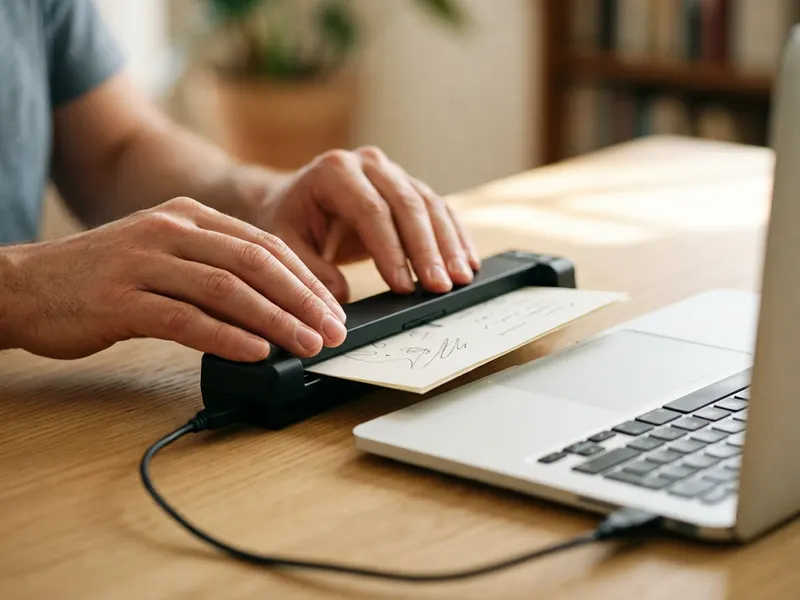 Epson WorkForce ES-50 Portable Scanner
Scan the client's reply, the receipts and the signed job paperwork to PDF in seconds.
-
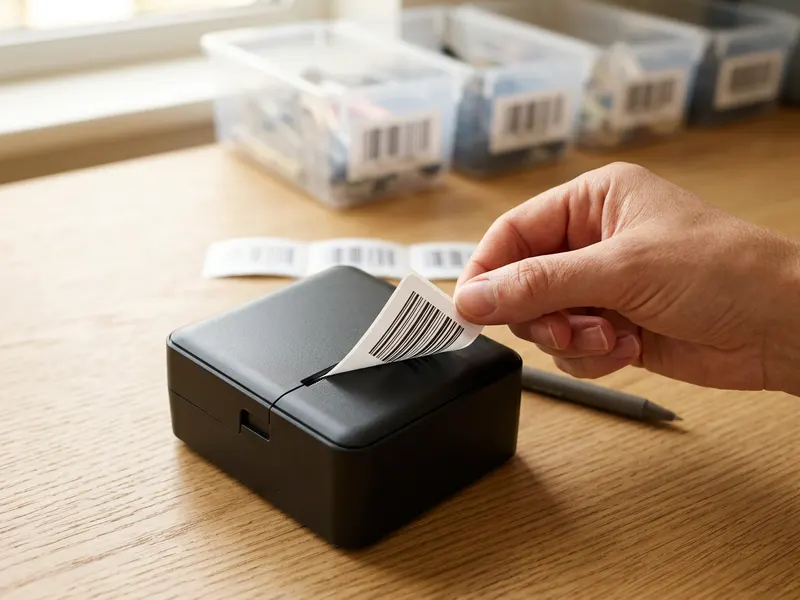 Phomemo M110 Label Printer
Print neat labels for the parcels and folders that go out once the job is agreed.
Helps keep the tools free. ✨
Images are for illustration only. As an Amazon Associate I earn from qualifying purchases.


