Screen Measurement Tool Online
This screen measurement tool reads exact pixel width, height, distance, and angle on any screen, window, or browser tab — directly in your browser. Share what you want to measure and the frame freezes instantly, so you can drag across it for a precise pixel reading. Nothing is uploaded: capture and measurement happen entirely on your device, and screen sharing stops the instant the frame is grabbed.
How This Screen Measurement Tool Works
- Select Select screen or window — your browser's own screen-sharing picker opens.
- Choose the screen, application window, or browser tab you want to measure, and the frame freezes instantly. Sharing stops the moment that single frame is captured.
- Drag across the frozen frame. The Width, Height, Distance, and Angle readout tracks your cursor in real pixels.
- Select New capture at any time to release the current frame and measure something else.
Line Mode vs. Box Mode — Distance, Angle, or a Bounding Box
The floating toolbar switches between two ways of measuring. Line mode draws a straight guide between two points, ideal for checking the pixel distance and angle between them — spacing between elements, or whether an edge is truly level. Box mode draws a rectangle instead, reading the exact width and height of whatever area you drag over — a button, a banner, a margin, or any bounding region. A contrast toggle swaps the guide color between neon green and magenta, so the line or box stays visible against any background.
Why the Pixel Readout Is Exact (No Zoom or DPI Drift)
Every measurement is calculated from the captured frame's intrinsic pixel resolution — the real resolution of the screen, window, or tab you shared — never from the scaled-down preview you're dragging across. That means browser zoom, a high-density Retina display, or resizing the browser window never skews a reading: the Width, Height, Distance, and Angle you see are the true pixel values of what you captured, not an approximation from whatever size the preview happens to be on your screen.
No Install, No Extension — Measure Any Window Without Leaving the Browser
Desktop screen-ruler utilities like Windows PowerToys' Screen Ruler or the Snipping Tool's built-in ruler require a download and only run on that one operating system. This tool needs none of that: it runs in the tab you already have open, on Windows, Mac, or Linux, with no extension, desktop app, or account. Screen sharing also stops the instant the frame is captured, so there's no lingering share indicator while you measure.
Frequently Asked Questions
How do I measure pixels on my screen?
Select Select screen or window, choose the screen, window, or tab you want to measure, and the frame freezes instantly. Drag across it and the Width, Height, Distance, and Angle appear next to your cursor, all in exact pixels.
How do I measure the distance between two points on my screen?
Switch to Line mode, then drag from the first point to the second. The readout's Distance value is the true straight-line pixel distance between the two points — calculated from their exact width and height apart, not measured off the visible preview.
How do I measure an angle on my screen?
In Line mode, drag along the edge or line you want to check. The Angle reading (in degrees, from horizontal) shows next to Width, Height, and Distance, so you can confirm whether something is level or off by a few degrees.
Does this work on both Mac and Windows?
Yes. It works in any desktop browser that supports the browser's screen-sharing feature — Chrome, Edge, and Firefox on Windows, Mac, and Linux — since it's a browser capability, not an operating-system one. Screen capture isn't available on mobile browsers, so measuring needs a desktop or laptop.
Do I need to install a browser extension?
No. There's no extension, desktop app, or account to install — everything runs in the page you're already on. Share a screen or window once and the frozen frame is ready to measure immediately.
Can I measure pixels in a screenshot instead of my live screen?
Yes — share the window or tab that has your screenshot open, such as an image viewer or a browser tab showing the file. The tool captures exactly what's on screen at that moment, including the screenshot inside it, then freezes that frame for measuring.
Recommended
-
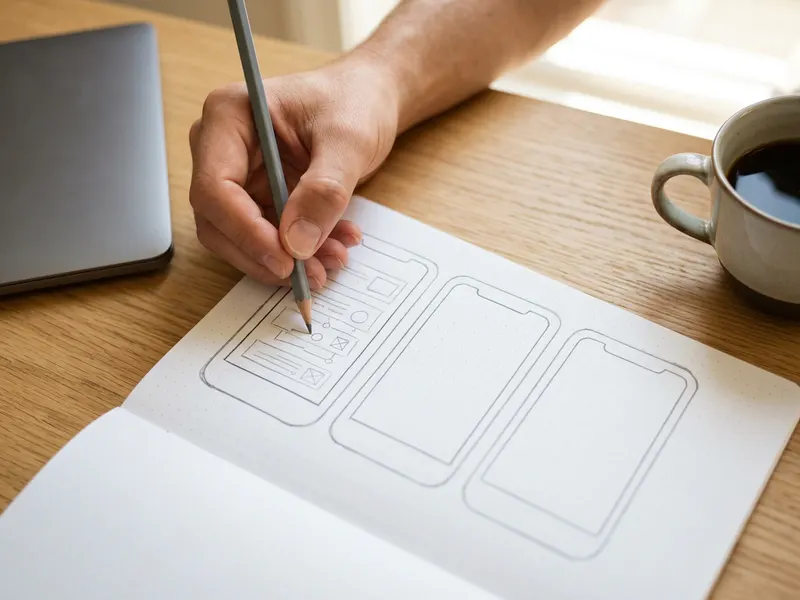 UX/UI Wireframe Sketchbook
Phone, tablet and desktop outlines to sketch the layout you just measured.
-
 Don't Make Me Think, Revisited (Steve Krug)
The classic on why spacing and layout make a page easy to use.
-
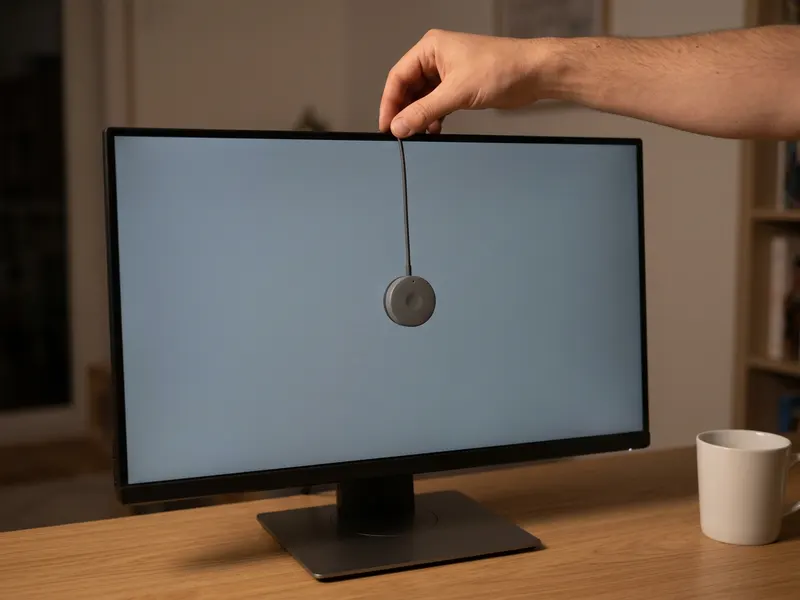 Calibrite Display 123 Colorimeter
Pixel-perfect sizes deserve true colors: calibrate the screen you measure on.
Helps keep the tools free. ✨
Images are for illustration only. As an Amazon Associate I earn from qualifying purchases.


