Pupillary Distance Meter: Measure Your PD Online with a Card
Take one photo with your camera and a standard bank or ID card held against your forehead, and read your pupillary distance (PD) in millimetres. The card is a known size, so it gives the photo its scale. Many people use it to get a PD figure when ordering glasses online. It is an estimate: compare it with your optician's number before you order lenses.
How to measure your pupillary distance online
- Find a standard-size plastic card: a bank, credit, debit, ID, driving licence or transit card. Sit facing a window or lamp so your face is evenly lit.
- Select Start camera. Your browser asks for camera permission; allow it. A phone uses the front camera. While the page says Loading the face model…, wait a moment.
- In the live preview, line your face up with the outline. Hold the card flat against your forehead, long edge level, so it sits inside the dashed rectangle, and look straight into the camera. The two crosshairs in the guide show where the pupils should fall.
- Select Capture. After Finding your eyes…, the photo freezes with a crosshair on each pupil and a box around the card.
- Read Pupillary distance, shown in large figures as NN.N mm. Check the markers (next section) and adjust them if they are off.
- Select Retake for a new photo. Taking two or three and comparing the numbers shows you how steady the result is.
Set up the photo so the number is trustworthy
- Card flat, not tilted. The tool measures the card's width, so a card that is angled toward or away from the camera looks narrower and skews the result.
- Long edge level. Keep the card horizontal, in line with your eyes, as the dashed rectangle shows.
- Look into the camera, head straight. Turning or tilting your head changes the apparent distance between the pupils.
- Camera at eye level, an arm's length or so away. A very close camera distorts the edges of the picture.
- Even light, nothing covering the eyes. Push hair and glasses out of the way, and avoid a bright light behind you. Glare on the card can hide its edges.
- A standard-size card. Only the standard 85.6 mm width gives the right scale. A mini or oversized card does not.
Adjust the pupil and card markers
The result screen is not final until you have looked at it. Face landmarks are found automatically, and so are the card's side edges, but you can always correct them:
- Drag each pupil crosshair onto the centre of the pupil.
- Drag the card's left and right side edges onto the edges of the real card. Drag the box itself (Move the card box) to shift both sides together.
- Focus a marker and use the arrow keys to nudge it. Hold Shift for a bigger step.
- The number updates as you move a marker.
Three notes can appear under the photo. No face was found and The face model couldn't load mean the markers start in a default position, so drag them onto your pupils. The card's edges weren't clear in the photo means the card box is where the guide was; drag its sides onto your card. A value outside 40 to 80 mm shows a warning to check that the markers sit on your pupils and on the card's side edges.
How the measurement works
| Step | What happens |
|---|---|
| Scale | A standard card is 85.6 mm wide (ISO ID-1, 85.6 x 54 mm). The width of the card in the photo, in pixels, gives millimetres per pixel. |
| Pupils | A face-landmark model finds the centre of each iris in your browser. You can move the crosshairs. |
| Card edges | The two side edges of the card are looked for in the band across your forehead. If they are not clear, the box stays at the guide position. |
| Result | PD (mm) = pupil-to-pupil distance in pixels x 85.6 / card width in pixels. |
For example, if the card is 600 pixels wide in the photo and your pupils are 440 pixels apart, the PD is 440 x 85.6 / 600, which is about 62.8 mm. The output is one number in millimetres, the total (binocular) PD. There are no separate left and right (monocular) or near and far figures.
Using the result when you order glasses
Online lens shops ask for a PD so the optical centre of each lens sits in front of your pupil. If your prescription or an optician already gives a PD, use that. If you have no figure, this tool gives you an estimate to compare with an optician's measurement. Keep these points in mind:
- A photo gives an estimate that can be off by a few millimetres. It is not a clinical measurement.
- Take a few photos, adjust the markers each time, and see how much the numbers differ.
- Check the final figure with your optician before ordering lenses, especially for strong or progressive prescriptions.
This tool measures distance in a photo. It does not test your eyes or give medical advice, and it cannot replace an optician's measurement.
Troubleshooting
- Camera access is blocked. Allow the camera for this site in your browser settings, then select Try again.
- No camera found, or the camera could not start. Close any other app or tab that is using the camera and select Try again.
- The pupil markers are on the wrong spot. Drag them. Poor light, glasses with strong reflections or hair across the eyes make detection harder.
- The number looks off. Check that the card box lines up with the card's edges and that the card is the standard size. Then take the photo again with the card flat.
Frequently asked questions
Can I measure my pupillary distance online?
Yes, as an estimate. Select Start camera, hold a bank or ID card flat against your forehead, look into the camera and select Capture. The card is 85.6 mm wide, so the tool uses it as the scale and shows the distance between your pupils in millimetres. Compare the number with an optician's figure before ordering lenses.
How do I measure pupillary distance with a credit card?
Hold the card flat against your forehead with its long edge level, so it sits under the dashed rectangle in the preview. Look straight into the camera and select Capture. The tool divides the pupil-to-pupil distance in pixels by the card's width in pixels and multiplies by 85.6 mm.
Are online pupillary distance measurements accurate?
A photo gives an estimate that can be off by a few millimetres. Tilting your head, a card that is not flat, a lens that distorts the edges of the picture or markers placed a little off the pupil all change the number. Drag the markers to correct them, take a second photo and compare the two results, and check the figure with your optician before ordering lenses.
Can you measure pupillary distance from a photo?
Yes, if the photo contains something of known size. Here that is a standard 85.6 mm wide card held against the forehead in the same photo. A photo without such a reference has no scale, so a pupil distance in millimetres cannot be worked out from it.
Which card can I use to measure my PD?
Any standard-size bank, credit, debit, ID, driving licence or transit card. They are all 85.6 x 54 mm (ISO ID-1). Only the card's width is measured. A mini, oversized or cut card has a different width and gives a wrong result.
What is the difference between monocular and binocular PD?
Binocular (total) PD is one number: the distance from one pupil to the other. Monocular PD is two numbers, from the centre of the nose to each pupil. This tool shows the total PD only, as a single figure in millimetres. If your prescription lists two numbers, they usually add up to the total.
Can I order glasses online without my PD?
Online shops usually ask for a PD, and your prescription or optician may already list it. If you have no figure, the number from this tool is an estimate you can compare with an optician's measurement before you order.
Does it work on a laptop webcam?
Yes. Any camera the browser can open works, including a laptop webcam, and on a phone the front camera is used. Sit in even light facing a window or lamp, keep the camera at eye level and hold the card against your forehead.
Is my photo uploaded?
No. The photo is taken and measured in your browser and is not sent anywhere. The face-detection model and its code are downloaded when you start the camera, but your picture stays on your device. No account is needed.
Recommended
-
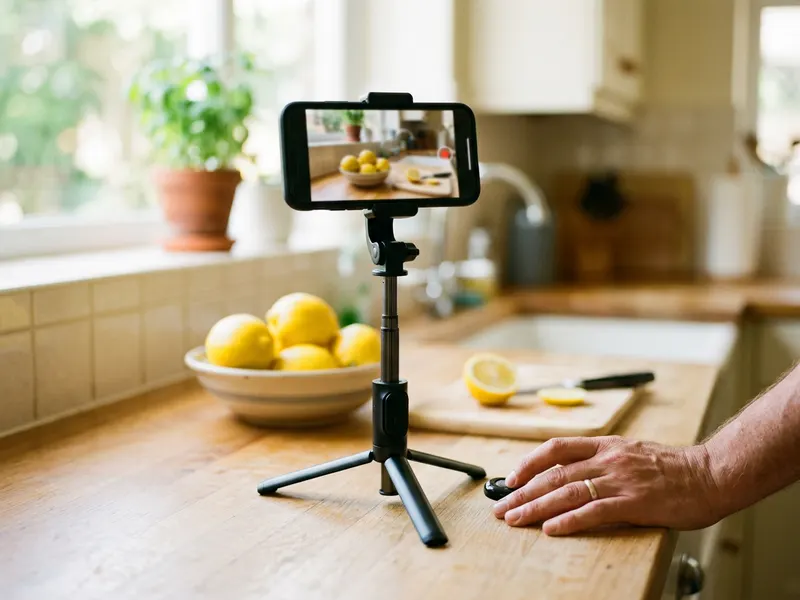 Phone Tripod with Bluetooth Remote
Prop your phone at eye level and trigger the photo hands-free, so the card stays flat on your forehead.
-
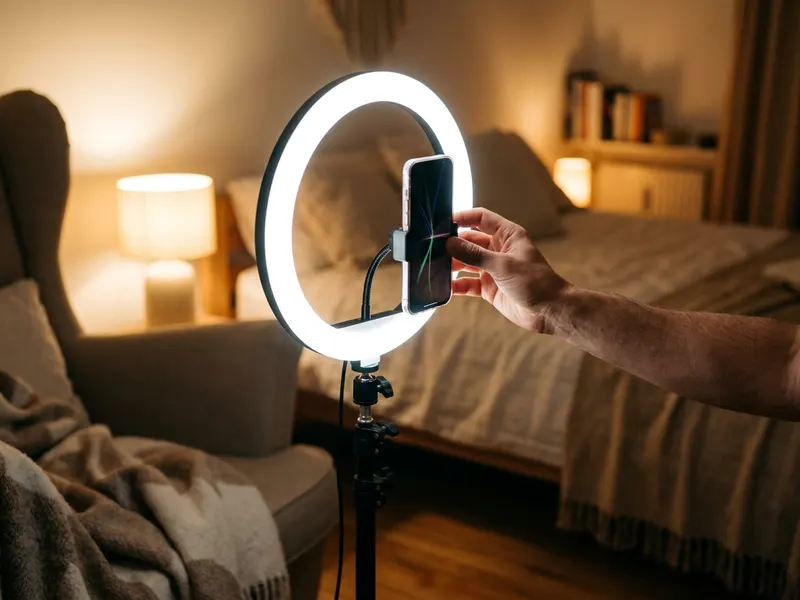 UBeesize Desk Ring Light with Phone Stand
Even light on your face keeps the card edges and pupils sharp, so the markers land exactly where they should.
-
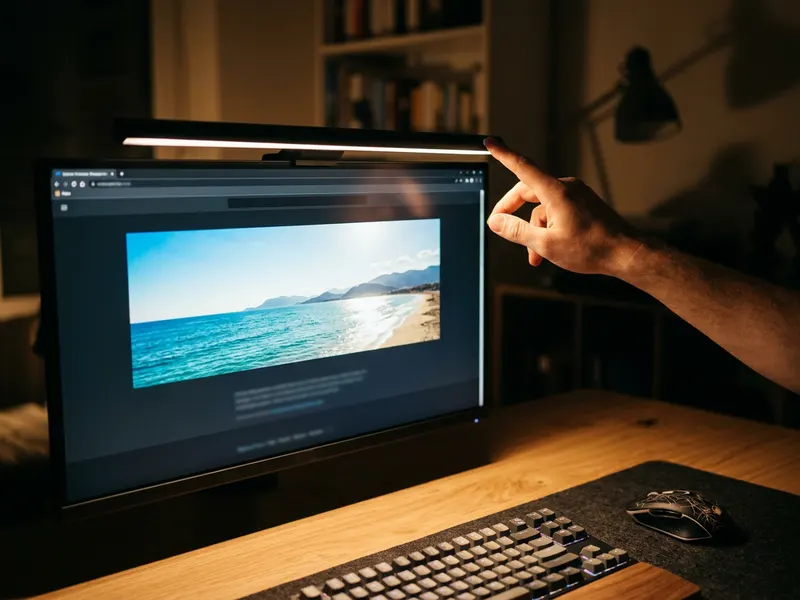 BenQ ScreenBar Pro Monitor Light
Comfortable light for the long screen sessions of browsing frames and comparing lens options before you order.
Helps keep the tools free. ✨
Images are for illustration only. As an Amazon Associate I earn from qualifying purchases.


