Convert Image to Grayscale Online
Drop in a color photo and get a grayscale copy in the same format and size. Pick one of three methods, preview the result and download it. Everything happens in your browser, so the photo is never uploaded.
How to convert an image to grayscale
- Press Choose an image or drop it here and pick a JPG, PNG, WebP or HEIC photo, or a camera RAW file such as DNG.
- The Preview & save screen shows the grayscale result straight away. Transparent areas appear as a checkerboard.
- To try another look, press the gear button (Conversion settings) beside Method and choose Standard luminance, Average or Desaturation.
- Press Download grayscale image. Press it again, or Download again, to save another copy after changing the method.
- To convert a different photo, use the back arrow (Start over) in the top bar.
The file is named your-photo-grayscale.jpg: the original name, then -grayscale, then the extension.
Luminance, average or desaturation: which grayscale method?
All three set red, green and blue to the same value for every pixel. They differ in how that gray value is worked out. Each conversion starts from your original colors, so switching methods back and forth never stacks the effects.
| Method | Formula | Result |
|---|---|---|
| Standard luminance | 0.299 R + 0.587 G + 0.114 B | Natural tones; green looks brightest, blue darkest. The default. |
| Average | (R + G + B) / 3 | Flatter and brighter; all three colors count equally. |
| Desaturation | (max + min) / 2 | Softer contrast; uses only the lightest and darkest channel. |
The gap shows most on strongly colored areas. A pure green pixel becomes gray 150 with luminance, 85 with average and 128 with desaturation. A pure blue pixel becomes 29, 85 and 128. If a blue sky or a red shirt looks too dark or too washed out, try another method and compare.
What you get: same format, same size, transparency kept
- Format: a JPG stays a JPG (saved at quality 92), a PNG stays a PNG and a WebP stays a WebP.
- Size: the pixel dimensions do not change. Only a photo above about 16 megapixels is scaled down slightly, because of the browser canvas limit.
- Transparency: the alpha channel is untouched, so a transparent PNG or WebP stays transparent.
- One image at a time: there is no batch mode, and no tint, sepia or contrast controls. It does one job: remove the color.
Convert JPG, PNG, WebP, HEIC and RAW photos to grayscale
JPG, PNG and WebP are read directly. HEIC photos from an iPhone and camera RAW files (DNG and similar) are decoded automatically first, and then downloaded as JPG. GIF and BMP are not supported.
Need a different format or a smaller file afterwards? Run the grayscale copy through the image converter or the image compressor.
Frequently Asked Questions
Is grayscale the same as black and white?
Usually, yes in everyday speech: both mean a picture with no color. Strictly, grayscale keeps all the shades from black to white, while true black and white has only two tones and no gray. This converter makes grayscale, so smooth tones and detail are kept.
What is the formula to convert RGB to grayscale?
The standard luminance formula is gray = 0.299 x R + 0.587 x G + 0.114 x B, which weights green most because the eye is most sensitive to it. This is the default method here. The Average method uses (R + G + B) / 3 and Desaturation uses (max + min) / 2 of the three channels.
How do I convert an image to grayscale without losing quality?
The pixel size stays the same and nothing is resized, so only the color is removed. PNG and WebP are saved in their own format, and JPG is saved at quality 92. Only a photo above about 16 megapixels is scaled down slightly, because browsers cannot draw larger canvases reliably.
Can I convert a PNG to grayscale and keep it transparent?
Yes. Only the red, green and blue values change, the transparency of every pixel is left alone, and a PNG stays a PNG. Transparent areas show a checkerboard in the preview.
Can I convert HEIC or RAW photos to grayscale?
Yes. HEIC photos from an iPhone and camera RAW files such as DNG are decoded automatically when you choose them. Because they are turned into a regular picture first, the grayscale result downloads as a JPG. RAW files are decoded at up to 6000 pixels on the long edge.
Is my photo uploaded when I convert it to grayscale?
No. The image is read, converted and saved inside your browser, so it never leaves your device and there is no account to make.
Is the saved file a true one-channel grayscale image?
It looks fully gray, but it is saved as an ordinary color file whose red, green and blue values are equal. That is fine for sharing, posting and most printing. If a print workflow demands a file in grayscale color mode, convert the downloaded image in your layout or editing software.
Recommended
-
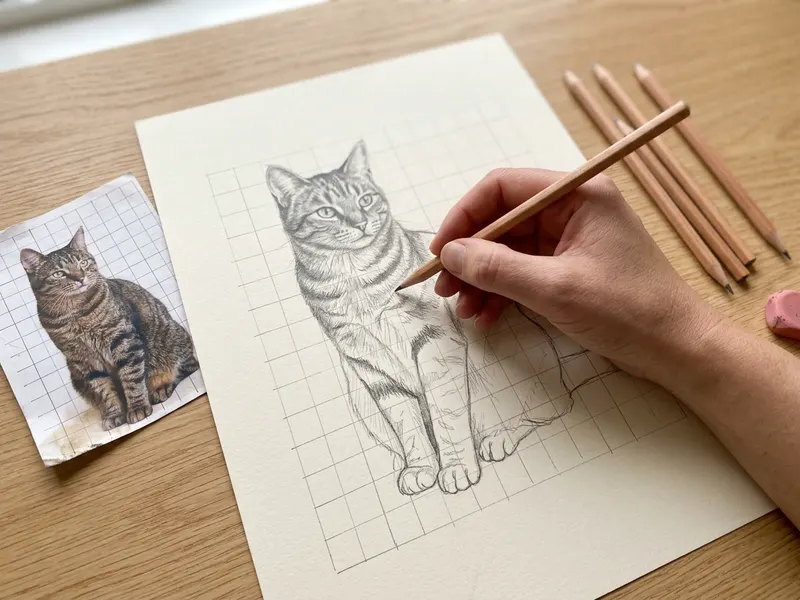 Staedtler Mars Lumograph Drawing Pencils (12)
Graphite pencils for sketching over your black-and-white photo.
-
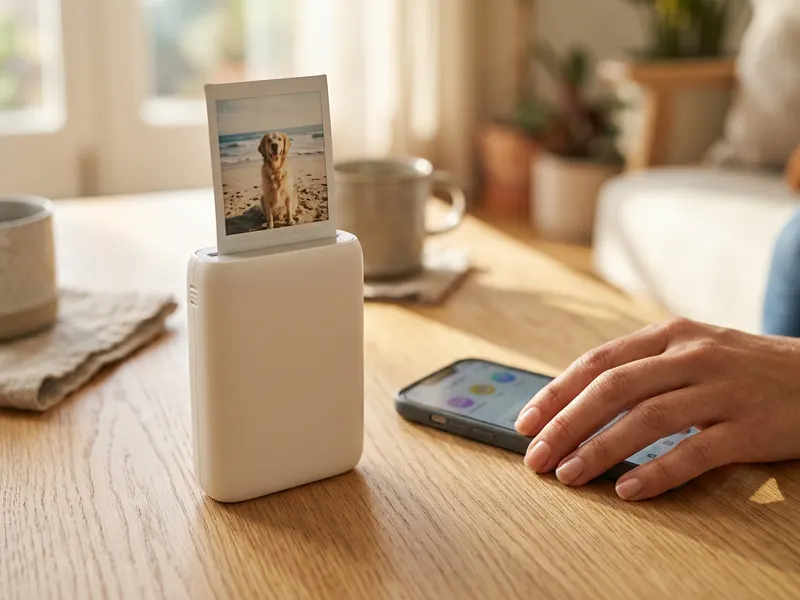 Fujifilm Instax Mini Link 3 Phone Printer
Print your grayscale photo as a pocket-size instant picture.
-
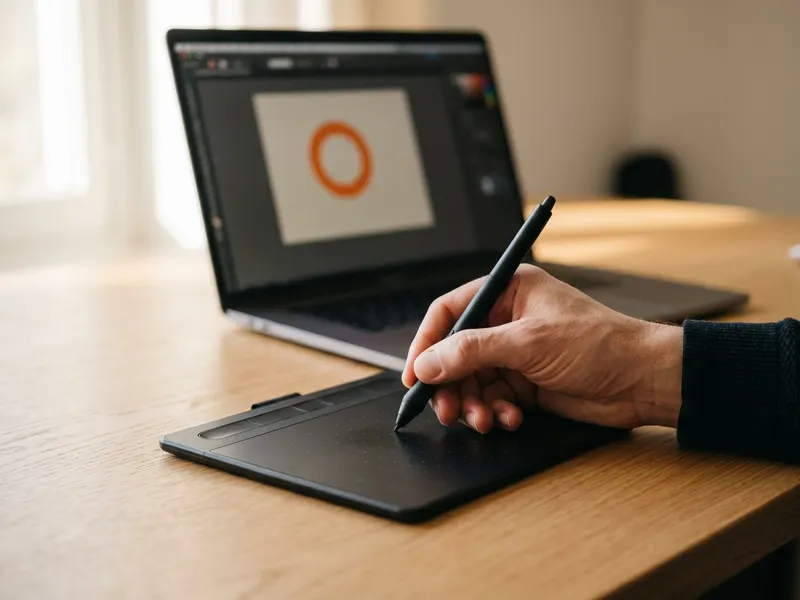 Wacom Intuos Small Drawing Tablet
Redraw or retouch your grayscale image by hand.
Helps keep the tools free. ✨
Images are for illustration only. As an Amazon Associate I earn from qualifying purchases.


