Hours Calculator
This hours calculator turns a start time and an end time into the hours worked, shown two ways: as hours and minutes (7h 45m) and as decimal hours (7.75). Take off an unpaid break if there was one. The result updates as you change a field, and a shift that runs past midnight is handled without entering any dates. Everything is calculated in your browser, nothing is uploaded.
How to calculate hours worked
- Start time: pick when the shift or task began. It starts at 09:00.
- End time: pick when it finished. It starts at 17:00.
- Unpaid break (minutes): type a whole number of minutes to subtract, or leave 0.
- Read Total time and Decimal hours in the result card. Select Copy decimal hours to copy the decimal figure; the button reads Copied once it is done.
There is no Calculate button. Changing any of the three fields refreshes the result straight away.
Total time = 7h 30m
Decimal hours = 7.50
Hours between two times, including overnight shifts
The tool counts the minutes from Start time to End time. If End time is earlier than Start time, it assumes you worked through midnight and adds 24 hours, so you never have to type a date. Then the break is subtracted.
Total time = 8h 0m
Decimal hours = 8.00
Two edge cases to know about:
- If Start time and End time are the same, the result is 0h 0m, not 24 hours.
- If the break is longer than the time worked, the result stops at 0h 0m / 0.00 instead of going negative.
Convert hours and minutes to decimal hours
Many timesheets and invoices want hours as a decimal because 7h 45m is awkward to multiply. The conversion is minutes divided by 60, added to the whole hours: 45 ÷ 60 = 0.75, so 7h 45m is 7.75. The decimal figure here is rounded to two places, so 8h 20m becomes 8.33 and 6h 10m becomes 6.17.
| Minutes | Decimal hours |
|---|---|
| 5 | 0.08 |
| 10 | 0.17 |
| 15 | 0.25 |
| 20 | 0.33 |
| 30 | 0.50 |
| 40 | 0.67 |
| 45 | 0.75 |
| 50 | 0.83 |
What this calculator does not do
It handles one shift at a time. There are no weekly totals, no several shifts in a day, no dates, no pay rates or overtime, and no saved timesheet. For a week, work out each day, copy the decimal figure and add them up in your own sheet. Whether a break is paid, and how an employer rounds time, is up to them; the tool only does the subtraction and the conversion.
Frequently asked questions
How do I calculate hours worked with a lunch break?
Enter the time you started and the time you finished, then type the length of the break in Unpaid break (minutes). The break is subtracted from the span between the two times, so 09:00 to 17:00 with a 30 minute break shows 7h 30m and 7.50 decimal hours. Leave the break at 0 if nothing should be taken off.
How do I calculate hours between two times that cross midnight?
Just enter them as they are. When End time is earlier than Start time, the calculator treats the shift as running past midnight and adds 24 hours, so 22:00 to 06:00 gives 8h 0m. No dates are needed. If both times are identical the result is 0, not 24 hours.
How do I convert hours and minutes to decimal hours?
Divide the minutes by 60 and add the result to the whole hours: 7 hours 45 minutes is 7 + 45/60 = 7.75. The Decimal hours figure does this for you and rounds to two decimals, so 8h 20m shows 8.33 and 6h 10m shows 6.17.
What is 15, 30 or 45 minutes as a decimal of an hour?
15 minutes is 0.25, 30 minutes is 0.50 and 45 minutes is 0.75. Minutes that do not divide evenly into 60 get rounded to two decimals: 10 minutes is 0.17 and 20 minutes is 0.33. The quick reference table above lists the common values.
Can I add up a whole week or fill in a time card with it?
No. It works out one shift at a time: one start, one end and one break. For a week you can calculate each day, copy each result with Copy decimal hours and add the numbers in your own spreadsheet or timesheet.
Does the hours calculator work out pay or overtime?
No. It only does the time arithmetic, giving you total time and decimal hours. It does not apply pay rates, overtime rules or rounding policies, so multiply or adjust the figure yourself according to how your employer or client calculates it.
Is the 12-hour or 24-hour clock used?
The Start time and End time pickers follow your device's own setting, so you see AM/PM on a 12-hour device and 24-hour times on a 24-hour one. The calculation is identical either way.
Are my times sent anywhere?
No. The calculation happens in your browser as you type, and nothing you enter is uploaded.
Recommended
-
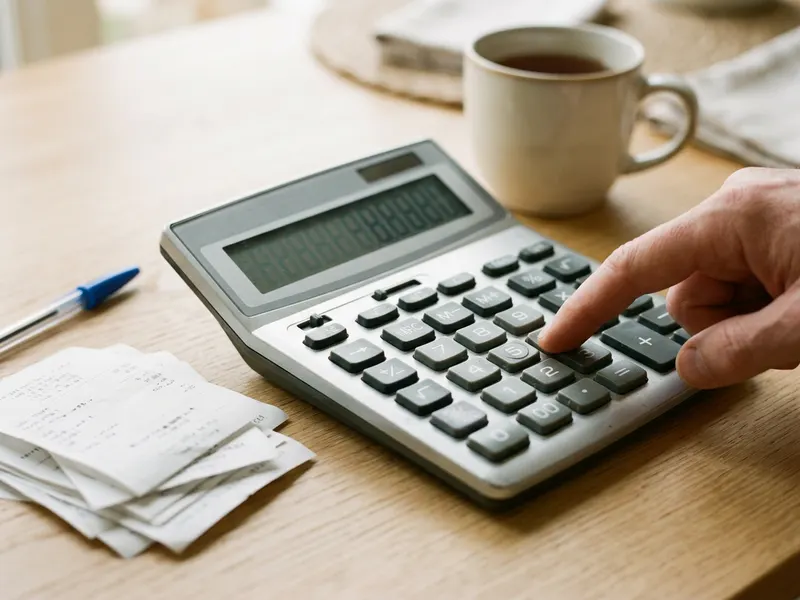 Casio MS-80B Desktop Calculator
Add up a week of decimal hours and multiply by your rate without opening another tab.
-
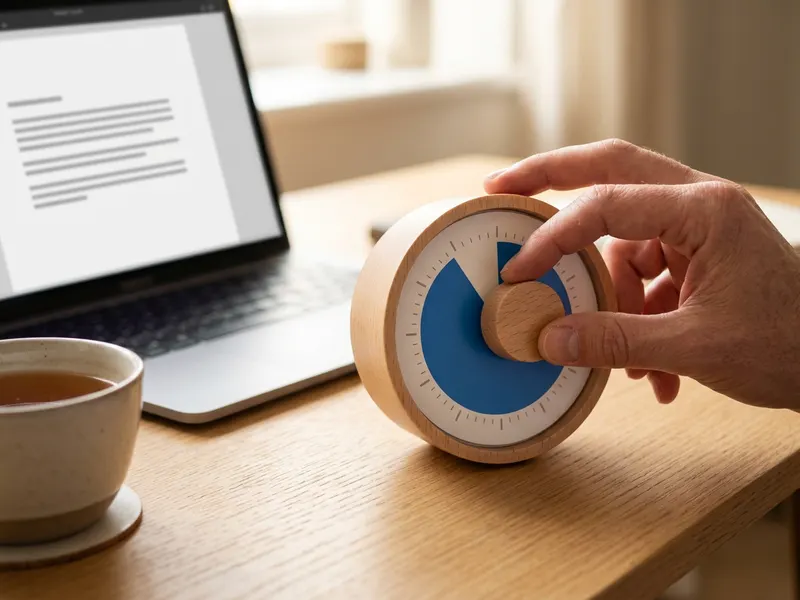 Time Timer 60-Minute Visual Timer
Block out a billable hour at a glance, so the hours you log match the hours you worked.
-
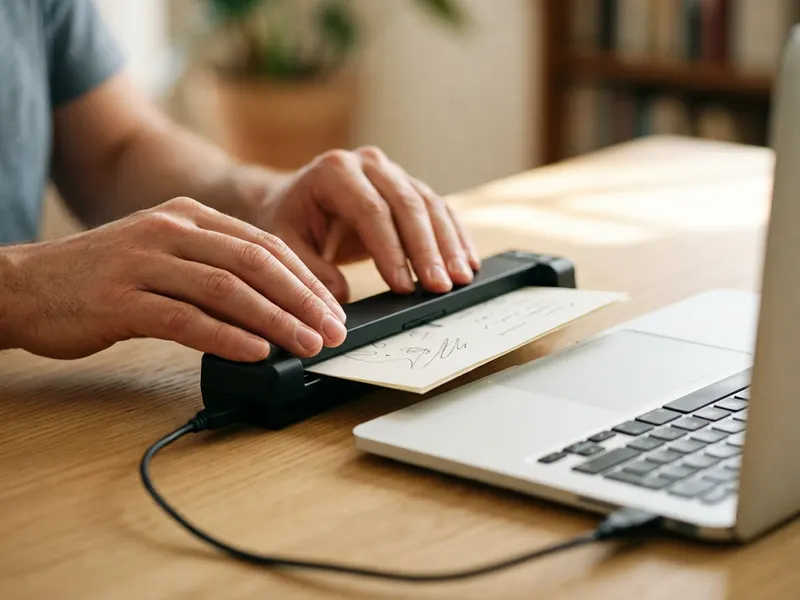 Brother DS-640 Portable Document Scanner
Scan the receipts and signed timesheets that go with your invoice, then send one clean PDF.
Helps keep the tools free. ✨
Images are for illustration only. As an Amazon Associate I earn from qualifying purchases.


