CSS Minifier Online
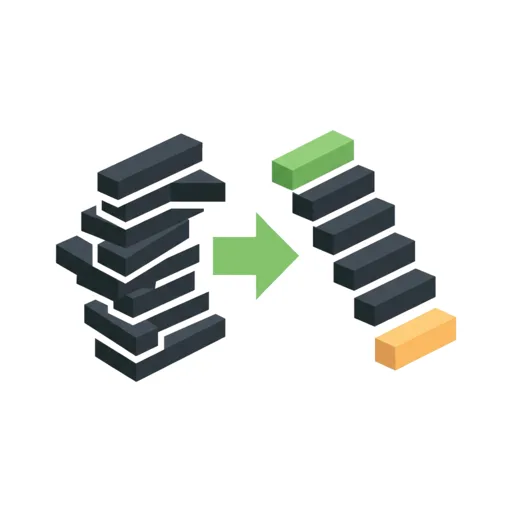
This free CSS Minifier Online tool shrinks your stylesheet by stripping comments, line breaks and every space the browser does not need. Paste your CSS into the box above and the compressed version appears within a fraction of a second, with the exact number of bytes saved. No install, no build step, and nothing you paste is ever uploaded: it all runs in your browser.
What This CSS Minifier Removes
Minifying keeps every rule behaving exactly as before and drops only what is there for
human eyes. Comments go, whitespace collapses, spaces around braces, :
and , disappear, and the final ; before a closing brace is
dropped. Quoted strings, url() values and escaped characters are copied
untouched, so content like "a b" keeps its spacing.
.btn {
color: #fff;
margin: 0 auto;
}
After .btn{color:#fff;margin:0 auto}
How to Minify CSS Online
- Paste or type your raw CSS into the Raw CSS box.
- The minified CSS appears below a moment after you stop typing, with the original size, the new size and the percentage saved. There is no button to press.
- Tap Copy to clipboard to paste it into your project, or Download .min.css to save it as a file.
Malformed CSS never crashes the tool: it is minified as far as it can be read, so you can paste half-finished code and fix it afterwards.
Keeping or Removing License Comments
Comments that begin with /*!, usually a library's license or copyright
notice, are kept by default because many licenses require the notice to travel with the
code. Untick Preserve license comments under the input to remove those
too and get the smallest possible file.
Frequently Asked Questions
What does a CSS minifier do?
A CSS minifier removes everything a browser does not need to read your styles: comments, line breaks, indentation, the spaces around braces, colons and commas, and the last semicolon in each rule. The result behaves exactly like the original but is smaller, so the file downloads faster and pages render sooner.
How do I minify CSS online?
Paste your CSS into the Raw CSS box. The minified version appears below it a moment later, along with how many bytes you saved. Tap Copy to clipboard to paste it into your project, or Download .min.css to save it as a file.
How do I compress CSS?
Compressing CSS and minifying CSS mean the same thing in everyday use: shrink the text without changing what it does. Paste the stylesheet here and copy or download the compressed result. For even smaller transfers, your web server can also gzip or Brotli the minified file.
How do I remove comments from CSS?
Paste your CSS and untick Preserve license comments. Every comment is stripped, including ones that start with /*!. Leave the option ticked to keep those license notices while all other comments are removed.
Is minified CSS safe to use in production?
Yes. Minifying only removes characters that have no effect on how a browser reads the stylesheet. Strings, url() values and escaped characters are copied exactly as written. Keep your original file as the source, and ship the .min.css version.
How much smaller will my CSS get?
It depends on how much whitespace and how many comments the file has. Heavily commented, nicely indented stylesheets often shrink by a quarter to a half. The saved percentage under the output shows the exact original size, minified size and savings for your CSS.
What is a .min.css file?
A .min.css file is the minified copy of a stylesheet, named that way by convention so it sits beside the readable source (style.css and style.min.css). Use the readable file while you edit and link the .min.css file on your live site.
Can I turn minified CSS back into normal CSS?
Minifying throws away the original formatting, so it cannot be restored exactly, but you can make it readable again. Paste the minified code into the Code Formatter to re-indent it. Comments that were removed are gone, so always keep your original source.
Recommended
-
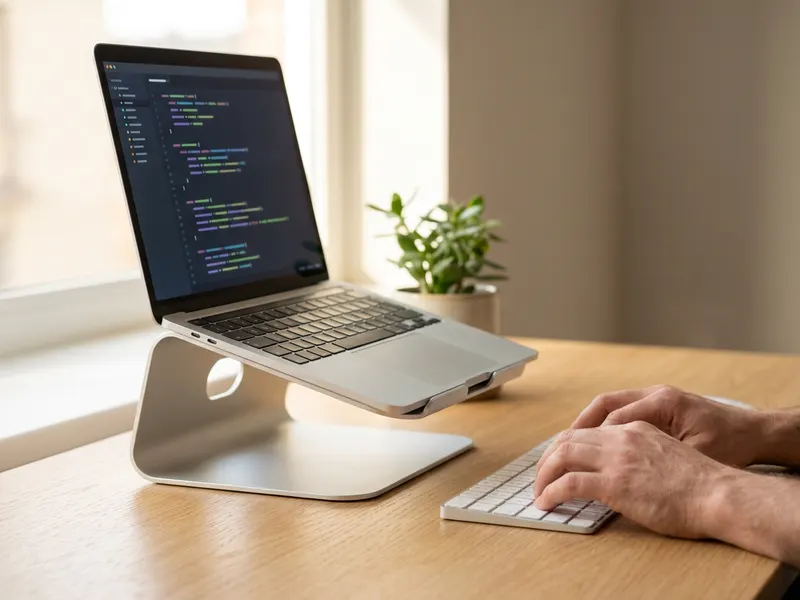 Amazon Basics Foldable Laptop Stand
Lift your screen to eye level while you tidy up your code.
-
 Web Performance Fundamentals (Nadia Makarevich)
Smaller CSS is the start. Learn to profile and speed up the whole site.
-
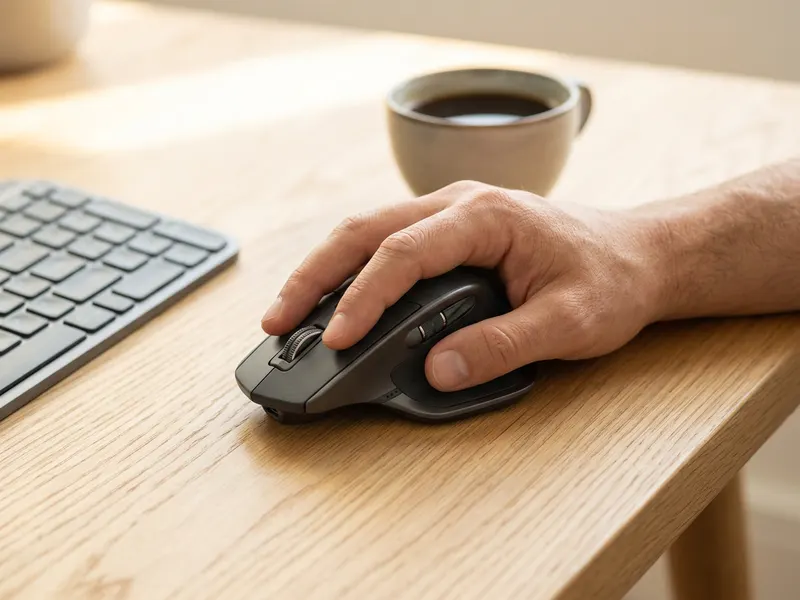 Logitech MX Master 3S Wireless Mouse
A precise, quiet mouse for long days of front-end work.
Helps keep the tools free. ✨
Images are for illustration only. As an Amazon Associate I earn from qualifying purchases.