Conversion Rate Calculator
Enter your total traffic and your total conversions above and the conversion rate calculator shows the percentage straight away, to two decimals, as you type. It works for a website, a shop, an email campaign or a sign-up page, and nothing you enter leaves your browser.
How to calculate conversion rate
There is no calculate button. Fill in the two boxes and the Conversion rate figure updates with every keystroke:
- Total traffic / sessions: the visitors, sessions or leads in your period.
- Total conversions / sales: the sales, signups or completed actions from that same traffic.
The formula is conversions ÷ traffic × 100. While traffic is empty or zero, or either number is negative, the result shows 0.00% rather than an error.
Conversion rate = 5.50%
Traffic 2,400, conversions 36
Conversion rate = 1.50%
What counts as a conversion
A conversion is whatever single action you are trying to get people to take: a purchase, a newsletter signup, a form submission, a download or a click on an offer. Count one kind of action at a time and divide it by the traffic that had the chance to take it. A shop might use orders over sessions, an email campaign purchases over emails delivered, and a landing page signups over visitors.
What is a good conversion rate
There is no single good figure. It changes with the price of what you sell, where the traffic comes from and whether visitors are on a phone or a desktop, and warm audiences such as email subscribers usually convert better than cold ones. The most useful benchmark is your own rate from the previous week or month, measured the same way. Because the calculator works instantly, you can try a few periods or channels one after another.
Frequently asked questions
How do you calculate conversion rate?
Divide the number of conversions by the number of visitors or sessions, then multiply by 100. If 55 of 1,000 sessions ended in a sale, the conversion rate is 55 ÷ 1,000 × 100 = 5.50%. Type both numbers above and the percentage appears as you type.
What is the formula for conversion rate?
Conversion rate (%) = conversions ÷ total traffic × 100. Use the same time period and the same source for both numbers, for example the sessions and the orders from one week of one channel, or the percentage will mean nothing.
How do I calculate website conversion rate?
Take the sessions (or visitors) your analytics shows for a period as the traffic, and the orders, signups or other goal completions for the same period as the conversions. Enter both above. Pick one traffic measure and stick with it, because sessions and unique visitors give different rates.
What is a good conversion rate for ecommerce?
It depends heavily on the product, price, traffic source and device, so there is no single good number. Store-wide rates in the low single digits are commonly quoted, and email or returning visitors usually convert better than cold traffic. The most useful comparison is your own rate from last month.
How do I calculate conversion rate in Excel?
Put traffic in A1 and conversions in B1, then enter =B1/A1 in another cell and format it as a percentage. If you want the number rounded to two decimals, format the cell with two decimal places. This page does the same division without a spreadsheet.
How do I calculate conversion rate in marketing?
Use the same formula for any channel: the people who took the action you wanted, divided by the people who had the chance, times 100. For an email campaign that is purchases divided by emails delivered; for an ad it is conversions divided by clicks. Run it once per channel to compare them.
Can conversion rate be over 100%?
Yes, when the conversions you enter are larger than the traffic, for instance when one visitor completes several actions or the two counts come from different tools. The calculator shows the result without complaint, but a value over 100% usually means the numbers are not counting the same thing.
Is this the same as an exchange-rate calculator?
No. This calculator divides conversions by traffic to give a percentage for marketing and sales. It does not convert currencies. For that you need a currency converter with live exchange rates.
Recommended
-
 Don't Make Me Think, Revisited (Steve Krug)
Find out why visitors leave before they buy.
-
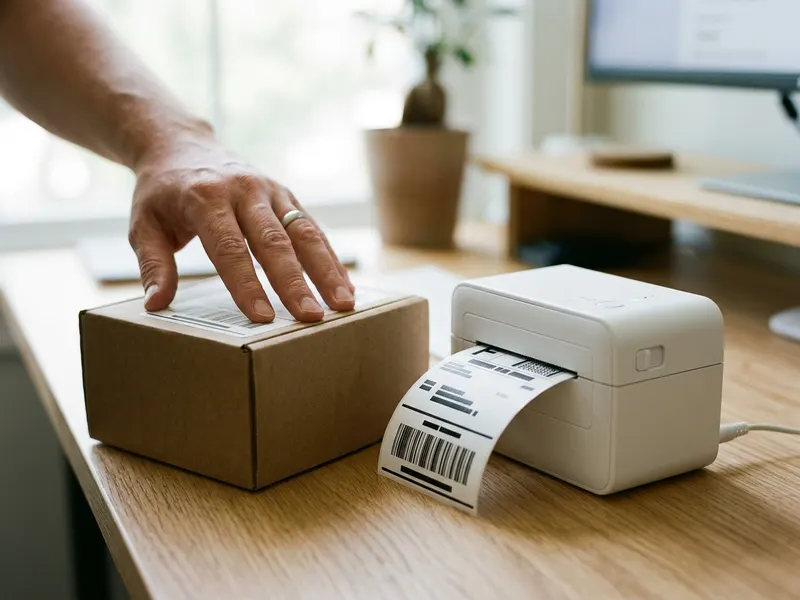 JADENS 4x6 Bluetooth Label Printer
Ship the orders your conversions bring in.
-
 PULUZ 20-inch Photo Light Box
Better product photos can lift your rate.
Helps keep the tools free. ✨
Images are for illustration only. As an Amazon Associate I earn from qualifying purchases.