Computer Keyboard Piano
Computer Keyboard Piano turns your typing keyboard into a piano you can play right now. The home row plays the white keys, the row above plays the black keys, and you can hold several keys at once for chords. It is free, needs no download and no account, and the sound is made inside your browser.
How to play piano with your computer keyboard
- Press any key from the home row, such as A, to hear the first note.
- Play up the scale with A S D F G H J K L. The keys light up on the piano as they sound.
- Add the black keys with the row above: W E T Y U O P.
- Hold several keys together to play a chord, and let go to end each note.
Computer keyboard piano layout: which keys play which notes
The keys follow the shape of a real piano. The letter for each key is printed on the on-screen piano:
- A S D F G H J K L ; ' play the white keys, starting from C.
- W E T Y U O P play the black keys. There is no black key between E and F, or between B and C, just as on a real piano, so there is a gap in the row above.
- The keys are read by their position, so the layout stays the same on any keyboard language.
Change octave and waveform
Press Z to go down one octave and X to go up one. The Octave buttons do the same on a touchscreen. Use the Waveform menu to change the tone:
- Sine is soft and pure.
- Triangle is mellow, a little brighter than sine.
- Square is hollow and buzzy, like an old game console.
- Sawtooth is bright and sharp, like a synth lead.
Play on a phone or tablet
Tap the on-screen keys. You can touch several keys at once to play chords, and each key sounds for as long as you hold it. On a narrow phone screen the piano shows one octave at a time, so use the Octave buttons to reach higher or lower notes.
Computer keyboard piano FAQ
How do I play piano on a computer keyboard?
Press the letter keys on the home row, A S D F G H J K L, to play the white keys, and the row above, W E T Y U O P, to play the black keys. Hold several keys at once to play a chord. The first key you press starts the sound, so there is nothing to set up.
Which keys on my keyboard play the notes (computer keyboard piano keys)?
A is the lowest C. A S D F G H J K L ; and the apostrophe key play the white keys going up, and W E T Y U O P play the black keys between them. The letter for each key is printed on the on-screen piano, so you can read it off as you play.
Can I play chords on a computer keyboard piano?
Yes. Every key sounds on its own, so you can hold as many notes as your keyboard can report at the same time. Some cheap keyboards only register a few keys at once, and a few key combinations may not sound together on them. That is a limit of the keyboard hardware, not of the piano.
Does the computer keyboard piano work on a laptop keyboard?
Yes. A laptop keyboard has the same letter rows, so the same keys play the same notes. If a combination of keys does not sound together, try a different chord shape, or tap the on-screen keys with a touchscreen.
Why does it work on an AZERTY or other keyboard layout?
The piano reads the physical position of each key rather than the letter printed on it. The keys sit in the same place on a QWERTY, AZERTY or QWERTZ keyboard, so the notes stay in the same shape. Where your browser can report your layout, the on-screen letters follow it.
Is the online computer keyboard piano free, and do I need to download anything?
It is free, and there is nothing to download or sign up for. The sound is made by your browser, so nothing is uploaded and there is no sample library to load.
Does it have sheet music or songs?
No. It is a free-play instrument: you pick a waveform and play whatever you like. It does not show sheet music or teach songs.
Recommended
-
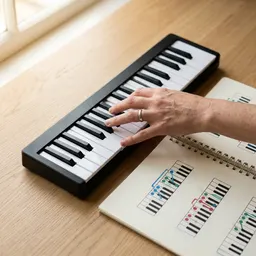 Piano Chord Book: 480 Essential Chords
Chord diagrams to try on the keys, with fingerings.
-
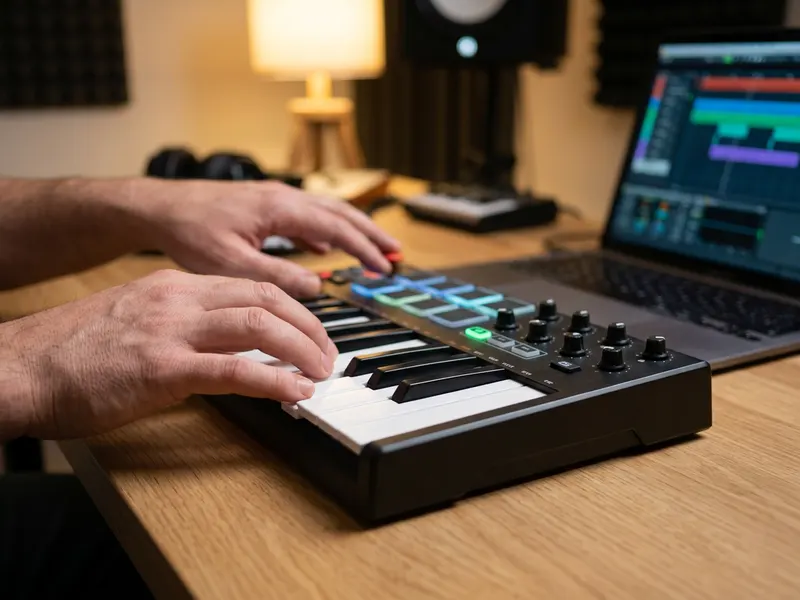 Akai MPK Mini MK3 25-Key MIDI Keyboard
Real velocity-sensitive keys and pads you plug in and play.
-
 M-Audio Keystation 49 MK3 MIDI Keyboard
Full 49-key keybed for melodies and chords, plugs into your laptop.
Helps keep the tools free. ✨
Images are for illustration only. As an Amazon Associate I earn from qualifying purchases.